
What are Toast's menu photo requirements?
Toast publishes three different menu photo specs. Menu Manager says 750 x 450, JPG or PNG, under 5 MB. The Online Ordering article says 750 x 450 in PNG only. Online Ordering Pro supports 1:1, 4:3 or 16:9 and recommends 1000 pixels on a side. Export 1920 x 1080 to satisfy all three.

Su Lee · Founder, MenuPhotoLab
Six years photographing Atlanta restaurants, and two running SocialLee, uploading their menus to DoorDash, Uber Eats and Grubhub.
Sources last read · 4 sources
What size should a Toast menu photo be?
It depends which Toast page you read, and there are three of them. I read all three on 2026-09-21. They disagree on size and on file format.
 Specs below are Toast's own, read from Toast's help centre
| Toast page | Size | Format | File size |
|---|---|---|---|
| Menu Manager, Toast Web | "a rectangle 750 px by 450 px" | ".jpg or .png" | "no larger than 5 MB" |
| Online Ordering menu | "a rectangle, 750px by 450px" | "in a .PNG file format" | Not stated |
| Online Ordering Pro | "a minimum height or width of 1000 pixels" | Not stated | Not stated |
Which Toast photo spec applies to me?
If your online ordering menu uses an Online Ordering Pro template, the 1000 pixel rule governs what your guests actually see. It is the page describing the surface a customer browses, and Toast updated it on 2026-09-16.
The 750 x 450 recommendation is not wrong, it is narrow and old. It comes from the articles about attaching an image to an item at all. That image then travels: Toast states it "will carry over to your Toast online ordering website".
Because one upload feeds every surface, satisfy the strictest rule. A file that clears 1000 pixels also clears 750 x 450. The reverse is not true, which is the entire problem with following Toast's own recommendation.
What file should I upload to Toast?
Export 1920 x 1080. It is 16:9, one of the three ratios Online Ordering Pro supports, and its longer side is nearly double the 1000 pixel minimum. If your template is a square layout, export 1200 x 1200 instead. The full set, if you want one file per layout:
| Your Toast layout | Export | Clears the 1000 px floor by |
|---|---|---|
| 16:9 rectangle template | 1920 x 1080 | 920 px |
| 4:3 rectangle template | 1440 x 1080 | 440 px |
| 1:1 square template | 1200 x 1200 | 200 px |
| Not sure which template | 1920 x 1080, dish inside the centre square | 920 px |
Does Toast crop my menu photos?
Yes, and Toast says so in its own words. The Menu Manager article states that images "may be cropped or zoomed to fit certain POS displays because the POS applies its own aspect-ratio framing", and tells you to "center the key content of the image so it remains visible after cropping".
The Online Ordering Pro page describes the same behaviour from the other side: "All images will fill the container within the menu layout selected." Fill, not fit. A 16:9 file dropped into a square container loses its left and right edges.
This is why the 5:3 recommendation matters less than it looks. Whatever you upload is reframed at least once before a guest sees it, so what protects you is where the dish sits in the frame, not which exact ratio you exported.
The centred square is the whole rule. A 16:9 file dropped into a square container keeps only 56.25 percent of its width, so a dish that runs to the edges of your frame loses those edges on a square template. Keep the dish inside the middle square and all three containers show the same food.
This is also why shooting matters more than exporting. You can crop a wide photo down to a square. You cannot widen a square photo back out without inventing edges that were never there, which is the point where a photo stops being a record of the dish you actually serve.
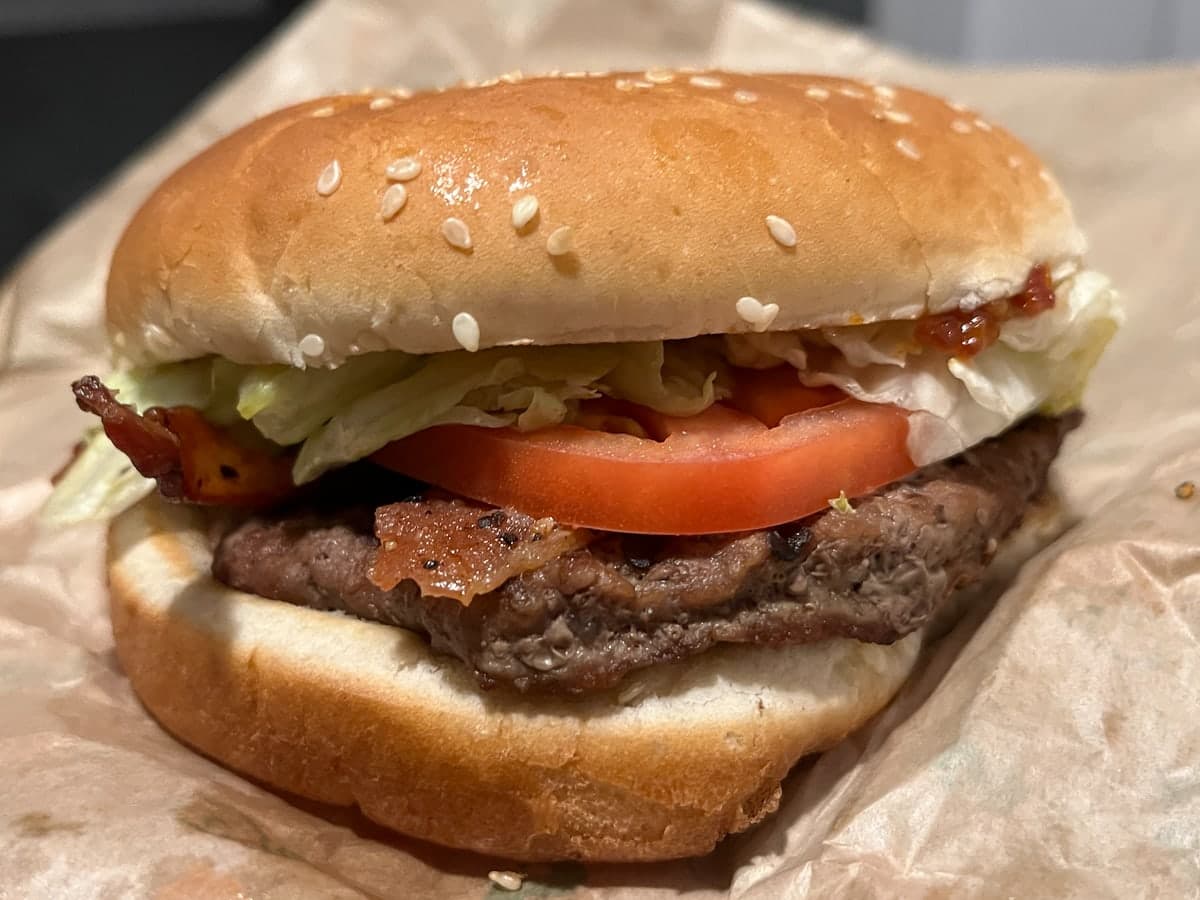
Shot tight to the edges
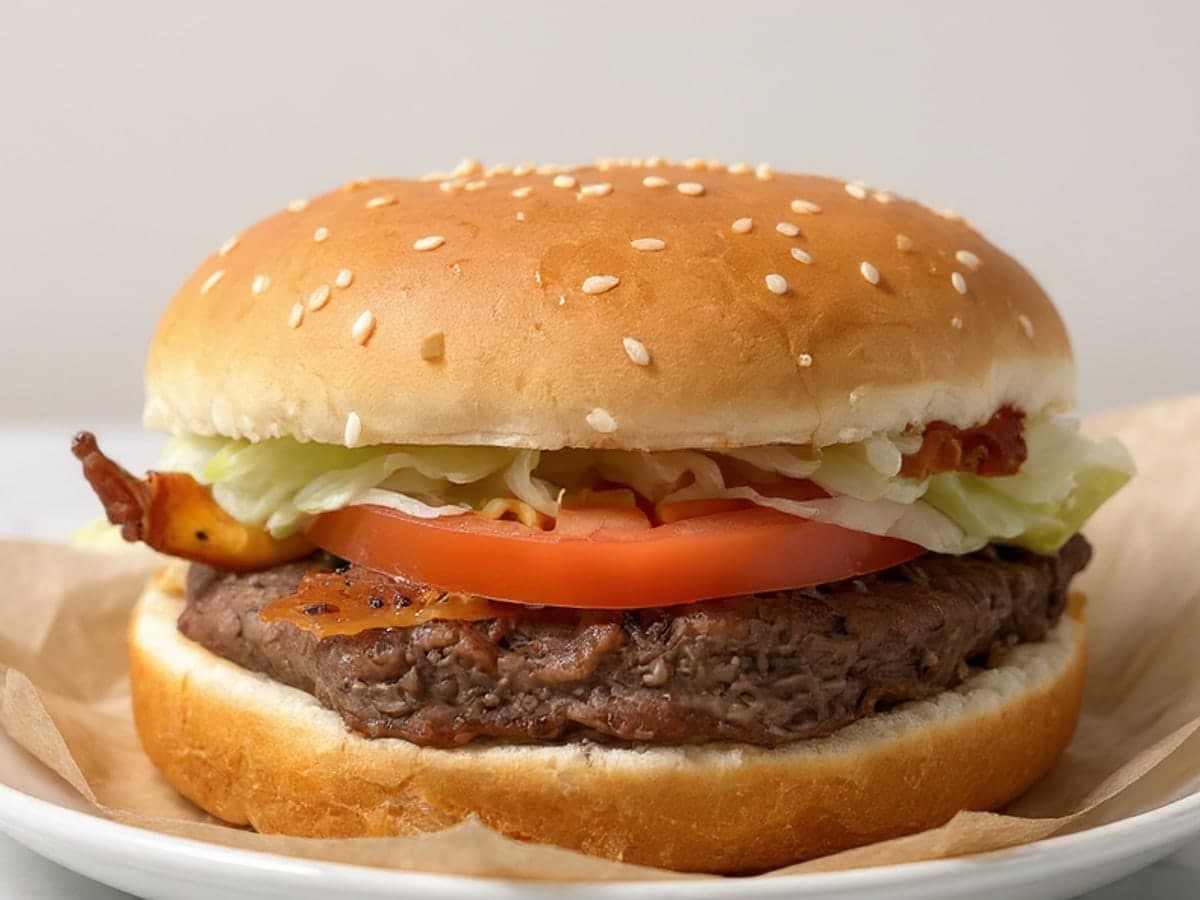
Margin on all four sides
How do I add a photo to a Toast menu item?
Five steps in Toast Web, and the last one is the one people miss.
Go to Menus > Menu management, then open the item in Menu Manager's Full Menu view or Edit Menus.
Select the item's name to open its details.
In the item's general details, select + Add item image.
Choose your file, then select Open.
Confirm the image appears, then select Save, and then Publish.
Does Toast send my photos to DoorDash and Uber Eats?
Not automatically, and you should not assume a Toast-sized photo will satisfy a delivery marketplace even if an integration moves it. Toast and the marketplaces publish different specs, and the marketplaces run a review queue that Toast does not.
If your menu reaches DoorDash, Uber Eats or Grubhub through an integration, the receiving platform's rules are the ones that decide whether the image is accepted. A 1920 x 1080 file matches DoorDash's 16:9 item spec exactly, sits outside the 5:4 to 6:4 band Uber Eats recommends, and is not the 4:3 that Grubhub's developer documentation asks for.
Does Toast reject or review menu photos?
Toast publishes no photo review or approval step, and none appears in the documented upload flow. That is a statement about Toast's documentation, not a guarantee about your account.
The reason is structural. Toast is a point of sale system with its own online ordering, not a delivery marketplace. Photos you add in Menu Manager appear on your own ordering site, your POS screens and your kiosks. No third party moderates them, which is the opposite of how DoorDash, Uber Eats and Grubhub work, where an upload enters a review queue and can come back rejected.
The consequence cuts both ways. Nothing blocks a bad photo from going live on Toast, so the quality bar is entirely yours to hold. And nothing stops you fixing one the moment you notice it.
What this means if you sell on Toast and the delivery apps
Toast is the most permissive of the four and still not a free pass. Online Ordering Pro accepts 1:1, 4:3 and 16:9, the widest range any of these platforms publishes, so a Toast-legal file exists for whichever delivery platform you also feed. That does not mean one file serves all of them.
Crop the same original three ways and every platform is satisfied. Upload one file everywhere and at least two of them are not.
| DoorDash | Uber Eats | Grubhub | |
|---|---|---|---|
| Item photo shape | 16:9 landscape | 5:4 to 6:4 landscape | 1:1 to 4:3, Grubhub's own docs disagree |
| Minimum size | 1400 x 800 px | 550 x 440 px | 200 x 200 px |
| File types | JPG or PNG | JPG, PNG, or GIF | PNG per the help center; PNG, JPEG or JPG per the developer docs |
| File size cap | 2 MB stated, 16 MB for item photos | 10 MB | Not stated |
| Source | Read 2026-08-26 | Read 2026-08-30 | Read 2026-08-27 |
Toast sits outside that table on purpose. The three platforms above run a moderation queue and can reject an upload, so their numbers are requirements. Toast's numbers are guidance for your own storefront, and Toast publishes three sets of them.
Frequently asked questions
What size should a Toast menu photo be?
Toast publishes two answers. Its Menu Manager and Online Ordering articles recommend a rectangle 750 px by 450 px. Toast Online Ordering Pro recommends a minimum of 1000 pixels on the height or width, and says its templates support 1:1, 4:3 or 16:9. Toast phrases both as recommendations rather than hard requirements, so neither is a rule a photo is rejected against. Because 750 x 450 meets neither, export 1920 x 1080 to satisfy both.
What image format does Toast accept, JPG or PNG?
Toast's own pages disagree. The Menu Manager article and the platform guide both say .jpg or .png with a 5 MB cap. The article on adding images to an online ordering menu says images should be "in a .PNG file format". PNG satisfies the strictest reading, but a photographic PNG at 1920 x 1080 can approach the 5 MB limit, in which case a high quality JPG is accepted by two of the three pages.
What size should a Toast Online Ordering Pro image be?
At least 1000 pixels on its height or width, at 1:1 (square), 4:3 or 16:9. That page was last updated 2026-09-16 and read 2026-09-21. It states no file format or size cap of its own, so follow the Menu Manager article for those: JPG or PNG, under 5 MB.
Why is my Toast menu photo cropped or zoomed in?
Because Toast reframes it. Toast states that images "may be cropped or zoomed to fit certain POS displays because the POS applies its own aspect-ratio framing", and that Online Ordering Pro images "will fill the container within the menu layout selected". The template picks the container, not your file. Centre the dish and leave margin on all four sides so it survives whichever crop runs.
Why is my Toast menu photo not showing?
Check that you published. Toast's upload steps end with Save and then Publish, and its own wording is "If you're ready for guests and employees to see the change, select Publish." A saved but unpublished image will not appear for guests. If it is published and still missing, check the file is JPG or PNG and under 5 MB. Toast does not publish how long a change takes to appear.
How do I add a photo to a Toast menu item?
In Toast Web, go to Menus, then Menu management, and open the item in Menu Manager. Select the item's name, then select + Add item image in the general details. Choose your file and select Open. Confirm the image appears, then select Save, and then Publish. Without the Publish step, guests will not see it.
Can I use the same photo on Toast and on DoorDash?
A 1920 x 1080 16:9 export satisfies Toast Online Ordering Pro and matches DoorDash's 16:9 item spec, so the file itself can work on both. But photos from DoorDash's free photoshoot carry usage terms: DoorDash's merchant blog states you cannot use them on other third-party delivery platforms. Toast is your own storefront rather than a third-party platform, so check your own agreement.
Does Toast approve menu photos before they go live?
Toast publishes no review or approval step, and none appears in its documented upload flow. Toast is a point of sale system with its own online ordering rather than a delivery marketplace, so photos appear on your own site, POS and kiosks without third-party moderation. DoorDash, Uber Eats and Grubhub all run review queues. Toast does not document one.
Not sure whether a photo you already have will pass?
Run it through the free Photo Rejection Checker. It tests the size, shape, format and file size of any photo against each platform's published specs, and lists the content rules alongside. No signup.
Check a photoKeep reading
- Can you use the same photo on DoorDash, Uber Eats, and Grubhub?All platforms
- What are DoorDash's menu photo requirements?DoorDash
- What are Grubhub's menu photo requirements?Grubhub
- Which spec do you follow when a platform publishes two?Conflicting specs
- What size should a Toast logo and banner be?Toast
- What are Square's menu photo requirements?Square

Su Lee
Founder, MenuPhotoLab · Atlanta, Georgia
I have photographed Atlanta restaurants for six years as a food creator, and for the last two my sister and I have run SocialLee, shooting and uploading menus for independent restaurants around metro Atlanta. I wrote this page the way I wish the platforms had written theirs: every number read off their own documentation, with the date I read it, and where they contradict themselves I say so.
Sources
- Toast: Add Images to Menu Items in the Menu Manager, read
- Toast: Add Images to an Online Ordering Menu, read
- Toast: Online Ordering Pro Menu Image Requirements, read
- Toast platform guide: Adding images to menu items, read
Platform requirements change. This page carries the date each source was last checked.
Not affiliated with Toast, DoorDash, Uber Eats, Grubhub.