
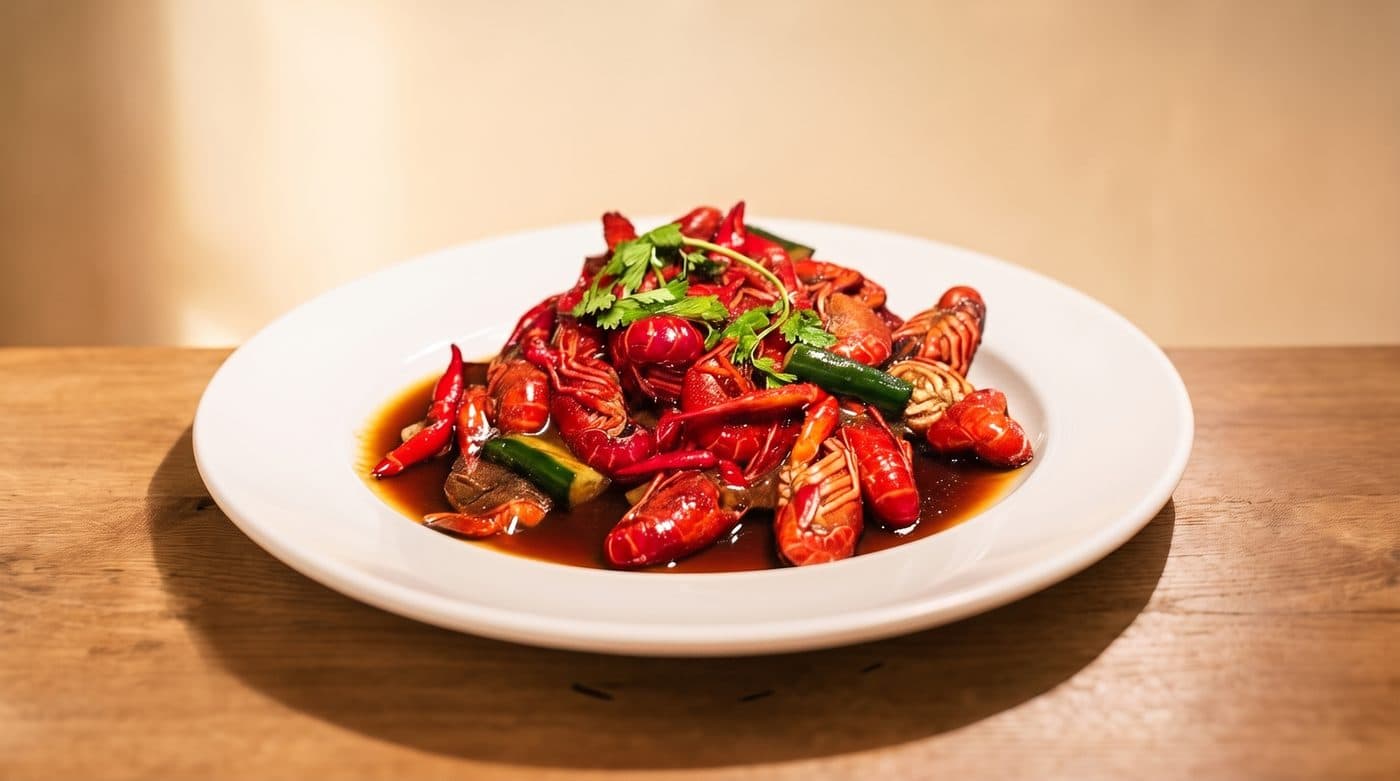
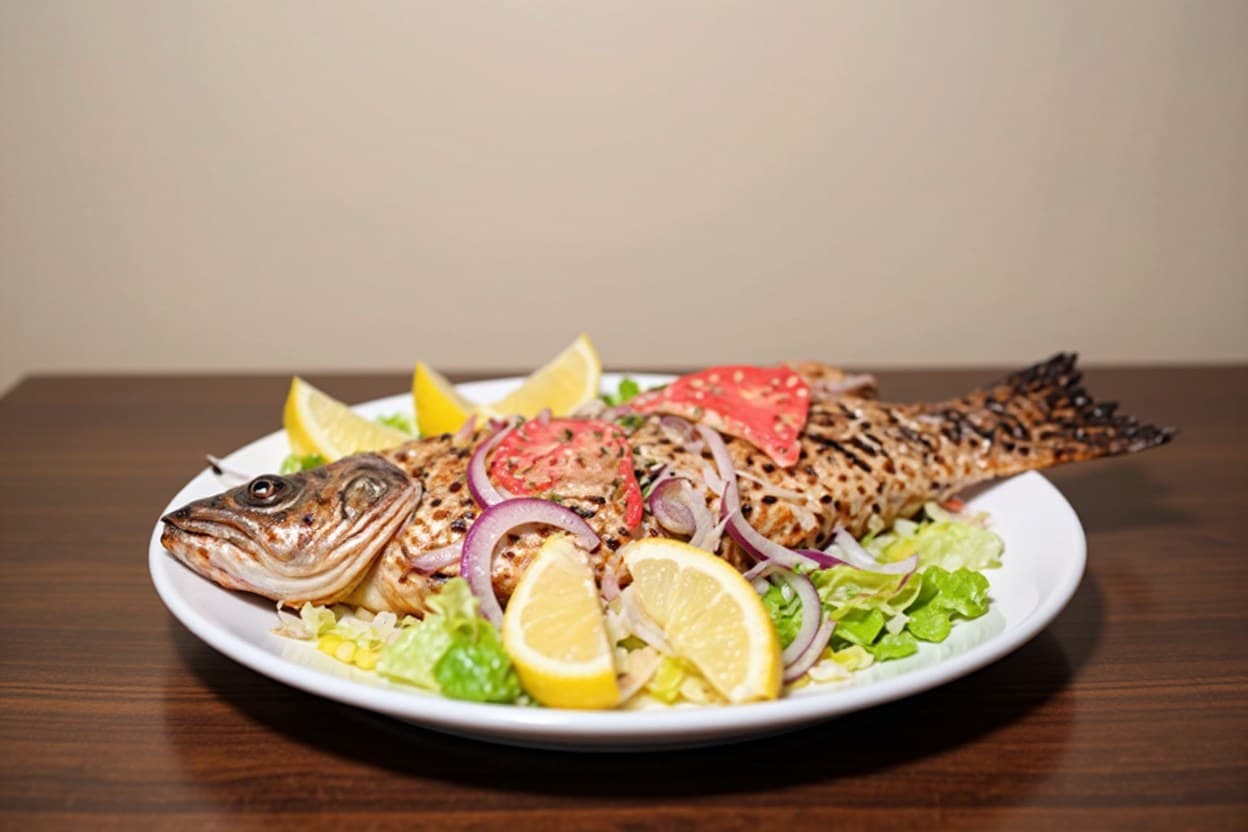
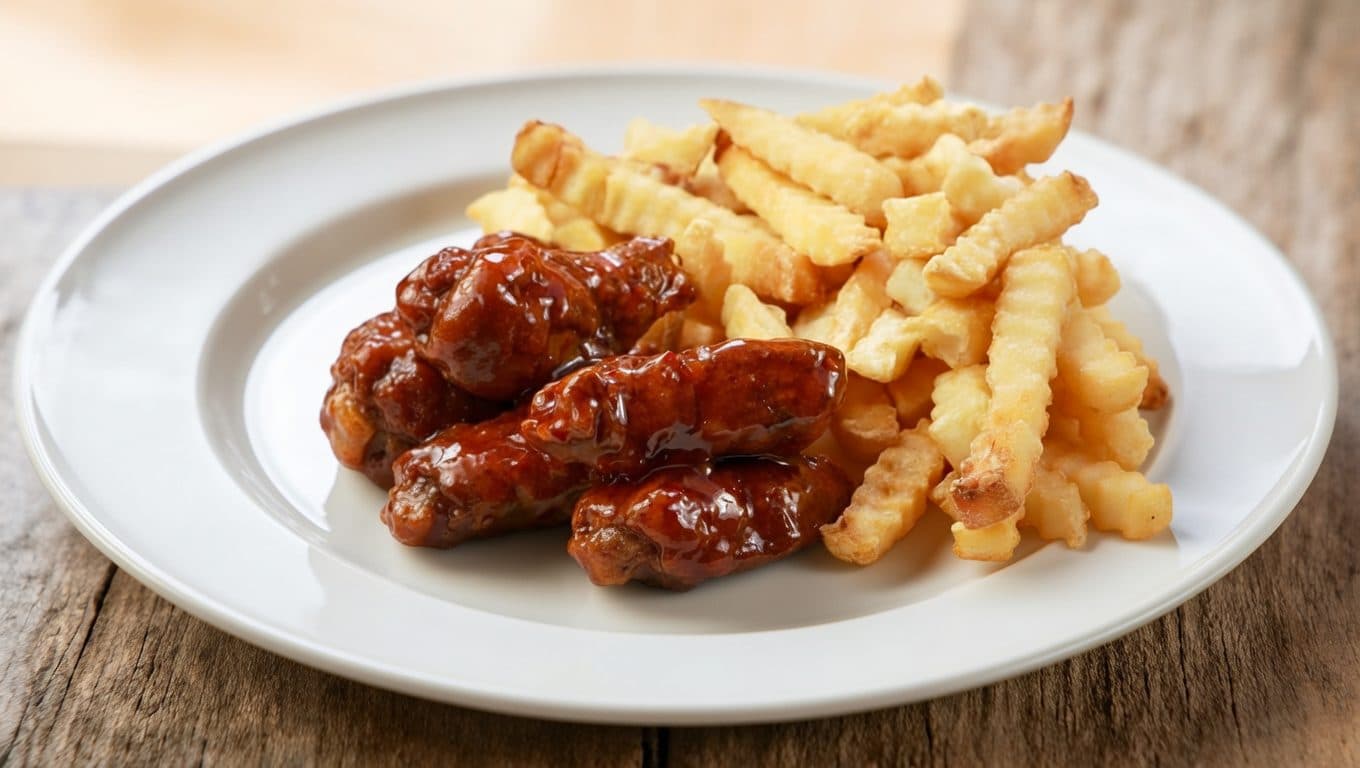
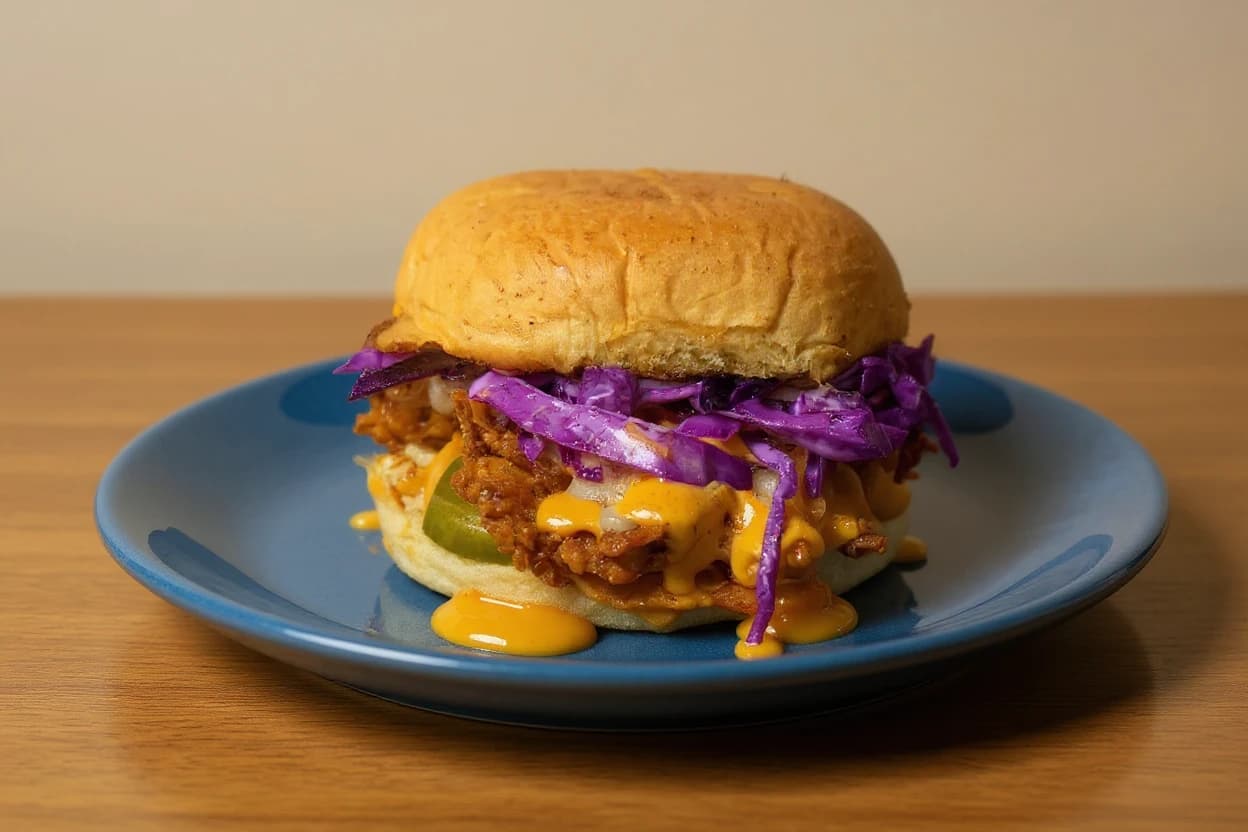
Menu photos that make guests hungry, for real.
Your own dish photos, fixed and sized for every delivery app. Never fake.
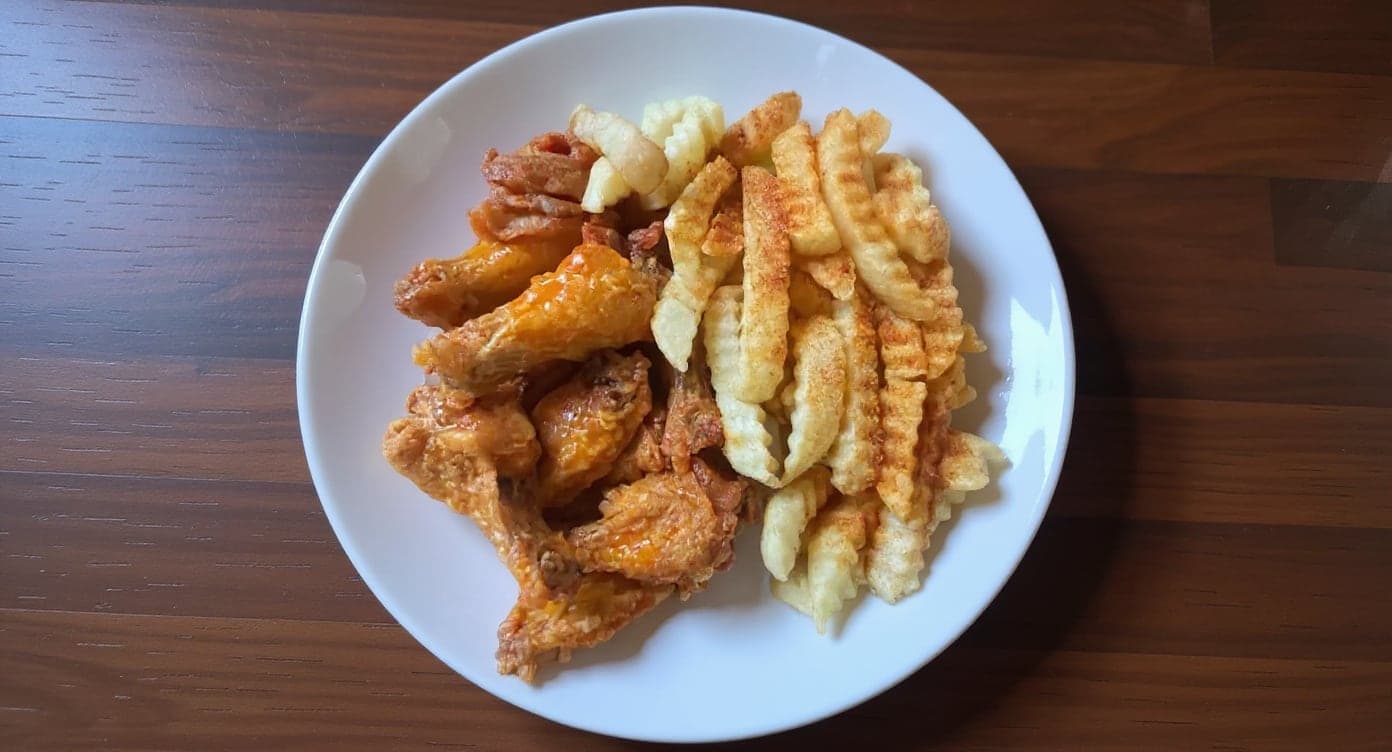
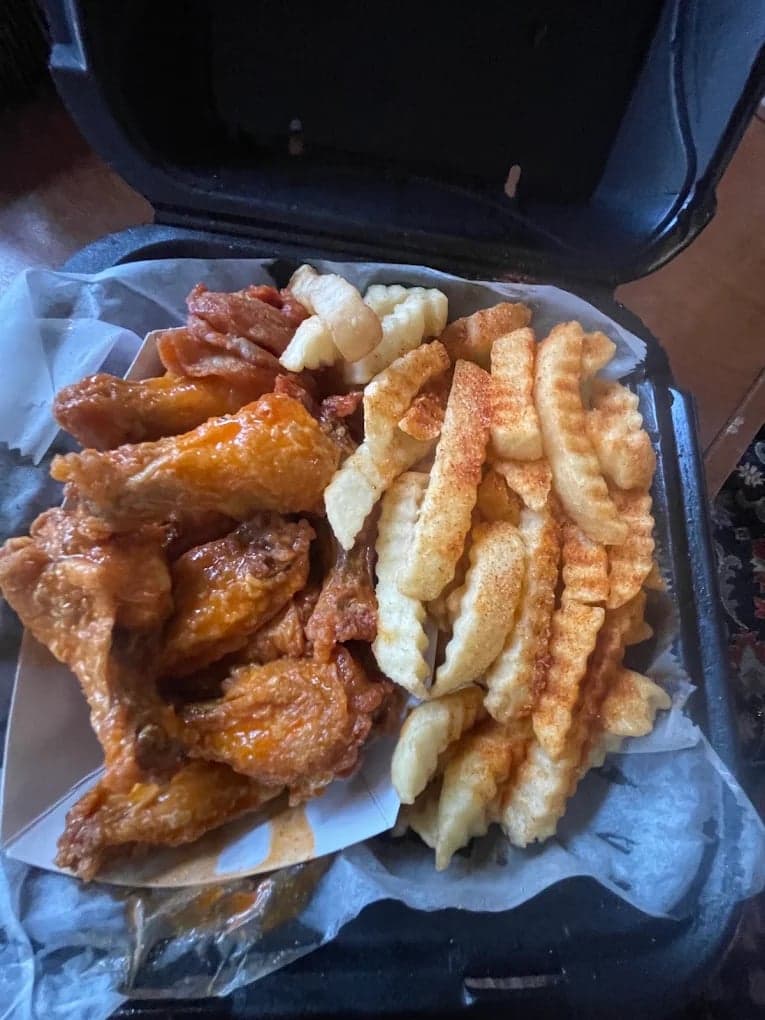
- 5 photos free
- No watermark
- Commercial license included
 DoorDash
 Uber Eats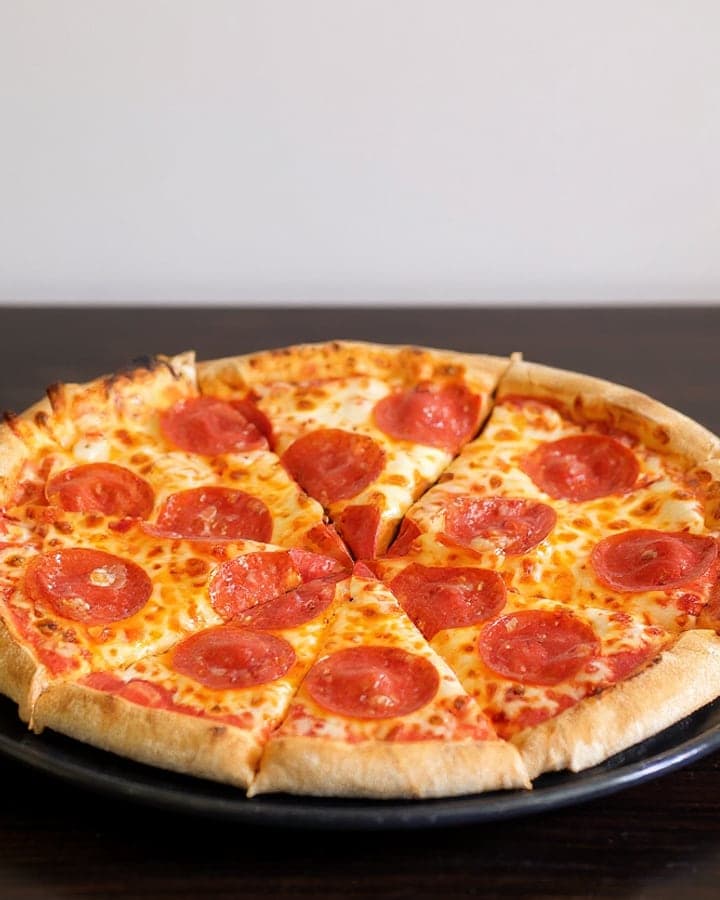
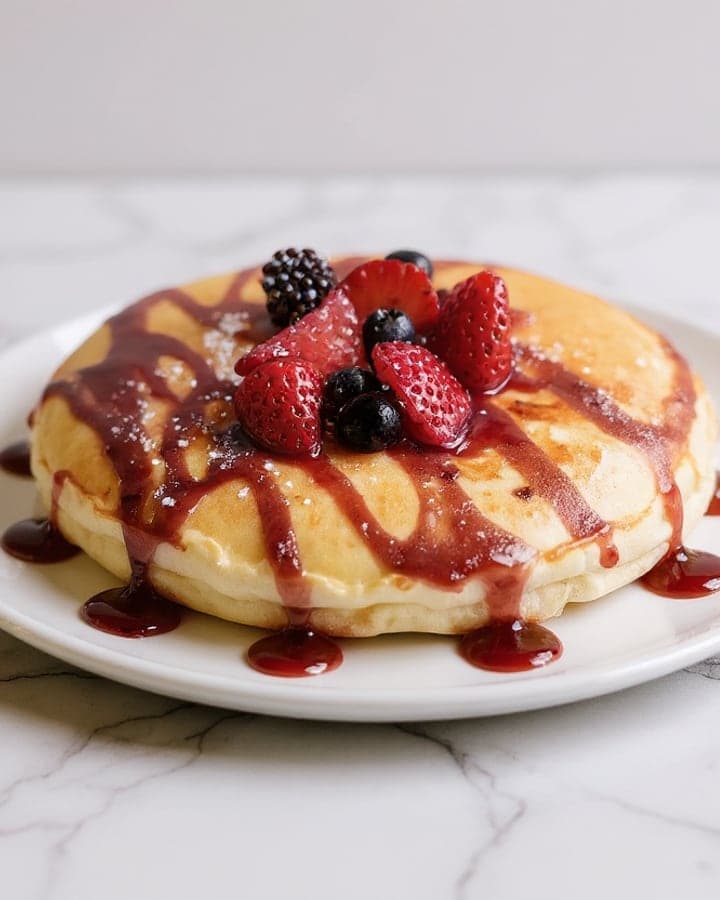
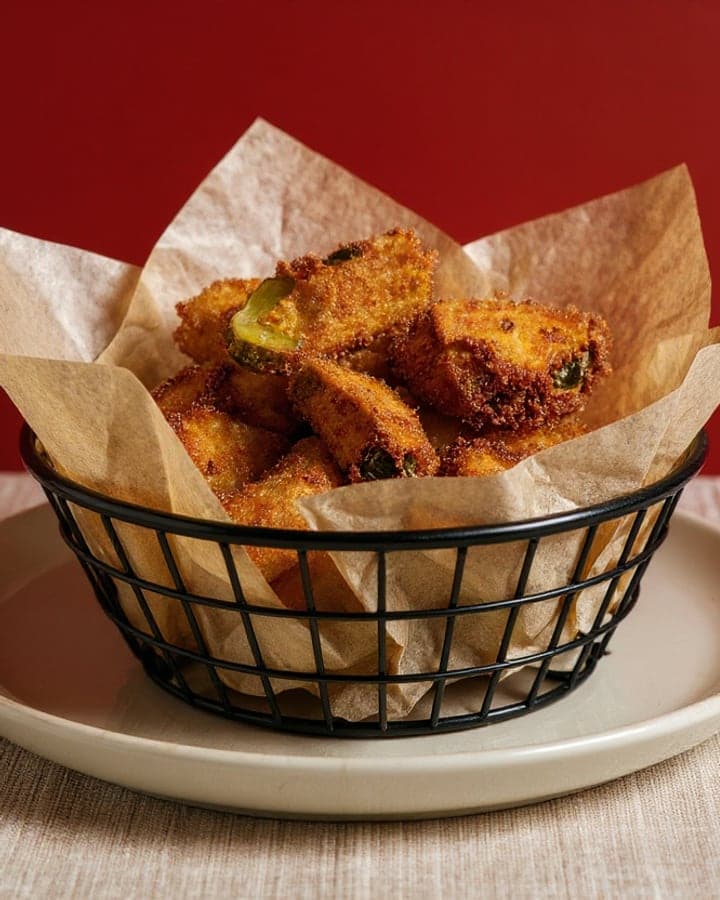
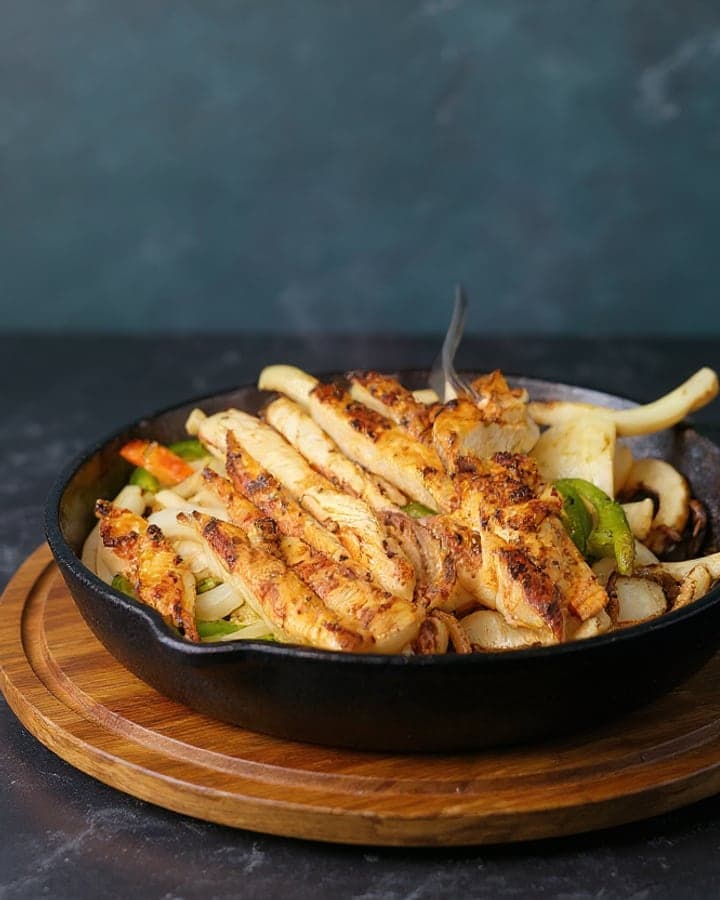
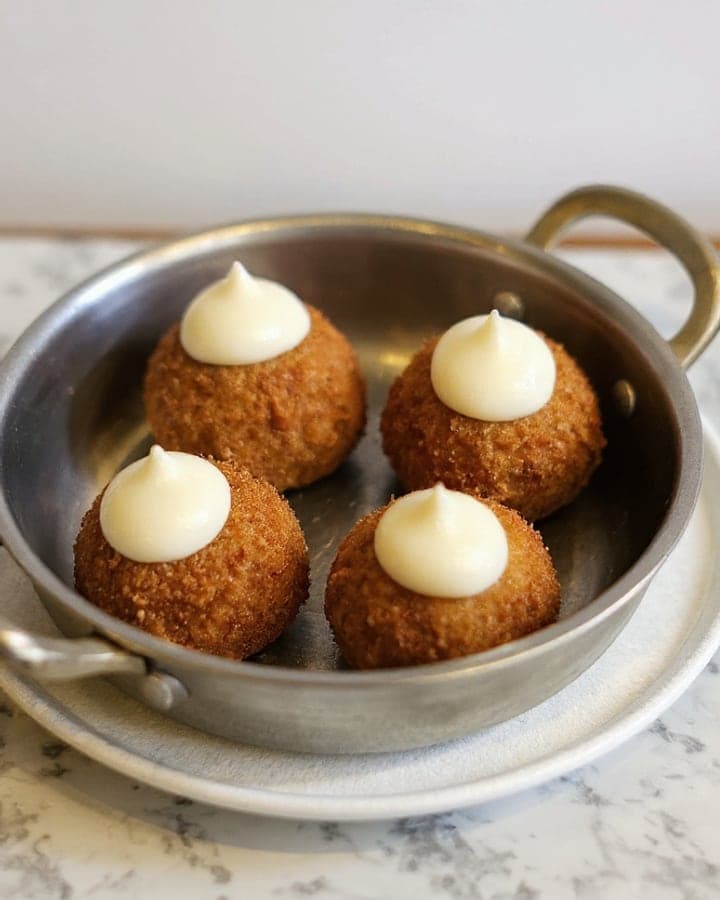
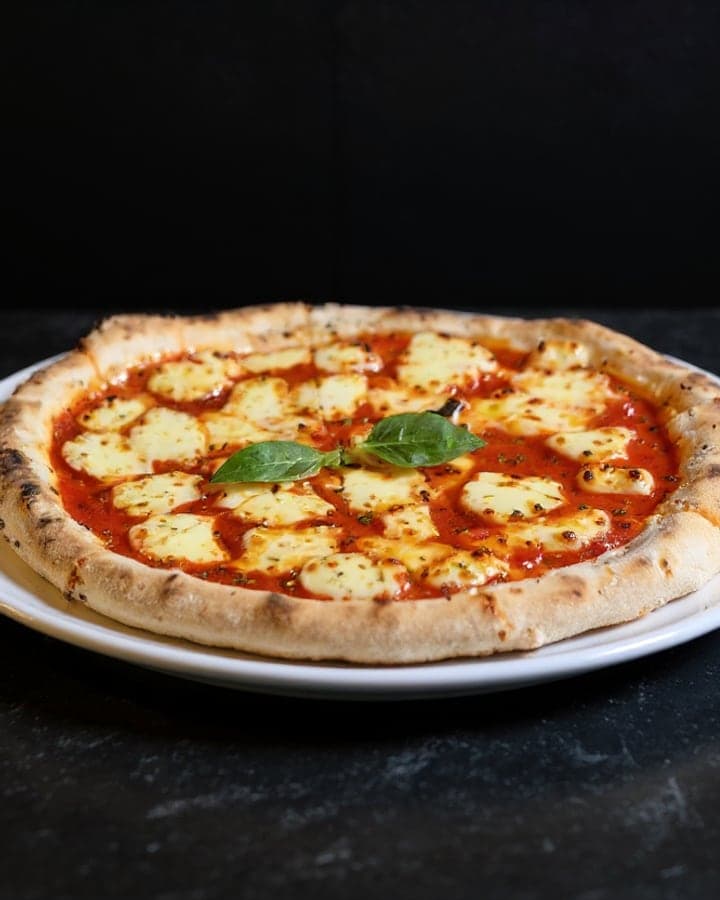
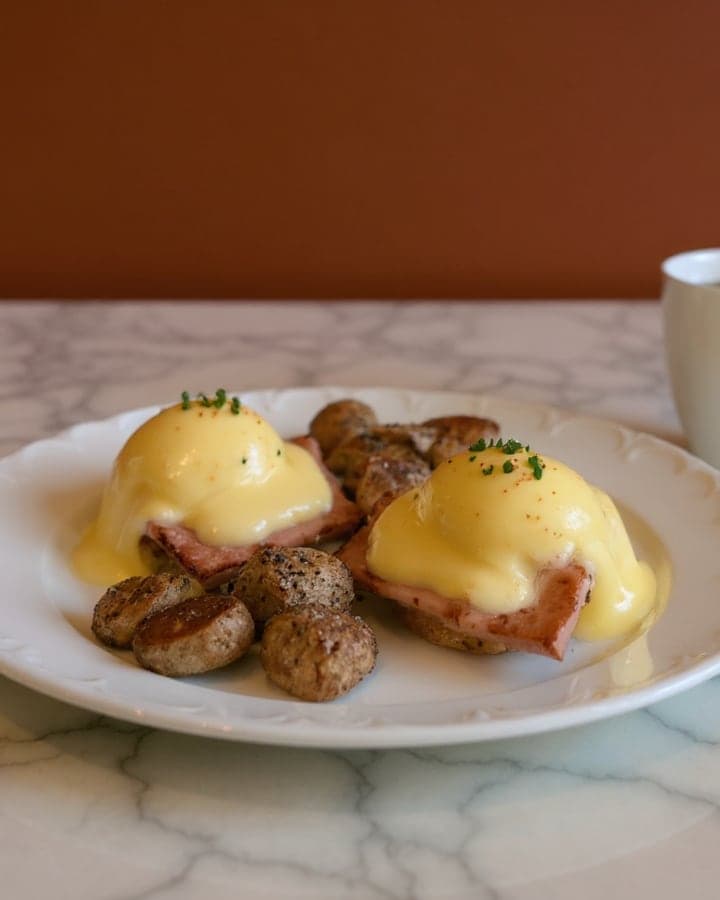
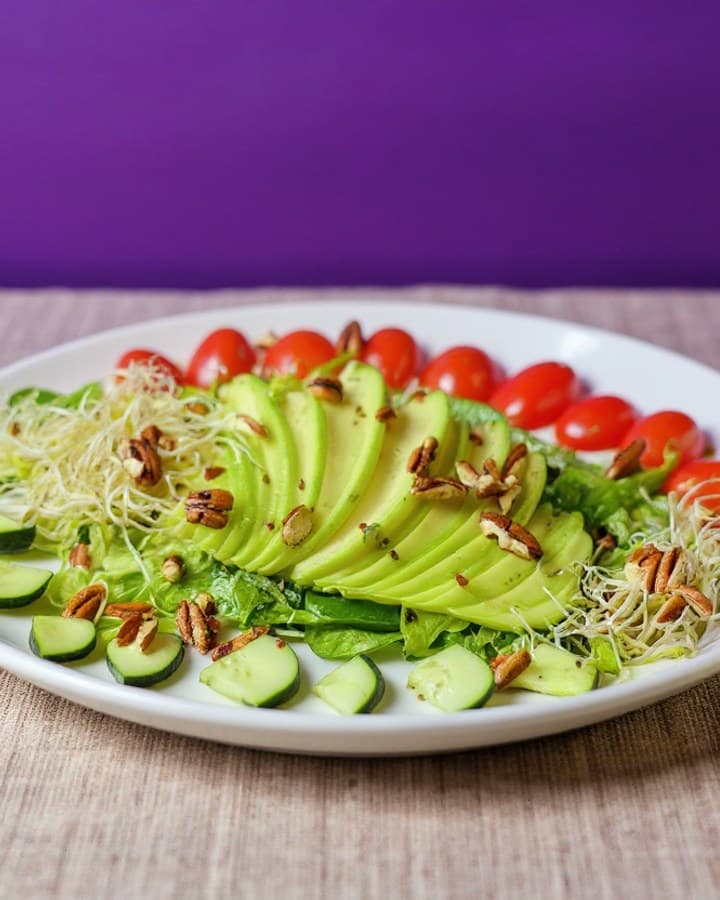
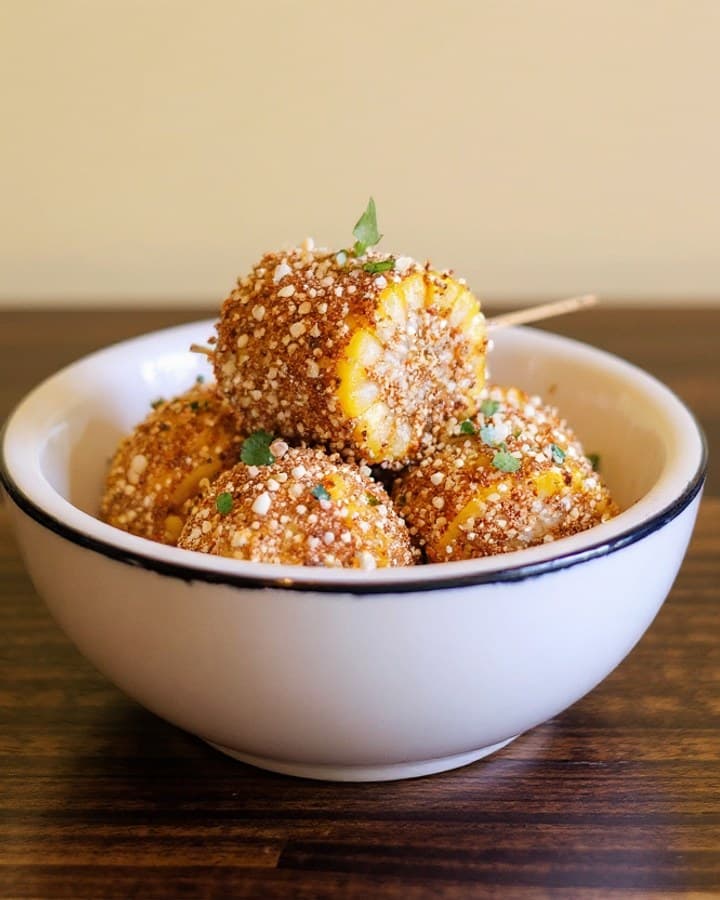
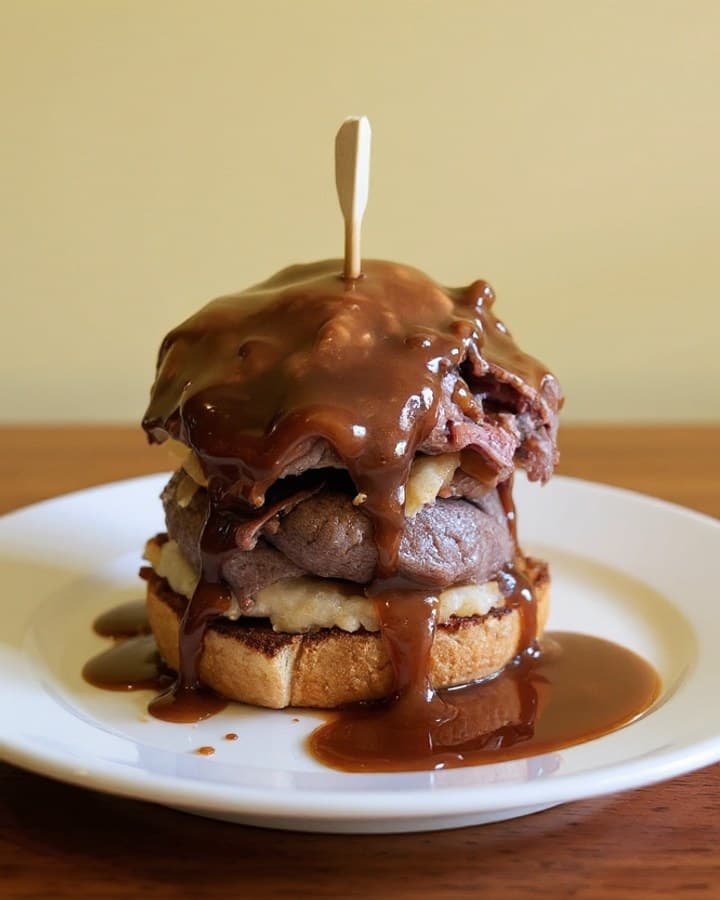
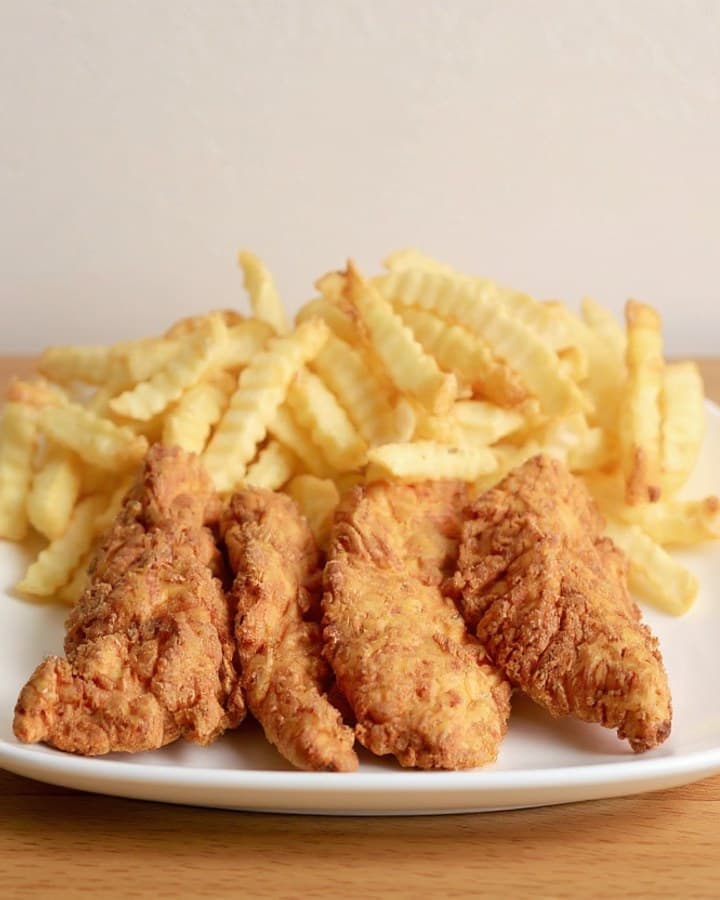
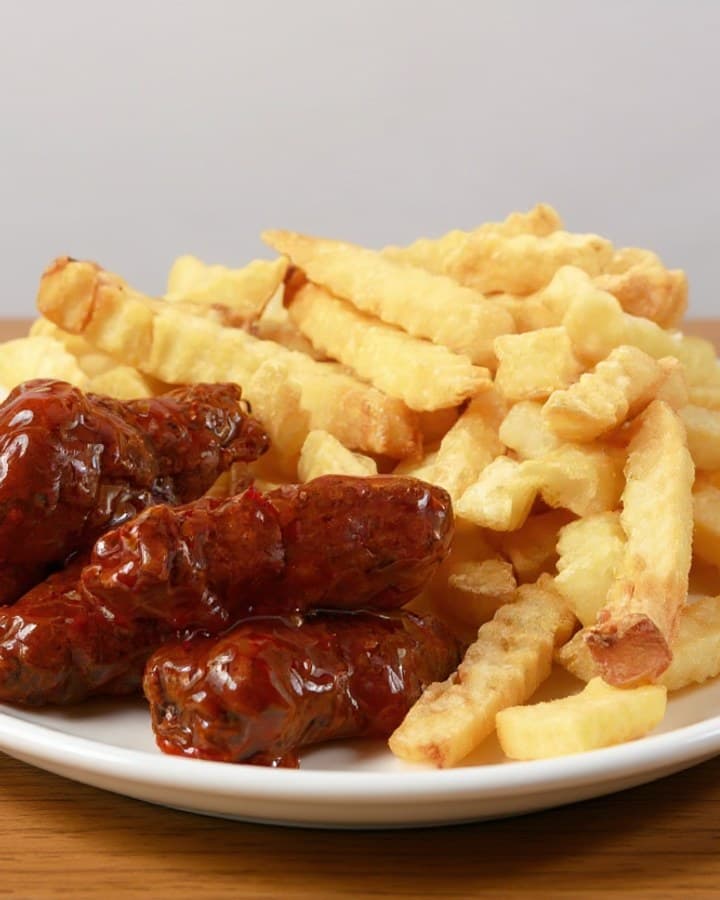
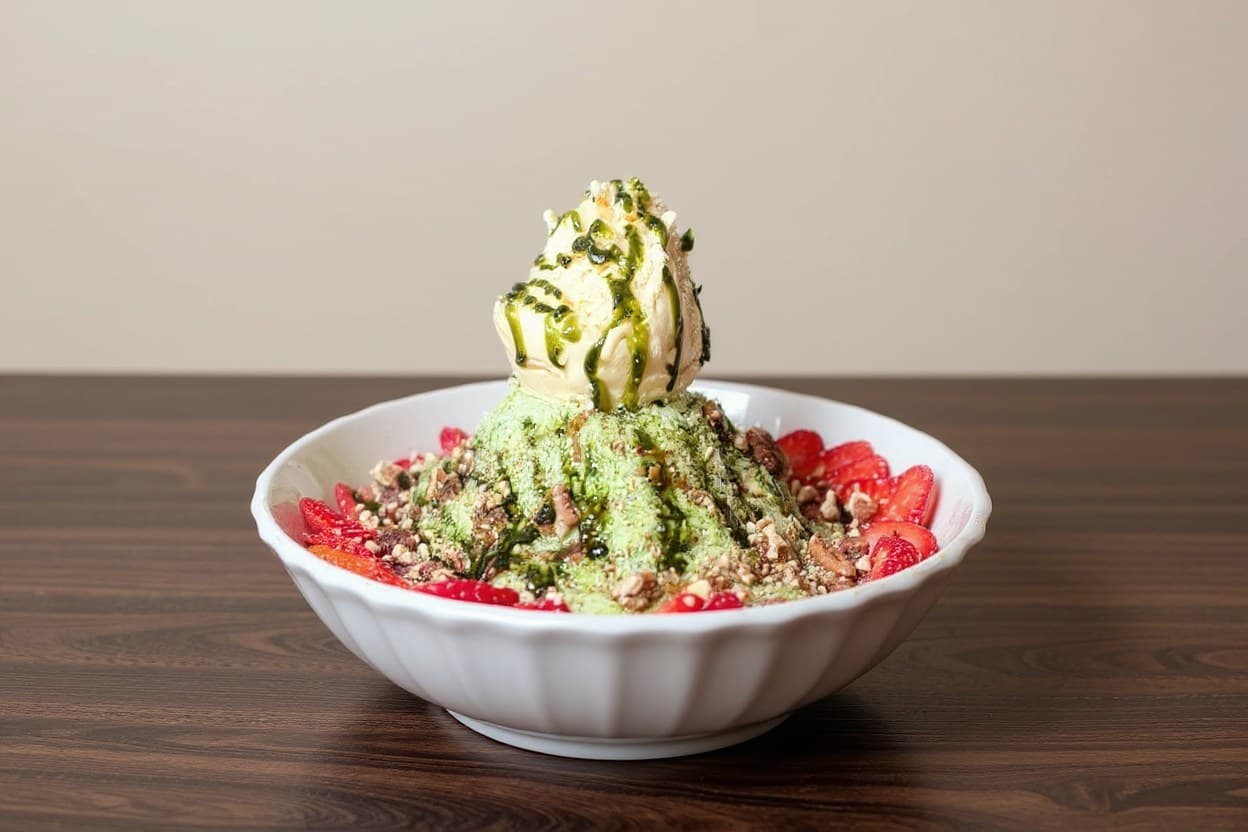
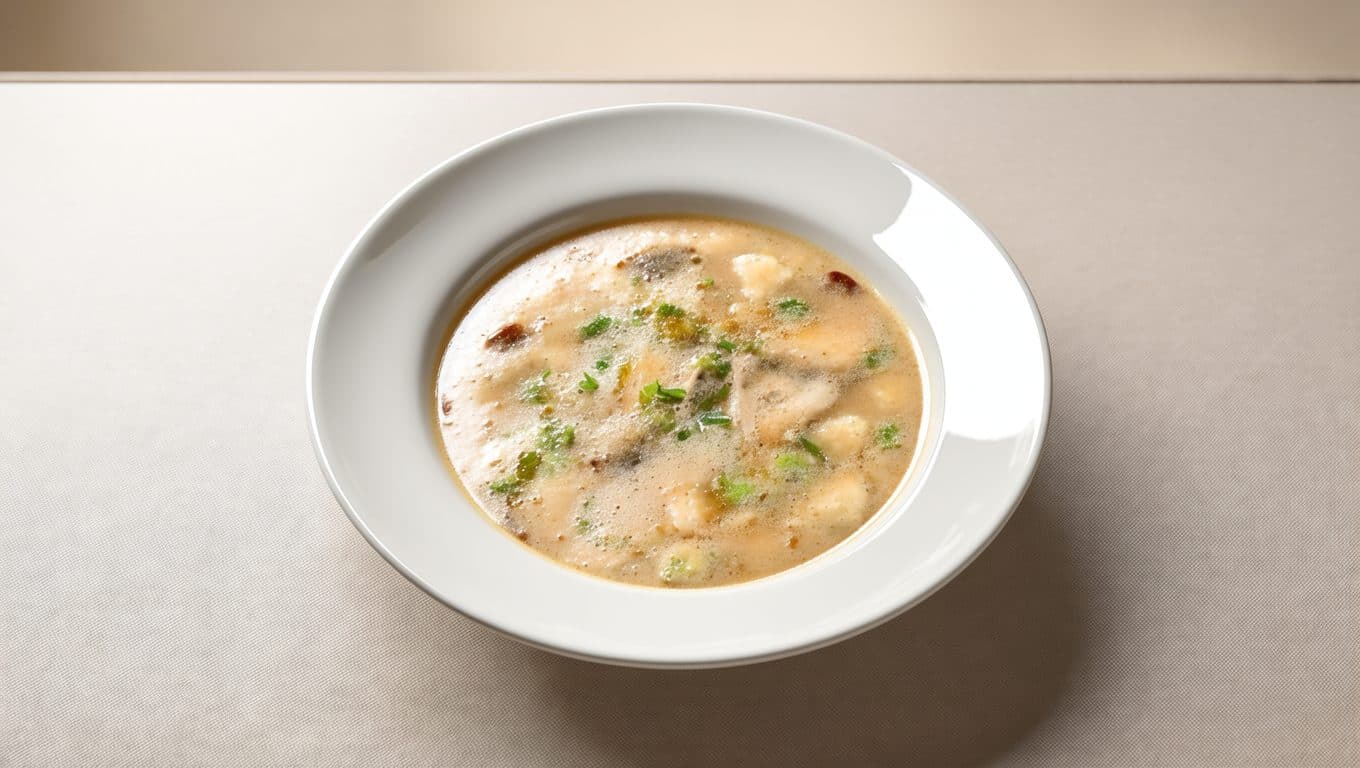
Every dish above is a real MenuPhotoLab result, enhanced from a real phone photo. Never generated from scratch.
Up to 44%
more monthly sales for menu items with photos, per DoorDash merchant data
5 free
enhancements to start. No credit card, no watermark
In English · 한국어 · 中文 · 日本語 · Español
Real client work
A real restaurant's takeout photo, now live on DoorDash
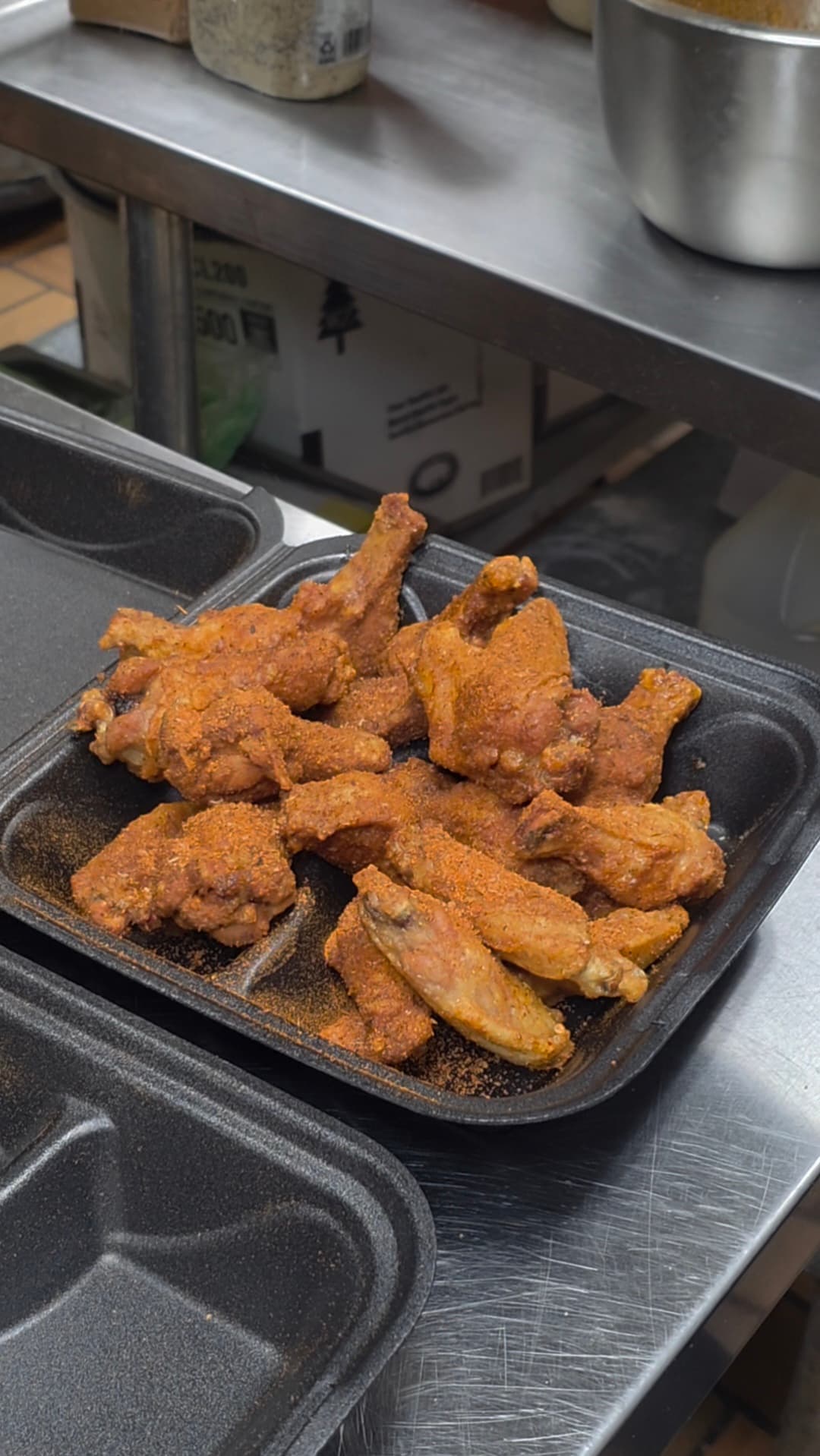
Their own phone photo of wings and fries in a takeout box, enhanced with MenuPhotoLab: the same food, moved onto a plate, with brighter light and a 16:9 frame. Live on their DoorDash listing today. Shared with permission. Drag to compare.
 Before
 After
AfterSame kitchen, another photo: their close-up of wings and fries, plated and relit. This one is live on their DoorDash and Uber Eats listings today.
We hadn't updated our photos in three years. This finally got our DoorDash listing looking current.
Chicken Wings Restaurant
Owner Kim
These restaurants are clients of SocialLee Agency, the restaurant content agency run by MenuPhotoLab's founder. Quotes are shared with their permission.
Sized for DoorDash, Uber Eats and Grubhub
Bad lighting is costing you orders. A photoshoot isn't the fix.
Most restaurants don't have the time or budget for a professional shoot, and it shows on every delivery app and website. MenuPhotoLab fixes what's actually broken, using the photo you already have.
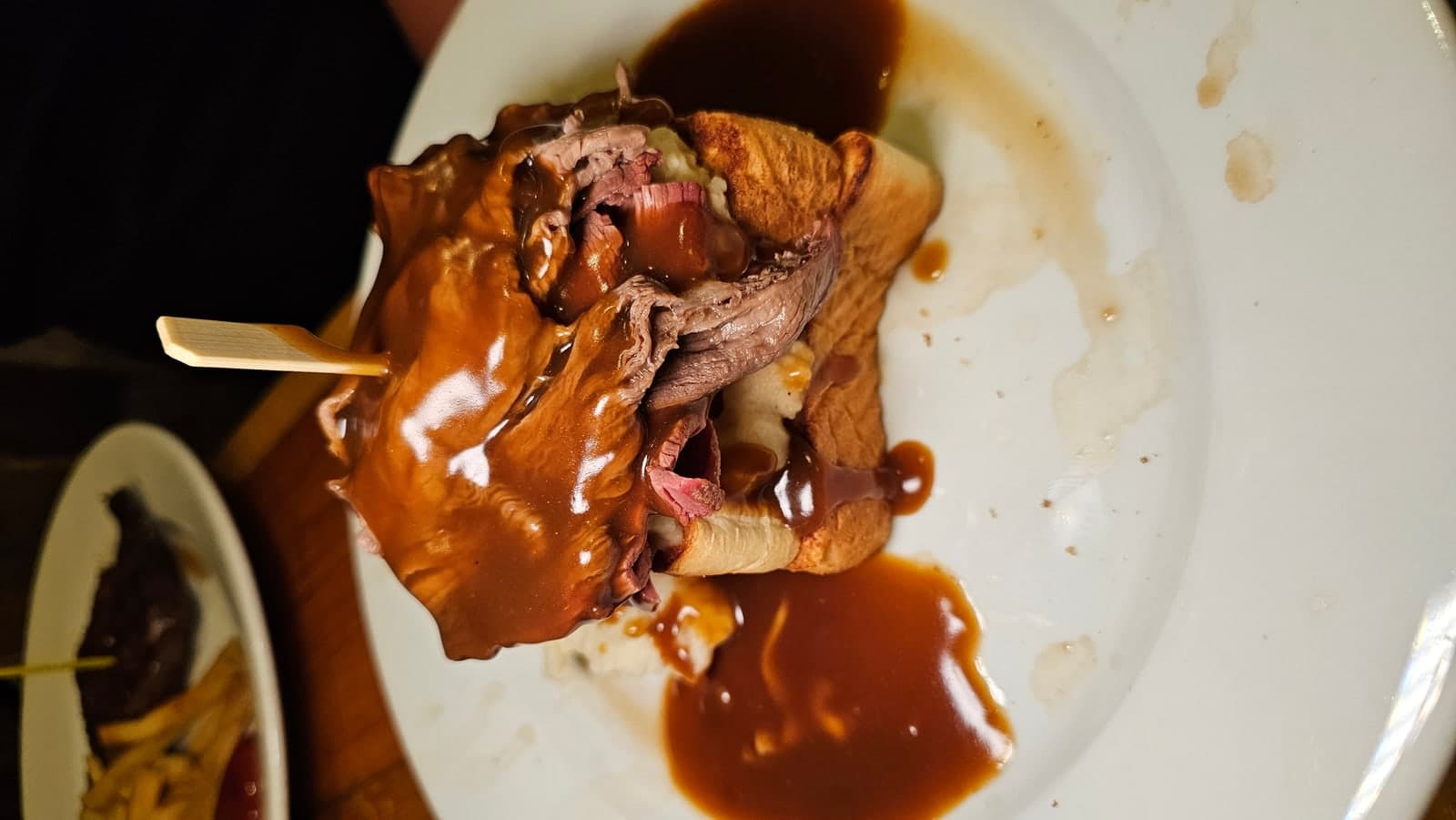
Dark, inconsistent lighting
Kitchen light is harsh or dim. MenuPhotoLab corrects exposure and color without touching the dish.
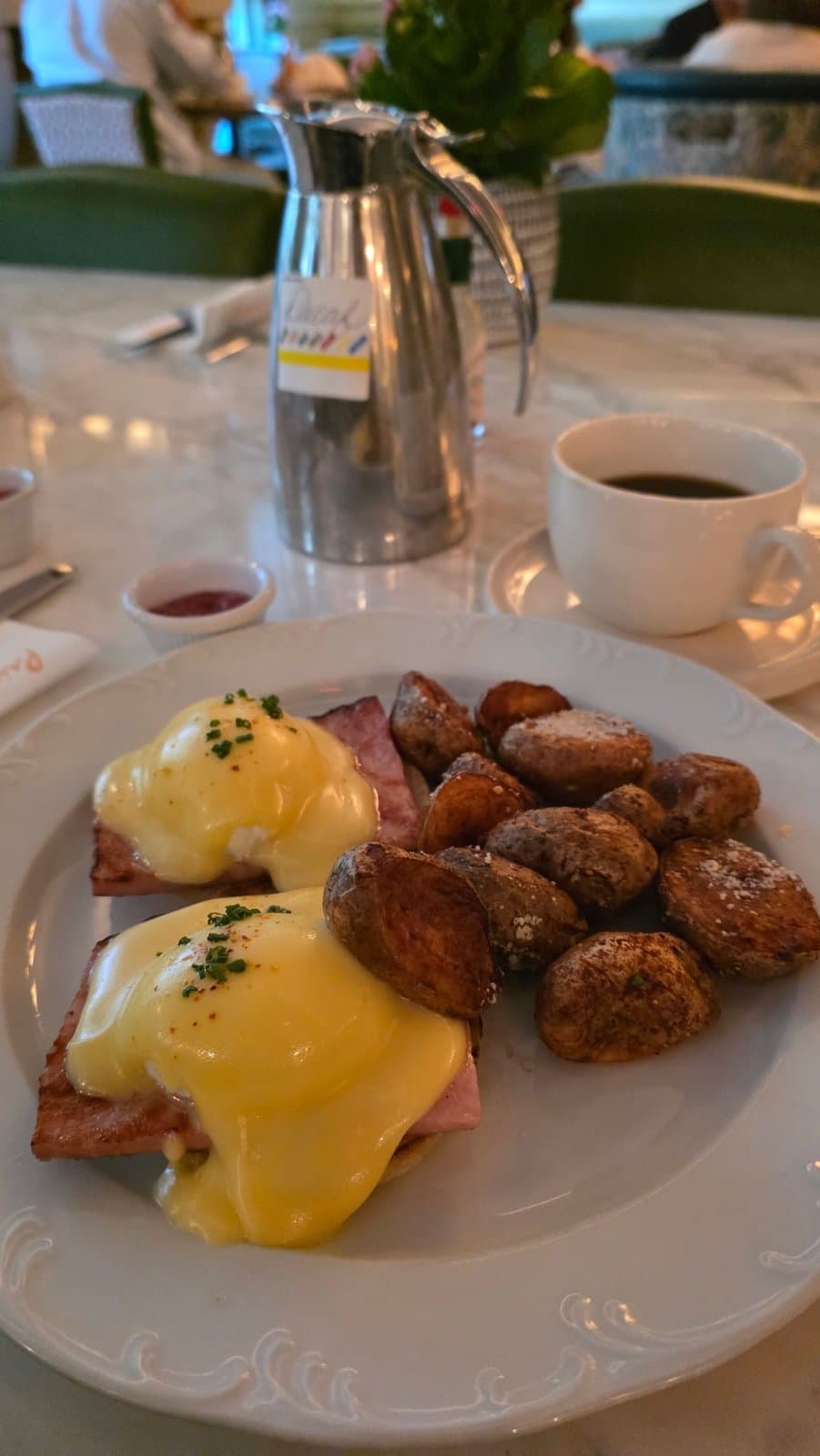
Backgrounds that don't match your brand
Cluttered counters and mismatched tables get replaced with a clean, consistent backdrop.
A different size for every platform
DoorDash, Uber Eats, Grubhub, Toast, your website, and social all need different crops, exported automatically.
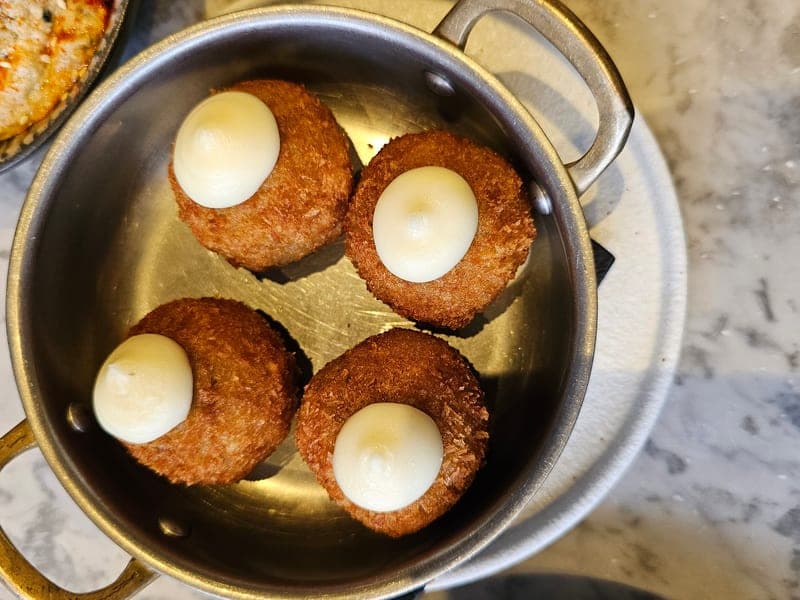
The food itself never changes
Authenticity mode locks portion size and ingredients, so what guests see is what they get.
From phone photo to platform-ready, in three steps.
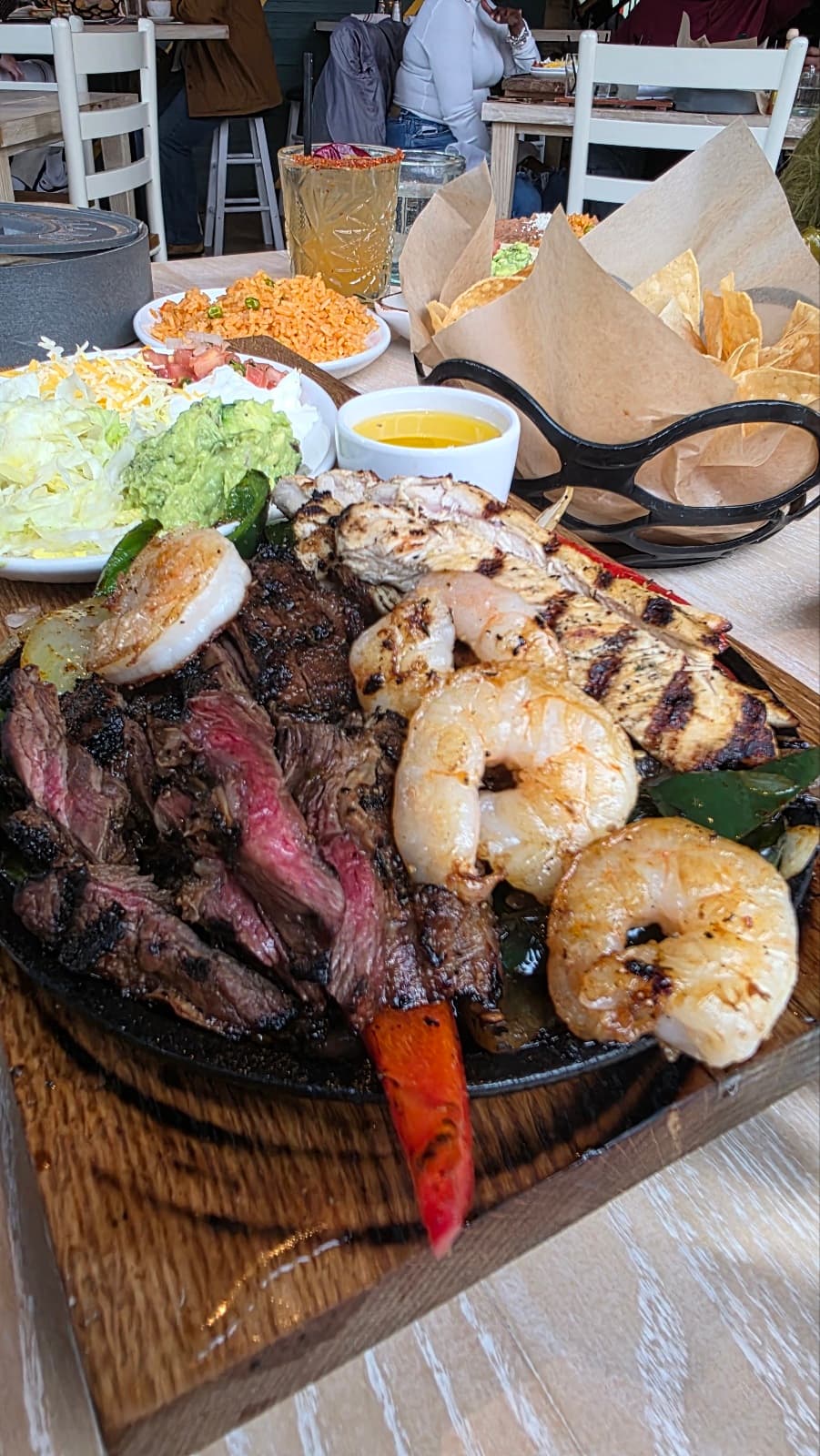
Upload the photo you have
Drag in a phone photo: JPG, PNG, or HEIC. No reshoot, no studio.
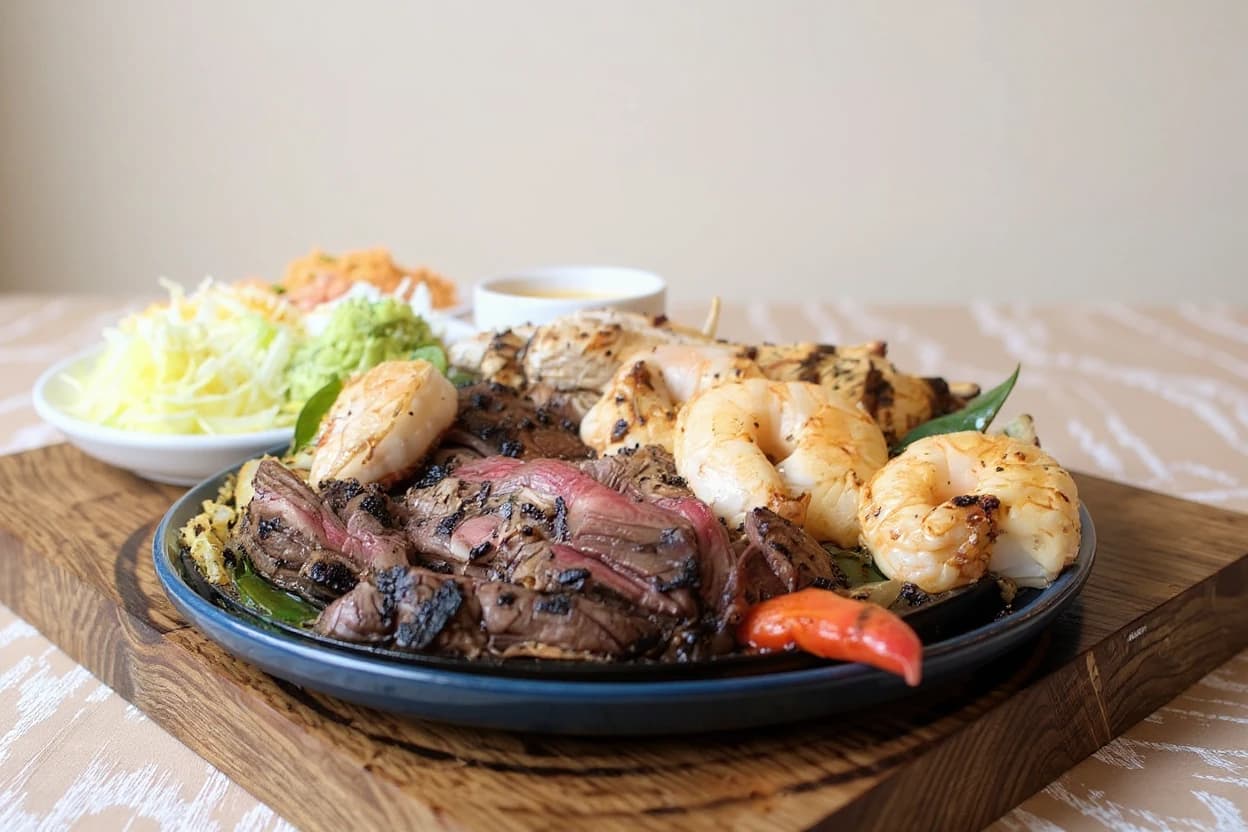 AI
AIMenuPhotoLab enhances it
Lighting, background, and framing are fixed automatically. The dish itself never changes.
Export for every platform
Download DoorDash, Uber Eats, Grubhub, Toast, website, and social sizes, all at once.
See it where your guests do.
One enhanced photo, dropped into the three places that decide whether someone orders. Same dish, same price, same description. Only the photo changed.
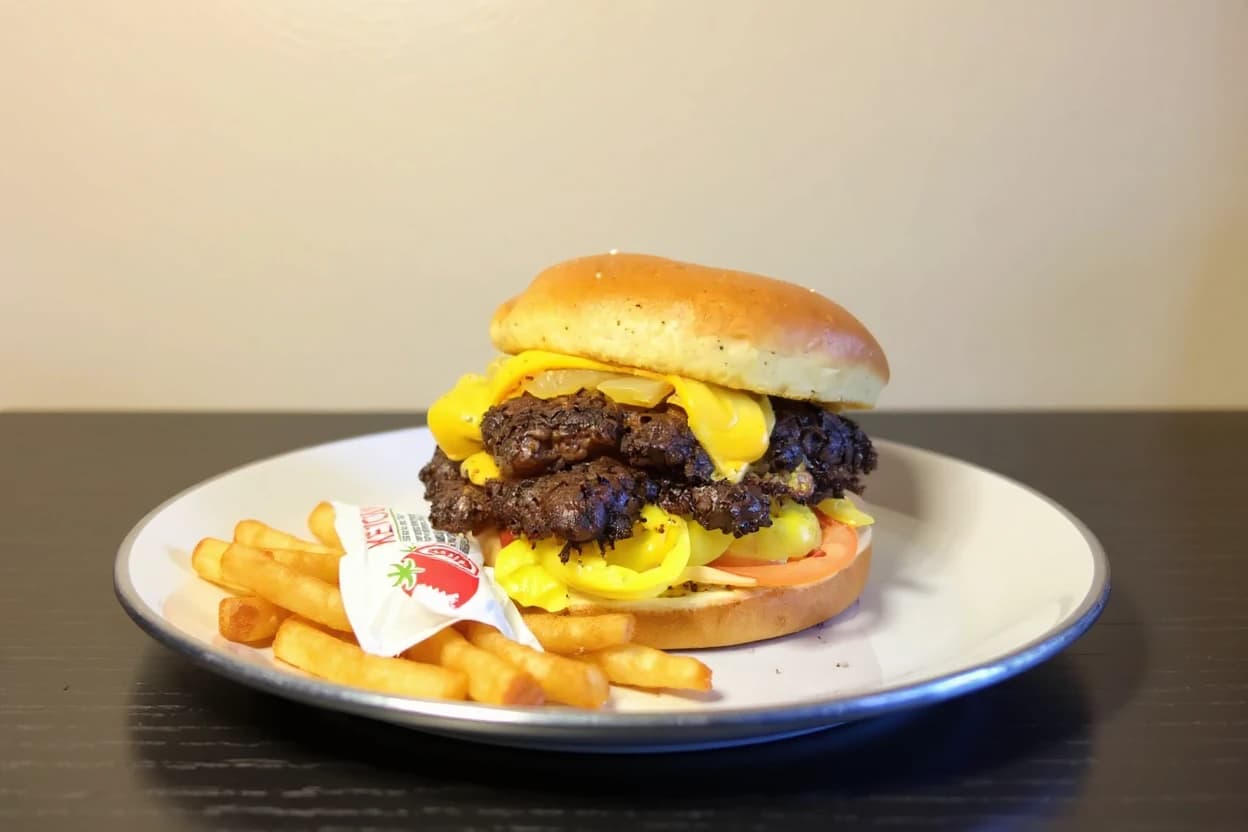
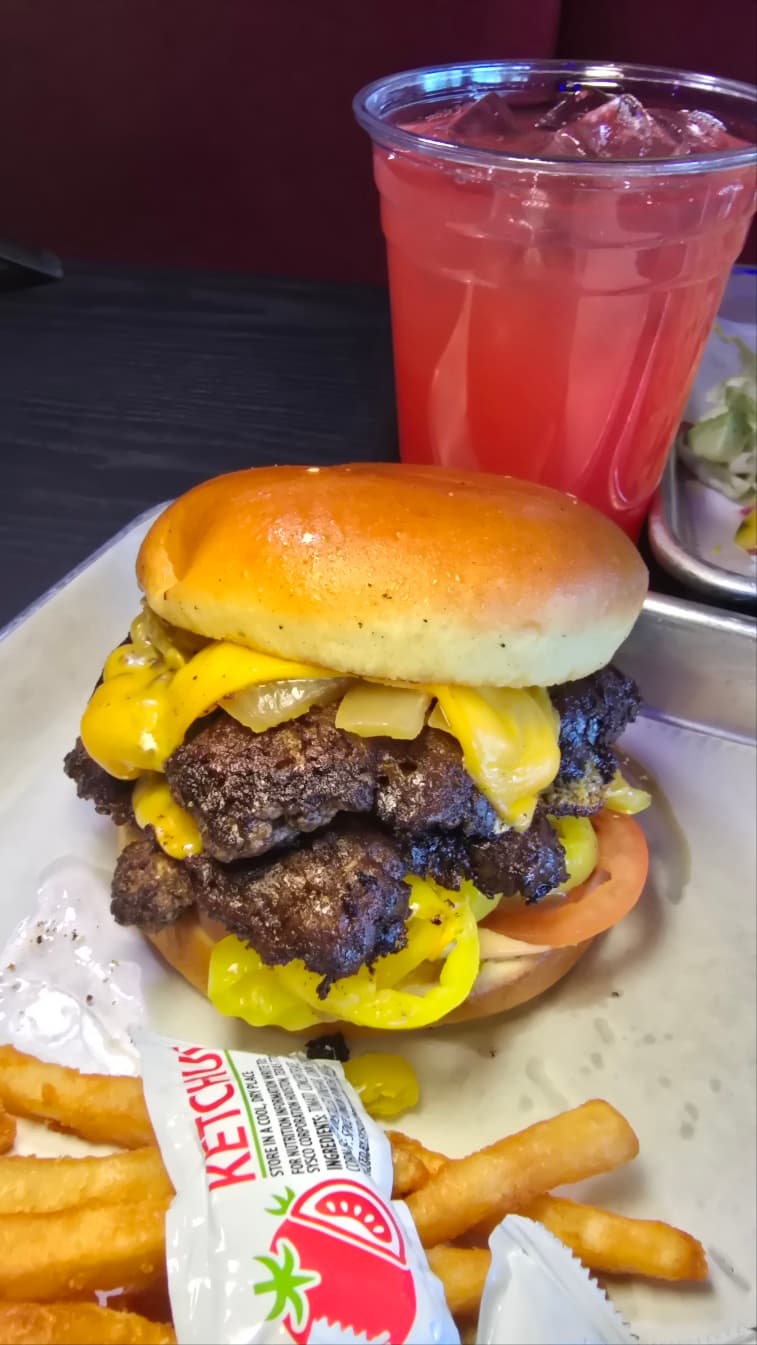
Double Cheeseburger with Fries
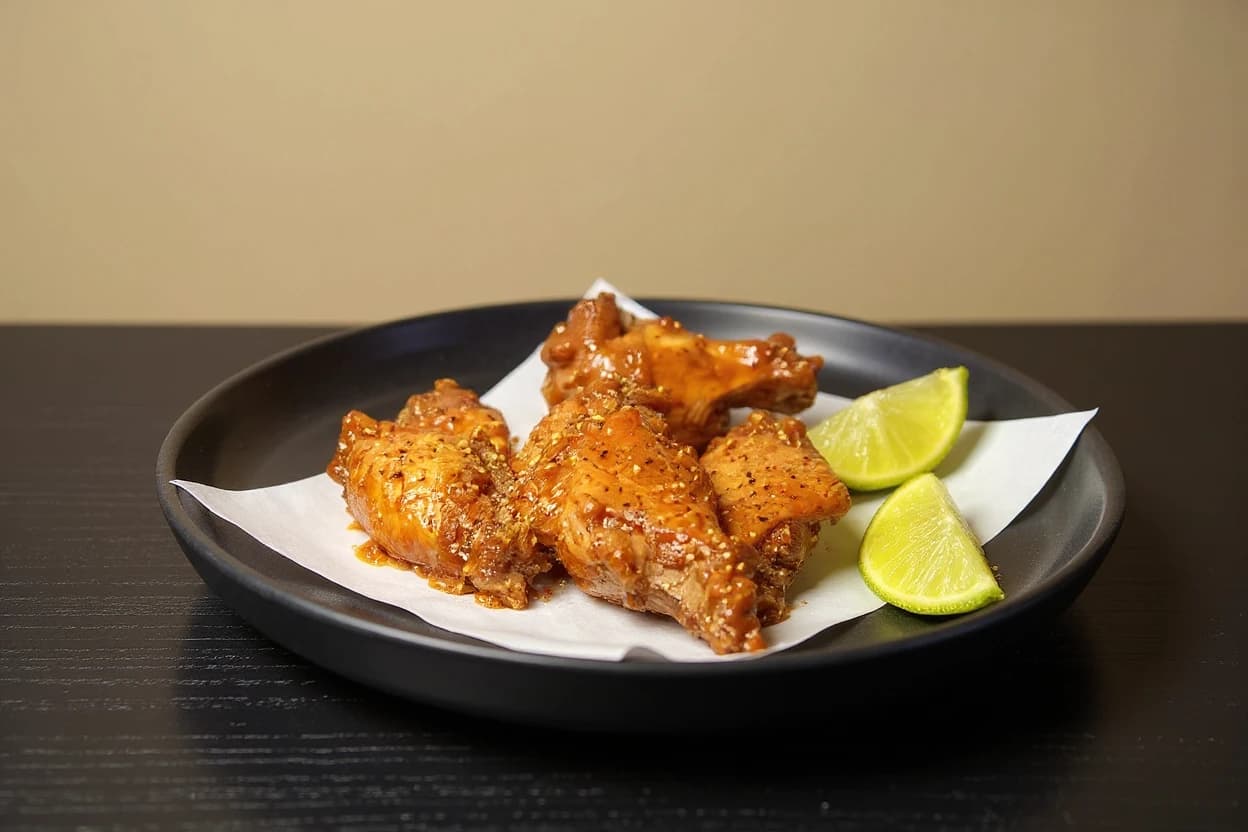
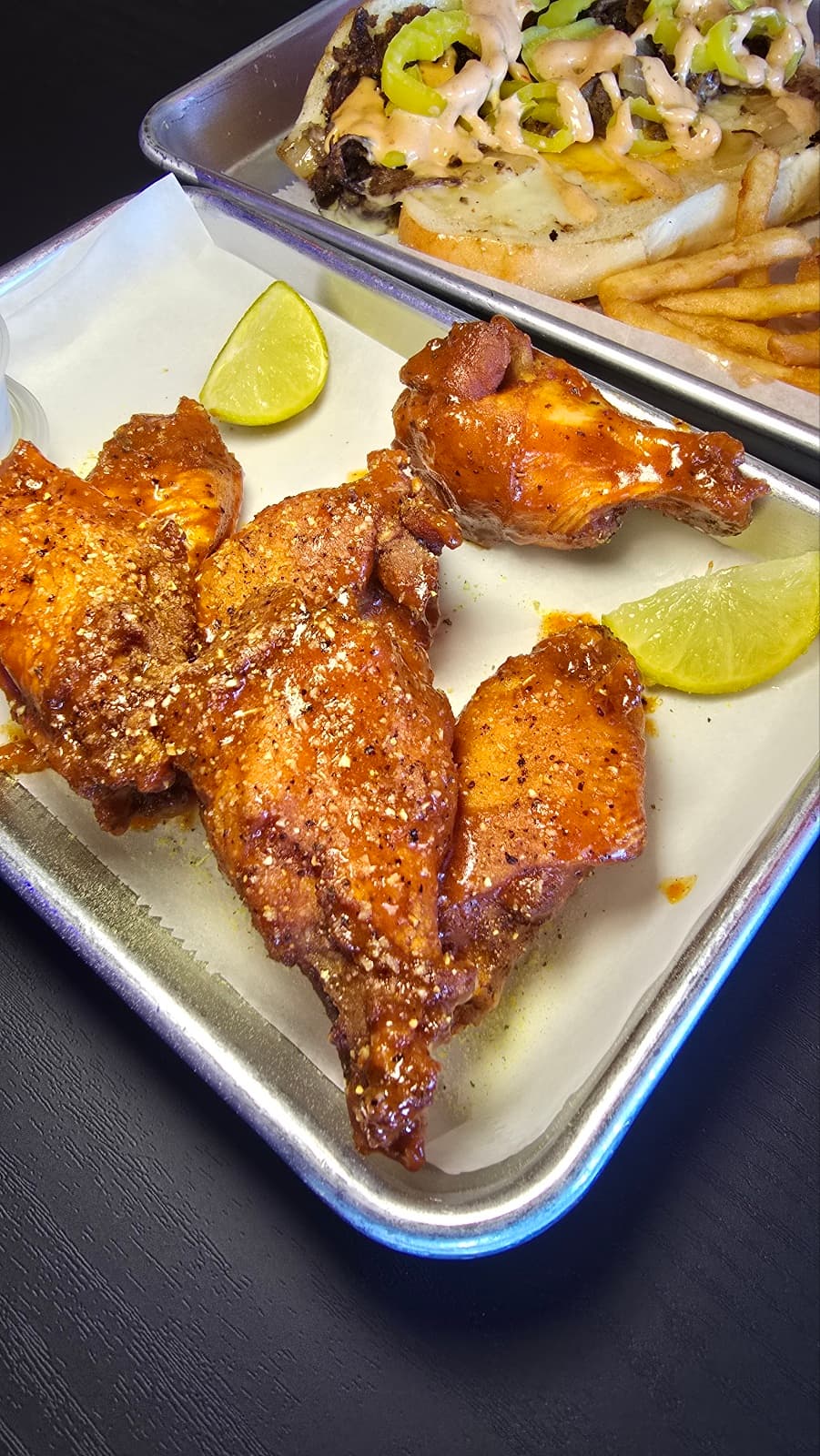
Spicy Chicken Wings
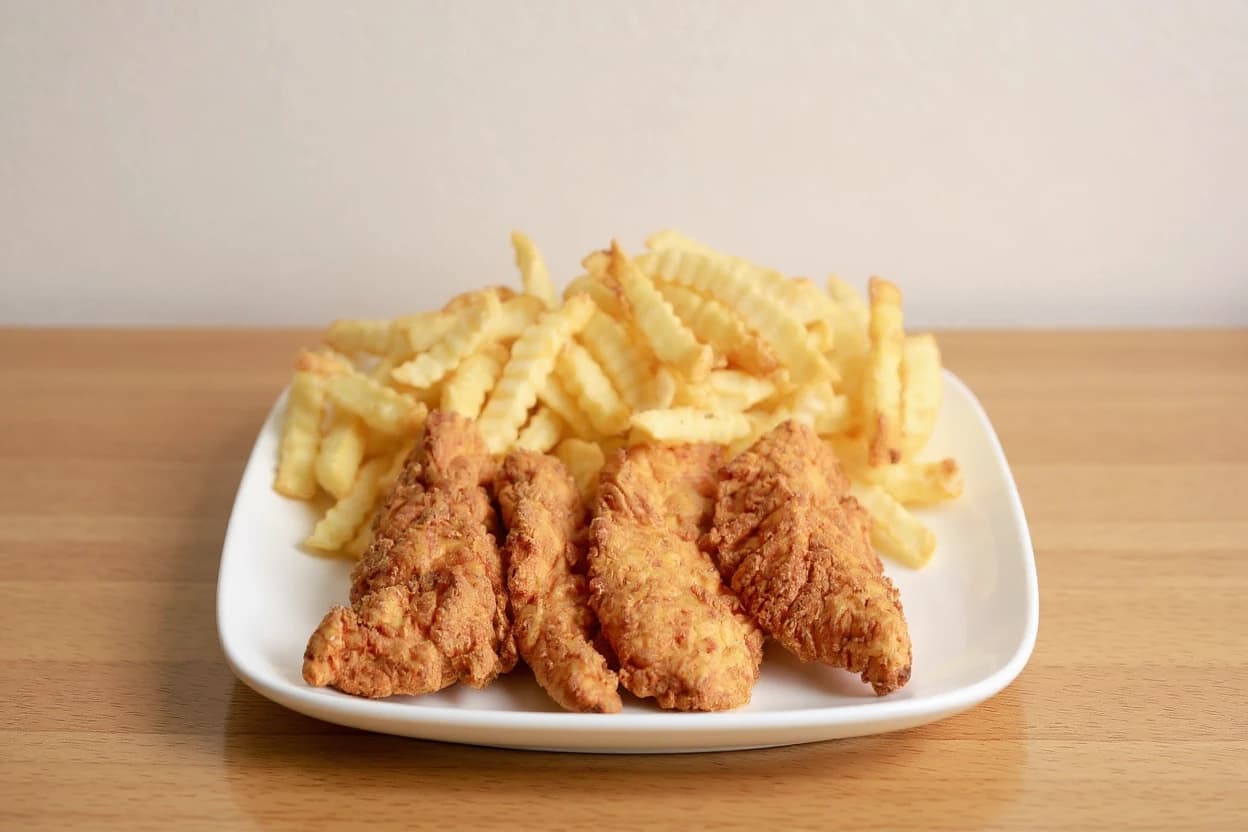
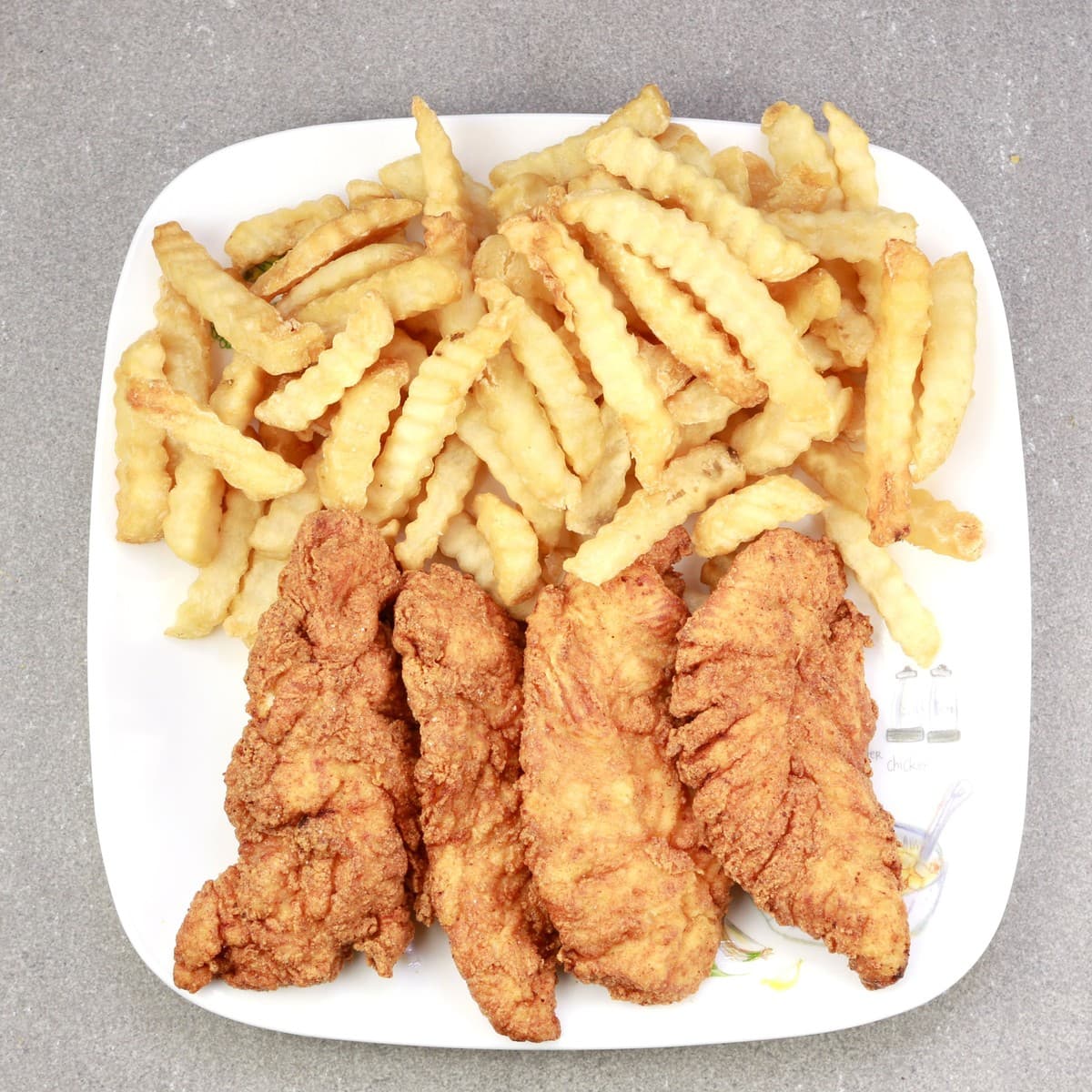
Chicken Tenders & Fries
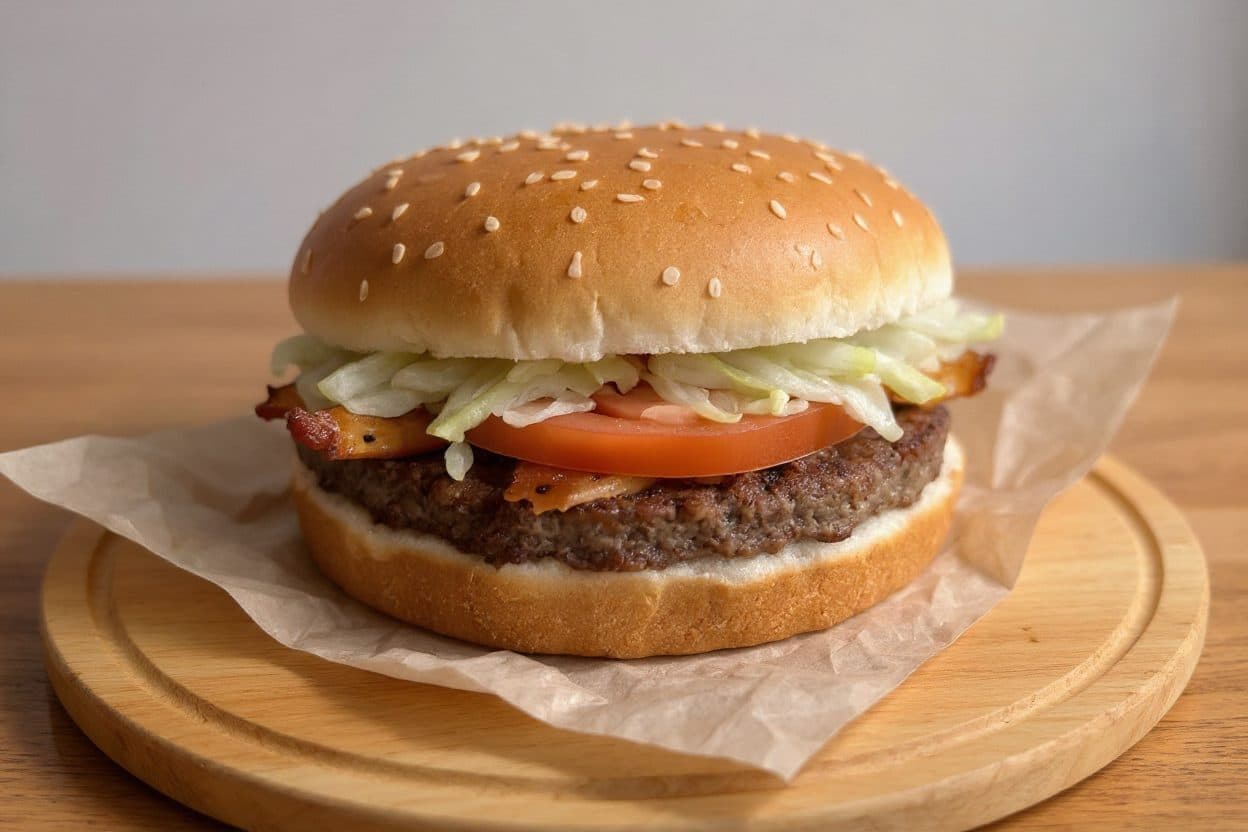
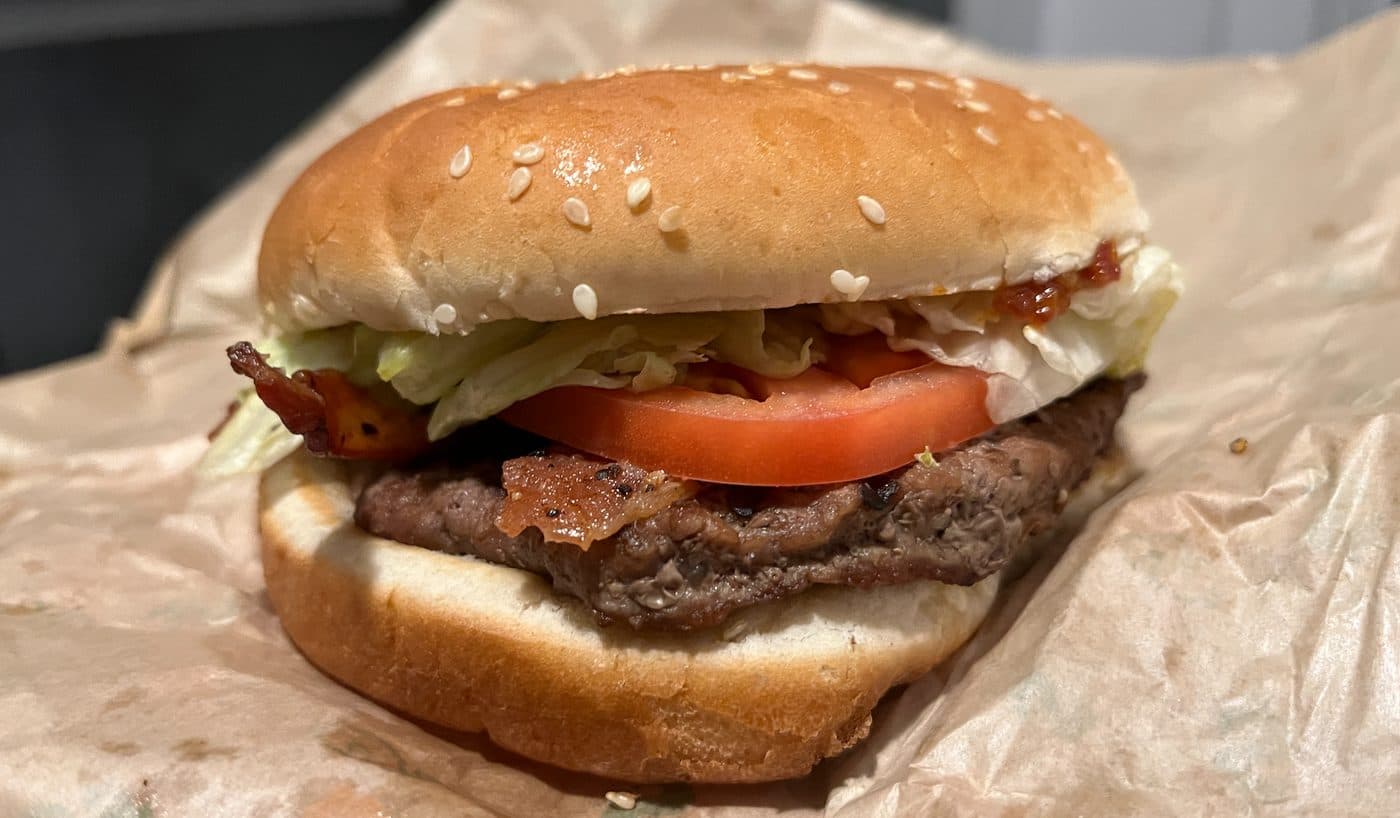
Bacon Cheeseburger
We were shooting these menus before we built the software.
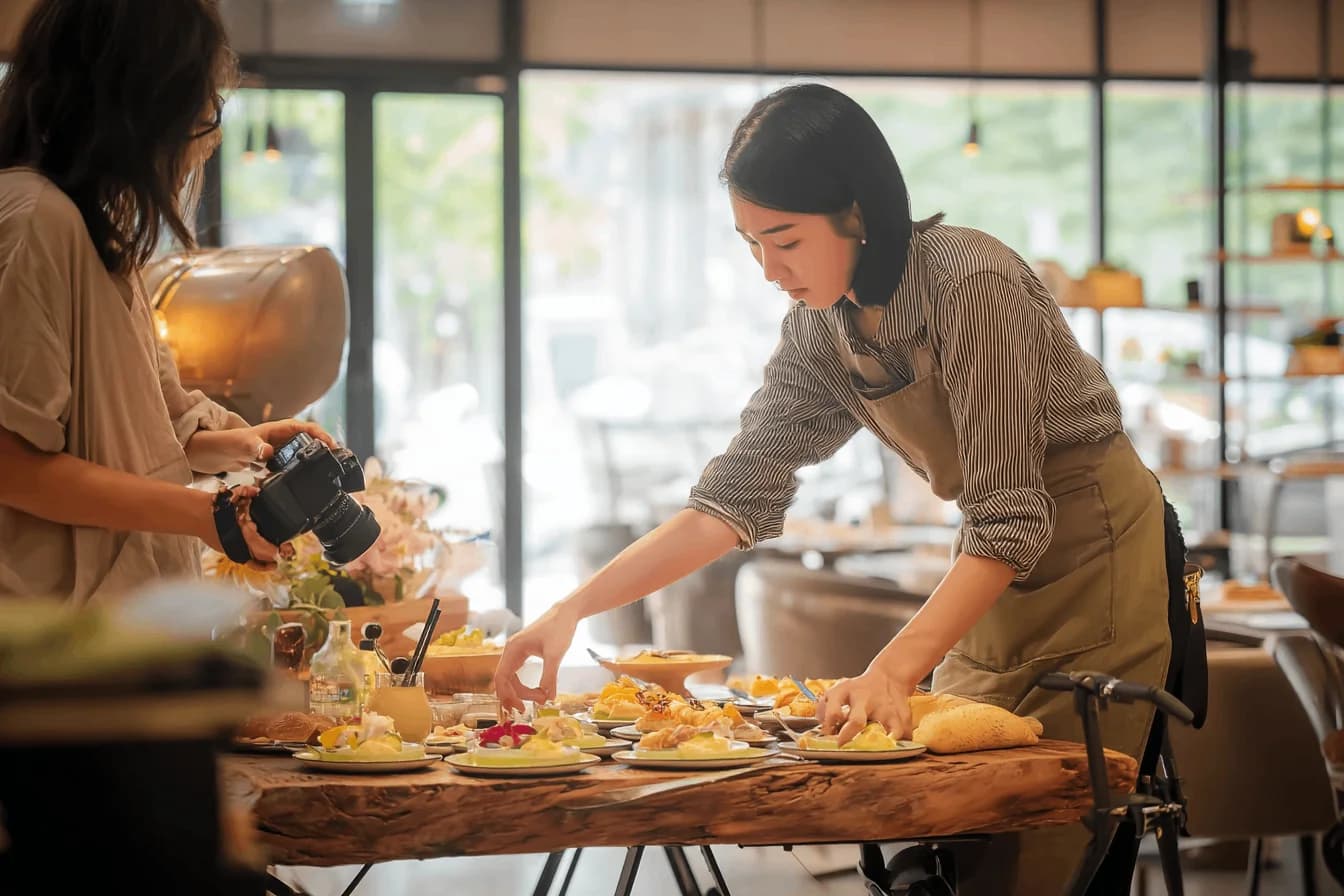
I'm Su Lee, and MenuPhotoLab grew out of SocialLee Agency (socialleeagency.co), the social media and content agency my older sister and I run for restaurants. Between the agency and six years photographing Atlanta restaurants before it, we'd done the same fix by hand for restaurant after restaurant: harsh kitchen light, a cluttered counter, a phone photo that didn't do the food justice.
So we built the tool we wished we'd had on day one. The same fix, in minutes, without ever touching the food.
Rather hand the whole menu over? I still shoot menus in person around Atlanta. See Menu Refresh.

Su Lee
Founder, MenuPhotoLab · Atlanta, Georgia
Testimonials
What restaurants are saying
Real reactions from restaurants whose menus this work went onto, shared with permission.
These restaurants are clients of SocialLee Agency, the restaurant content agency run by MenuPhotoLab's founder. Quotes are shared with their permission.
Chicken Wings Restaurant
We hadn't updated our photos in three years. This finally got our DoorDash listing looking current.
Owner Kim
Donut Shop
These DoorDash photos look amazing. Exactly the upgrade our shop needed.
Owner Elin
Korean Pocha Restaurant
It genuinely looks like we hired a professional photographer. Thank you!
Owner Dan
Bakery & Cafe Store
The perfect poster for our brand. Thank you for such a beautiful piece for our social media.
Manager Lee
Hot Chicken Sandwich Shop
This looks incredible. We're using it for our Google Maps listing and social media.
Manager Sean
Every photo ships with a receipt.
Other tools promise they didn't invent your food. We show you, per photo, exactly what the pipeline touched, and what it is never allowed to.
What we fix
Lighting fixed
Exposure and white balance corrected.
Background cleaned
Clutter behind the plate replaced with the surface you chose.
Cropped & centered
Reframed to each platform's aspect ratio.
What we never touch
Ingredients added or removed
The plate you served is the plate that ships.
Portion size changed
What a guest sees is what arrives.
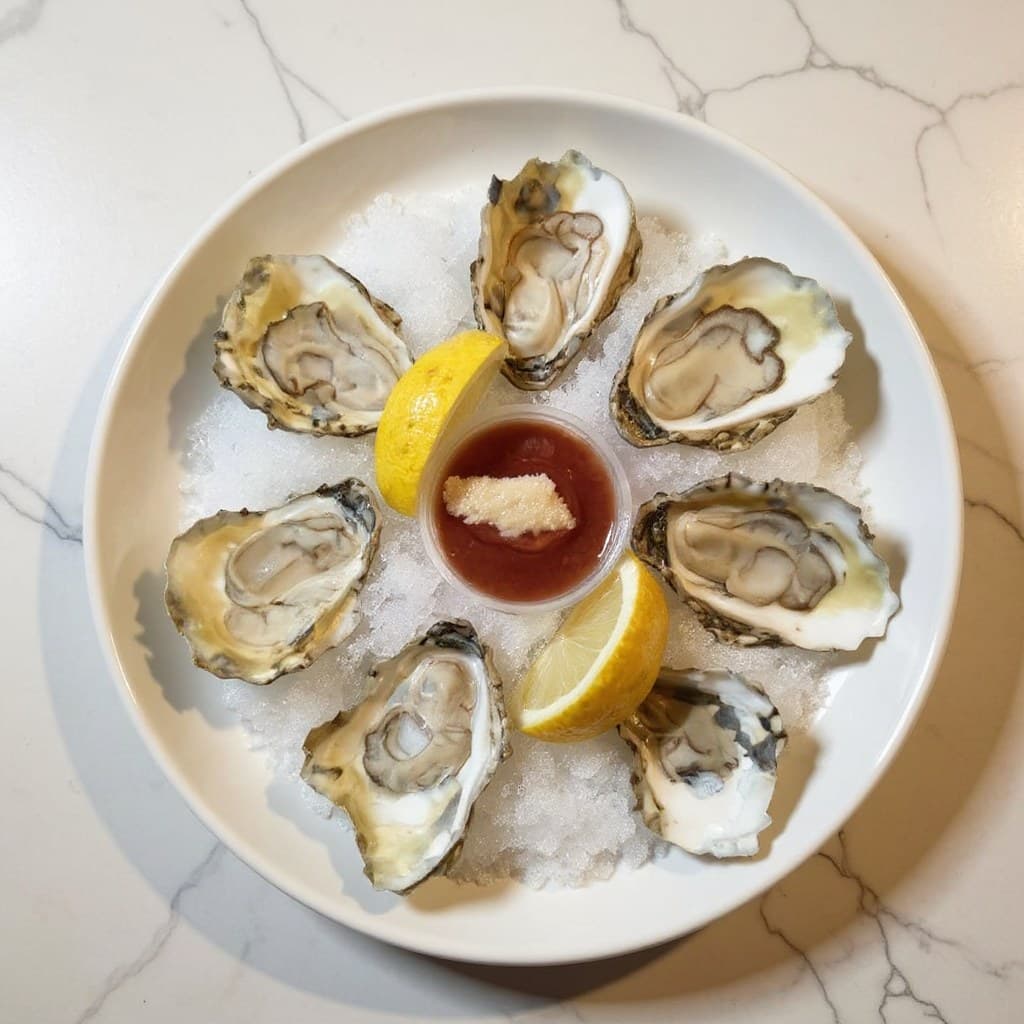
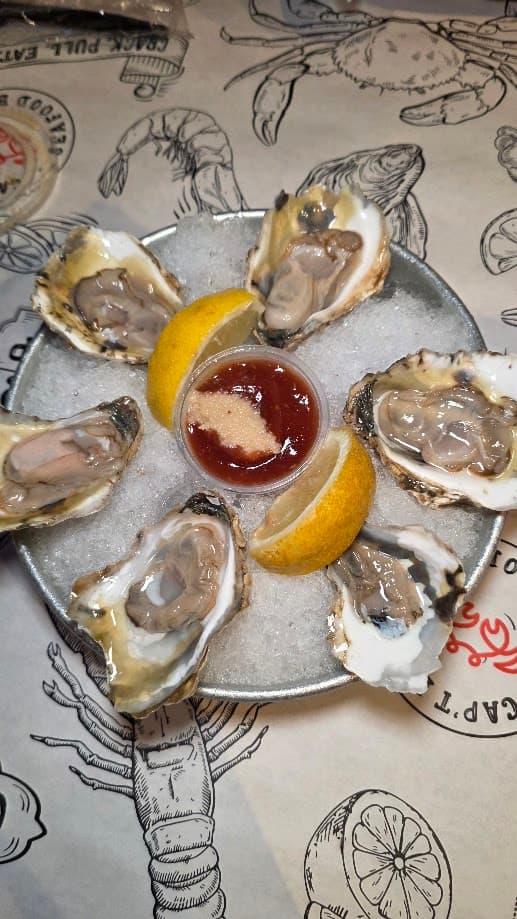
Same plate. Same portion.
Pricing
Plans that scale with your menu.
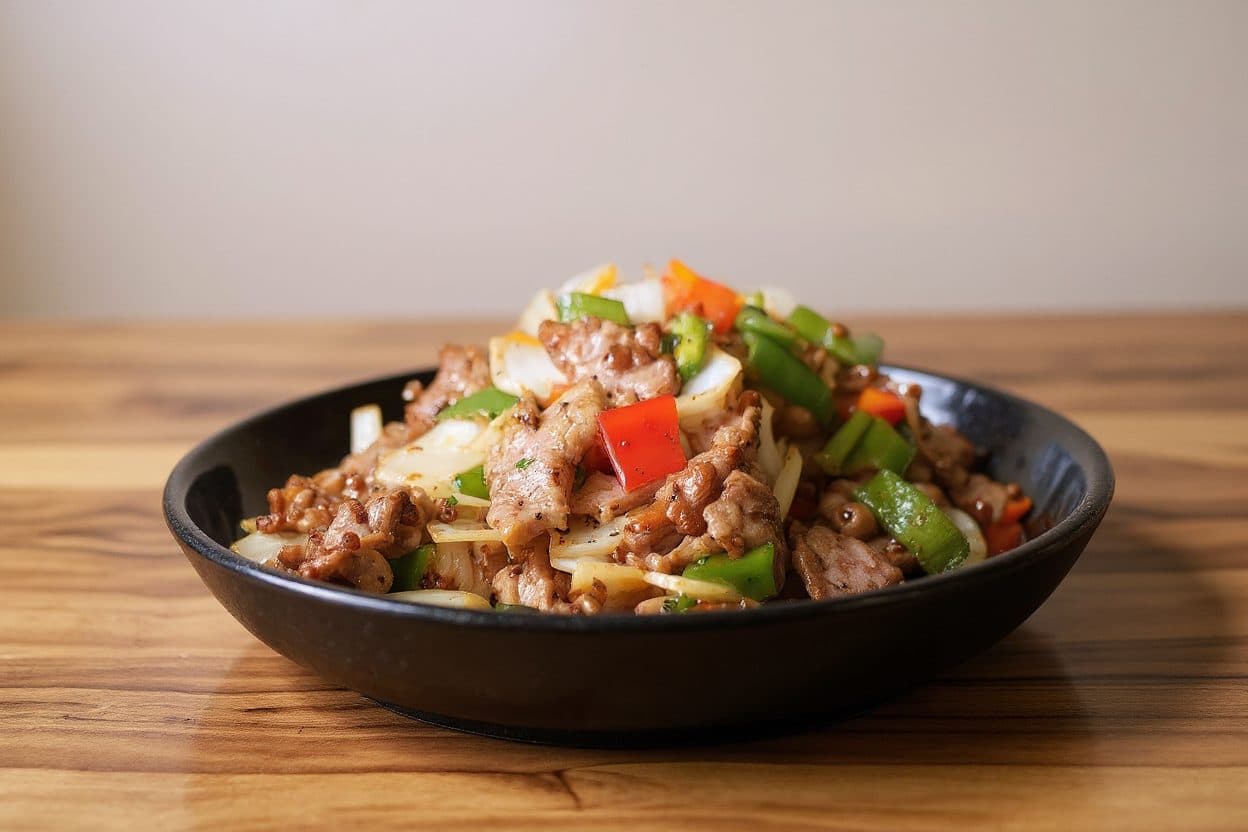
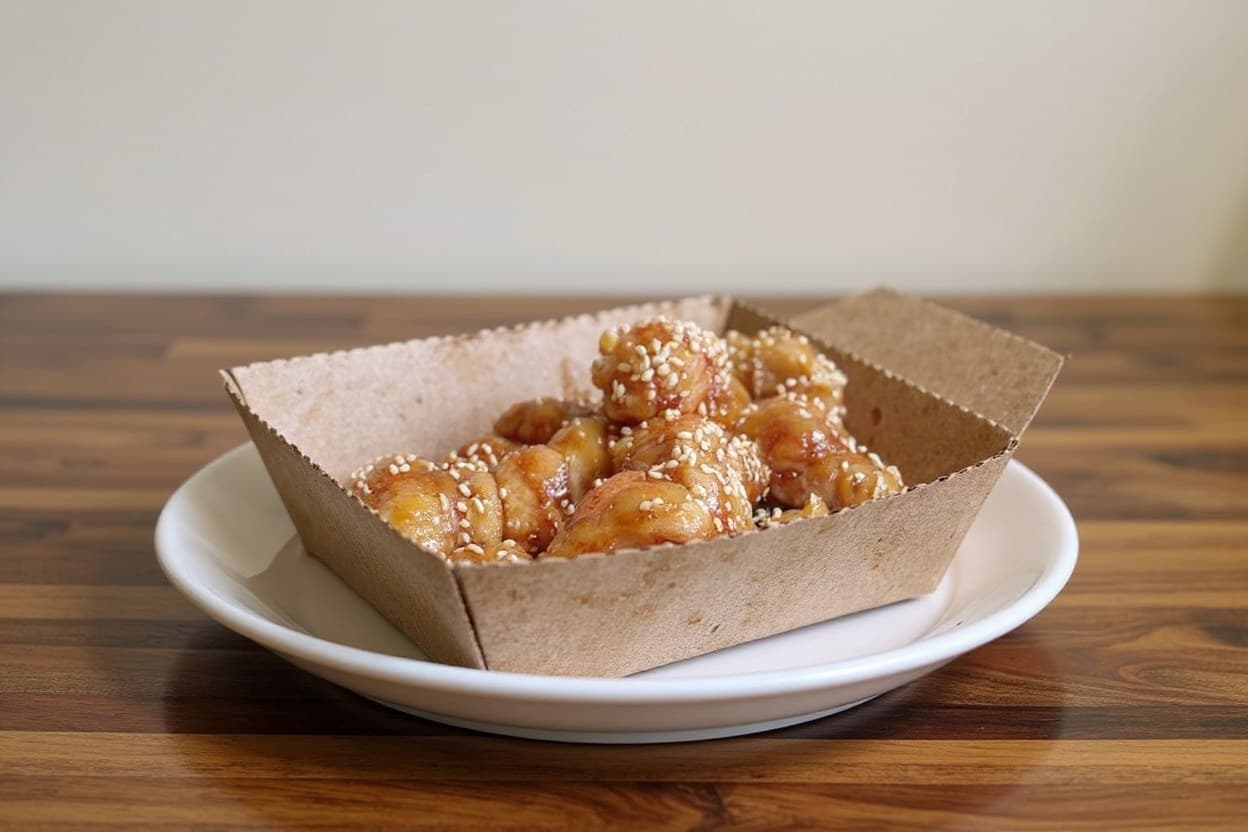
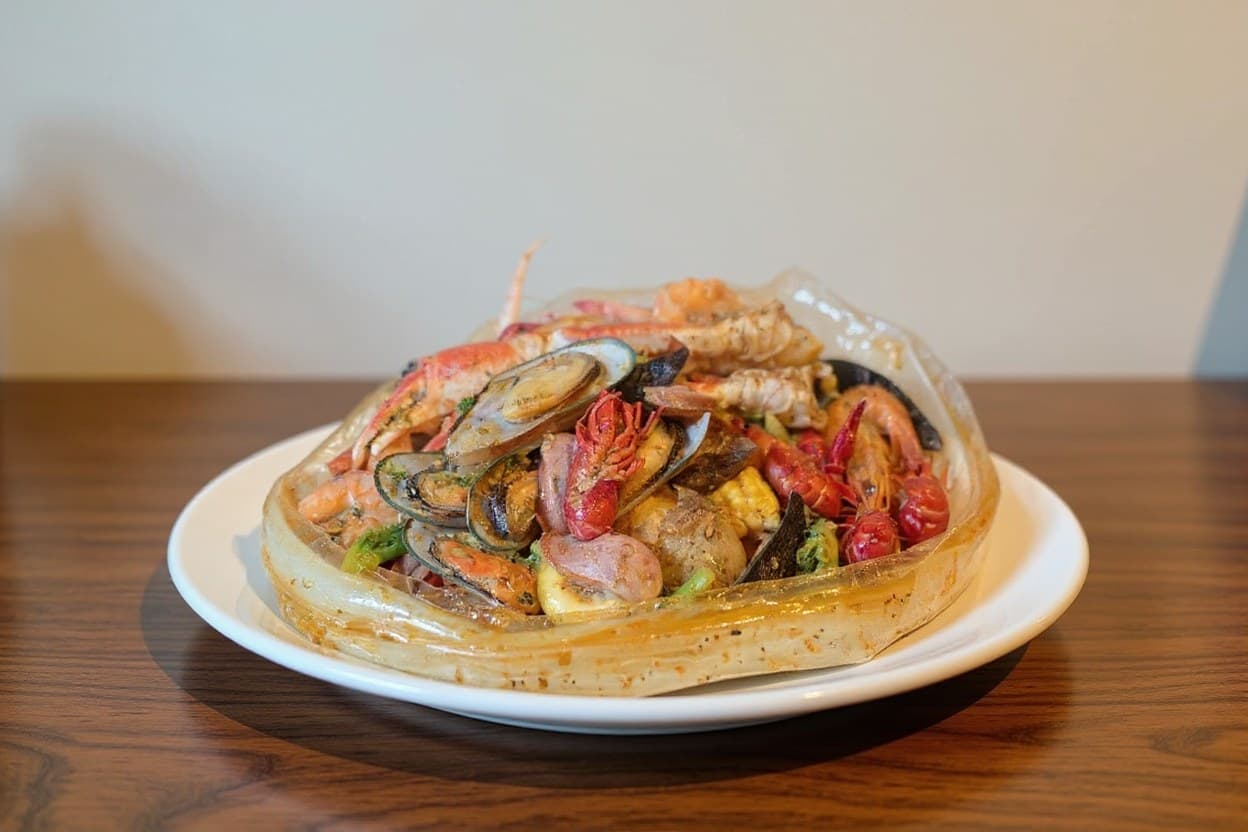
One credit, one enhanced photo. Real results like these.
Prefer not to subscribe? Buy credits once and use them whenever you need new photos. Credits never expire.
14-day money-back guarantee. Not right for your restaurant? Get a full refund within 14 days of your first payment, if you have not used the credits from that purchase. See the full guarantee policy
Medium Pack
50 photos
$25$39$0.50/ photo
- 50 photo credits
- Credits never expire
- All styles & platform exports
- Commercial license included
Starter
For small restaurants
$29/ month
- 50 photos / month
- Basic enhancement
- Platform-ready exports
- Batch enhance and brand presets
- Email support
Pro
For growing restaurants
$79/ month
- 300 photos / month
- Everything in Starter
Multi-location
For groups & agencies
Custom
- Multiple brands & locations
- Team approval workflow
- API & export automation
- Dedicated onboarding
Not ready to pick a pack?
Start free instead: enhance 5 of your own menu photos. No credit card, no watermark.
Rather have us do the whole menu?
In metro Atlanta, I photograph your dishes, size them for every app and upload them for you. Packages start at $299.
One real menu went from 30 of 59 items with a photo to 58 of 58.
Three ways to get menu photos
| Compared on | MenuPhotoLab | DoorDash free photoshoot | Hire a photographer |
|---|---|---|---|
| What it costs | 5 photos free, then $0.45 to $0.65 a photo | DoorDash pays the photographer; you cover the food | Quoted per dish or per session |
| How many items | Your whole menu | Up to 20 | As many as you book |
| Where you can use the photos | Anywhere: they are your photos | DoorDash, your website and social media. DoorDash says not on other delivery apps | Set by your contract with the photographer |
| Changes the food | No | No | No |
DoorDash terms as DoorDash publishes them. Photographer terms vary, so read the contract. More on DoorDash's free photoshoot
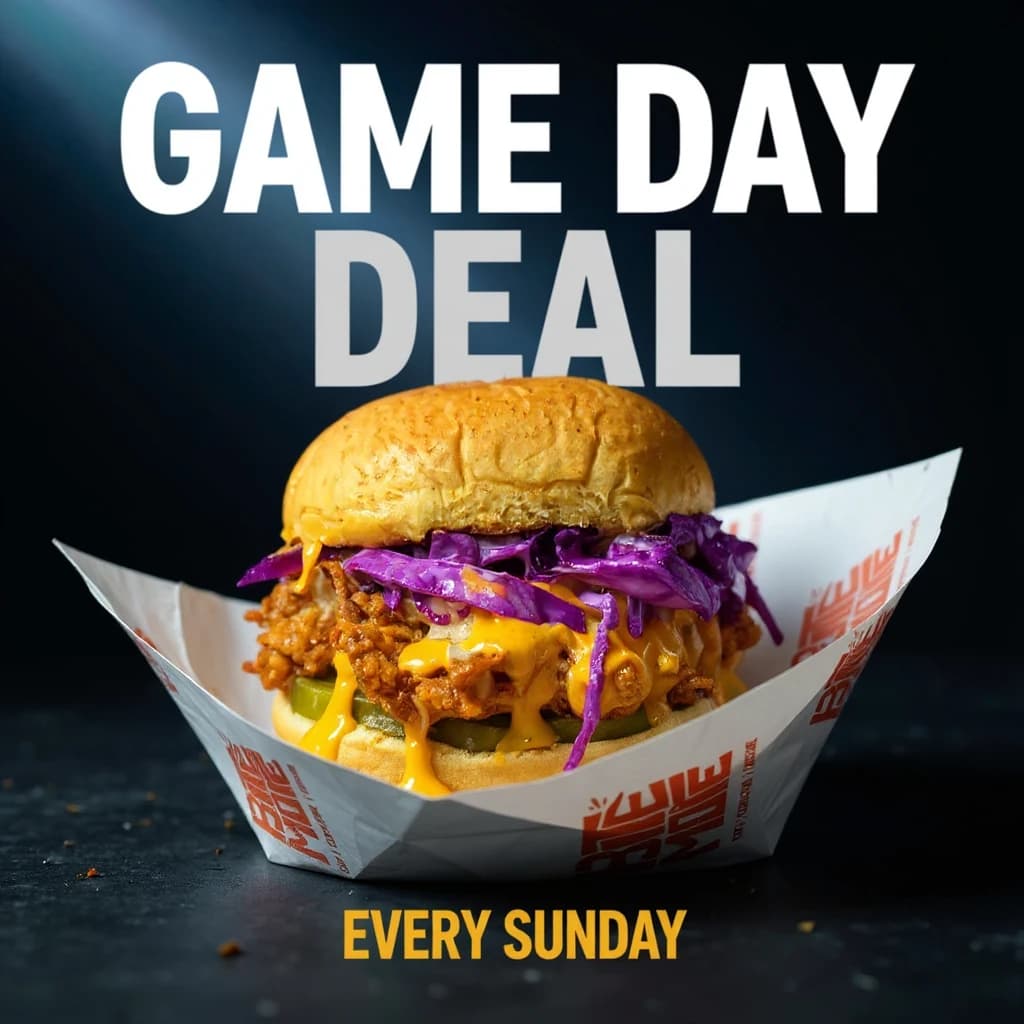
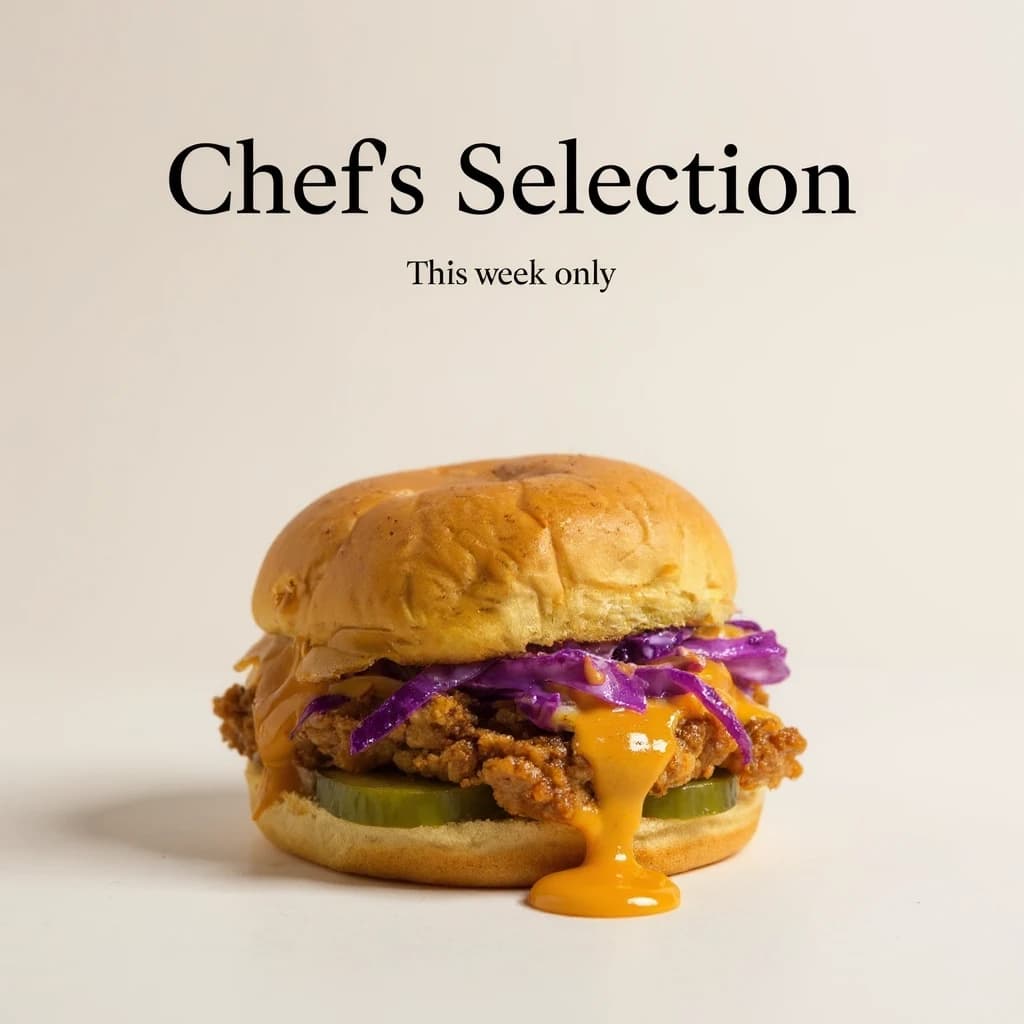
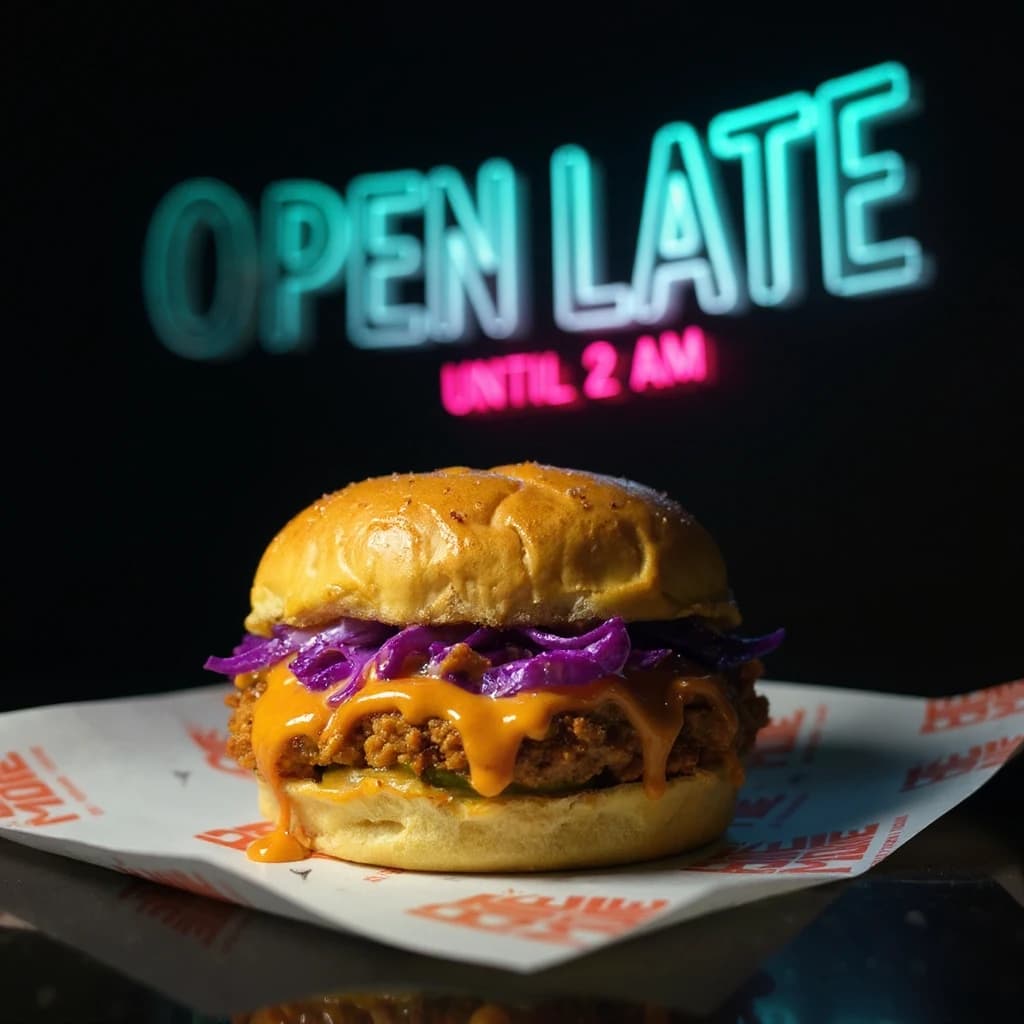
Turn enhanced photos into share-ready posters.
Same dish photo, same real data: pick a layout, and your price and headline drop straight in. No design software, no extra editing.
Frequently asked questions
Independent restaurants, delivery-only brands and ghost kitchens that sell on DoorDash, Uber Eats or Grubhub, and anyone who sells food online and needs every menu item photographed. It suits owners who would rather use their own phone photos than book a photographer every time the menu changes.
No. MenuPhotoLab is an AI menu-photo tool from Atlanta, built by photographer Su Lee, and it is not affiliated with MenuPhotoAI, a separate company with a similar name. MenuPhotoLab improves the lighting and background of your own dish photos and sizes them for DoorDash, Uber Eats and Grubhub, and it never generates the food.
No. The dish on the plate is always exactly what you served: same portion, same ingredients, same arrangement. We never regenerate or invent food. What gets a professional upgrade is the staging around it: lighting, backdrop, framing and, if you choose, the plate it sits on, the same way a photographer restyles a scene without touching the food itself.
Yes. Most restaurants start with an ordinary iPhone or Android photo taken in their own kitchen. No professional camera, lighting kit, or food stylist required. JPG, PNG, and HEIC are all supported, so whatever your phone saves is what you can upload for AI menu photo enhancement.
Yes. MenuPhotoLab is built specifically for delivery-app menu photos. Export presets are sized and formatted for DoorDash, Uber Eats, Grubhub, and Toast listings, plus your website, Instagram, and print menus, so one enhanced photo works everywhere your menu shows up.
DoorDash rejects menu photos that are blurry or low-resolution, show packaging, drinks, or extra dishes in the frame, carry watermarks or text overlays, or use heavy filters. MenuPhotoLab checks every photo against these same platform guidelines before you export, and the free Photo Rejection Checker under Free tools tests any photo against DoorDash, Uber Eats, and Grubhub specs before you upload it.
DoorDash's free shoot covers up to 20 menu items, and DoorDash says those photos may not be used on other delivery apps. MenuPhotoLab works from photos you take yourself, so every item on your menu can go on DoorDash, Uber Eats, Grubhub, your website and social media. The two fit together: use the free shoot on DoorDash and your own photos everywhere else.
No credit card is required to start. Every new account gets 5 free AI photo enhancements, so you can see real before-and-after results on your own dish photos before paying anything.
Every account starts with 5 free enhancements, no credit card required. After that, credit packs currently cost $13 for 20 photos, $25 for 50 and $45 for 100, and credits never expire. Monthly plans are $29 for 50 photos or $79 for 300. If you would rather hand the whole menu over, done-for-you packages start at $299.
Email us within 14 days of your first payment (as long as you haven't used the credits from that purchase yet) and we'll refund it in full. See our full guarantee policy for details. Failed generations are also refunded automatically, no request needed, on every plan.
Yes. Batch Enhance applies the same lighting, background, and style to dozens of menu items in one pass, so you can update your entire delivery-app menu without editing each food photo individually.
Yes. Save your preferred background, lighting, and framing as a Brand Preset once, and every photo you upload after that is enhanced to match automatically, so your whole menu looks like one consistent photoshoot.
Yes. Pick a platform and MenuPhotoLab automatically exports your enhanced photo at the exact size and aspect ratio that platform expects, whether that's DoorDash, Uber Eats, Grubhub, Toast, your website, or social media. No manual cropping or resizing.
The landing page, signup and dashboard are available in English, Korean, Chinese, Japanese and Spanish. Support replies in English, Korean and Chinese.
Yes. Each team member can set their own language in Settings, independent of other users.
MenuPhotoLab is run by founder Su Lee in Atlanta. It grew out of SocialLee Agency (socialleeagency.co), a family-run social media and content agency for restaurants, and six years of photographing Atlanta restaurants. The software does by default what the agency did by hand for restaurant after restaurant: fix the light, clean up the background and size each photo for every app.
Already have a photo? Check it or resize it for every app, free:
Still have a question about a platform's rules? The guides carry every published requirement for DoorDash, Uber Eats and Grubhub, with the date each one was read. Read the menu photo guides
- Every platform's photo rules, side by side
- What DoorDash requires: size, ratio, format
- What Uber Eats requires, and where it hedges
- Why DoorDash rejects a photo
- Are AI food photos allowed on delivery apps?
- Photos for a ghost kitchen or virtual brand
- Selling homemade food on DoorDash or Uber Eats
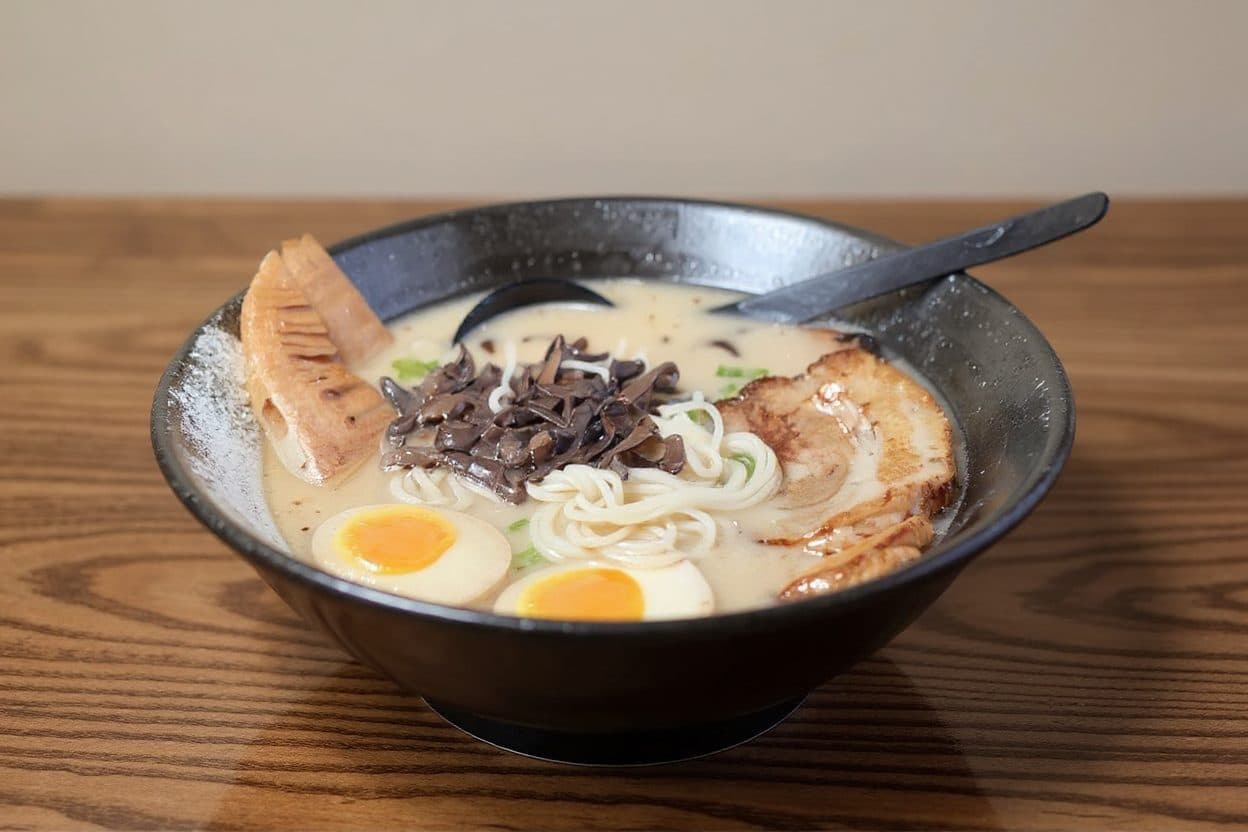
Try it on 5 real menu photos.
See exactly what changes before you pay for anything.
Enhance 5 Photos FreeNo credit card required.