
What are Grubhub's menu photo requirements?
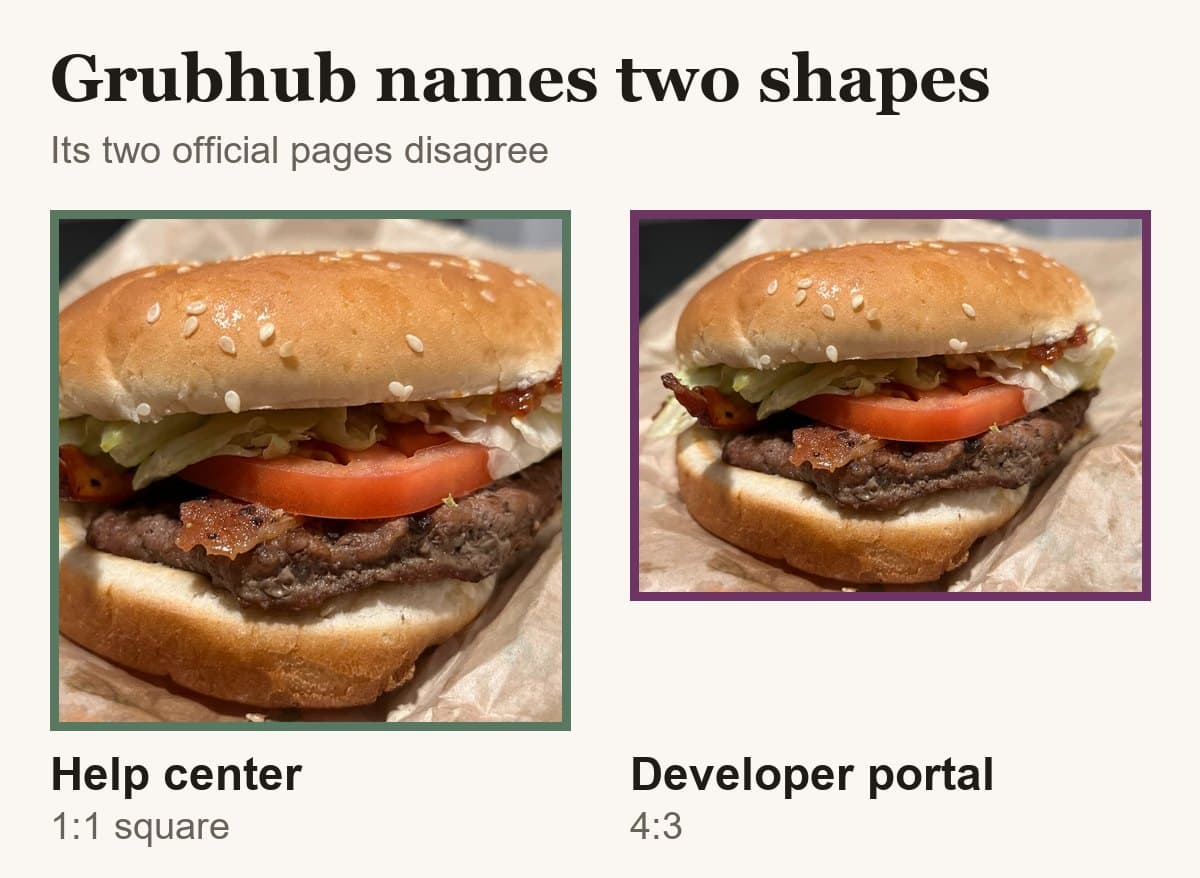
Grubhub publishes two different specs. Their developer documentation requires menu item images of at least 1600 x 1200 pixels at 4:3, as PNG, JPEG or JPG. Their merchant help center says at least 200 x 200, 1:1 square, PNG only. Shoot 4:3 at 1600 x 1200 with the dish centered and you satisfy both.
At a glance
- Shape
- 1:1 to 4:3, Grubhub's own docs disagree
- Minimum size
- 200 × 200 px
- Formats
- PNG per the help center; PNG, JPEG or JPG per the developer docs
From Grubhub's own page, read .

Su Lee · Founder, MenuPhotoLab
6 min read · Sources last read · 2 sources
On this page · 6 sections
Read in another language
Will your photo pass Grubhub?
Check its size, shape and file type against Grubhub’s published rules in a few seconds. The photo stays on your device and nothing is uploaded.
Drop a photo here, or choose one from your phone or computer.
Which Grubhub photo spec is the real one?
Both are. They are published on two different Grubhub properties, and neither page mentions the other. I read both on 2026-08-27 and they disagree on aspect ratio, on minimum size, and on file format.
| Grubhub help center | Grubhub developer documentation | |
|---|---|---|
| Where | get.grubhub.com, for merchants | developer.grubhub.com, Marketplace API |
| Minimum size | 200 x 200 px | 1600 x 1200 px |
| Aspect ratio | 1:1 square | 4:3 |
| File format | Must be saved as .png | .png, .jpeg or .jpg |
| Reaches Grubhub via | Manual upload in Grubhub for Restaurants | POS or integration partner feed |
Which one applies depends on how your menu reaches Grubhub. If you upload photos yourself through Grubhub for Restaurants, the help center is the page written for you. If your menu is pushed by a POS or an integration partner, the developer specification is the one their system was built against.
The practical answer is to satisfy both at once, which is possible: shoot 4:3 at 1600 x 1200 or larger, keep the dish inside the centered square, and export a PNG. That file meets the developer specification exactly and survives the square crop the help center describes.
What are the specs for each Grubhub image type?
Grubhub's developer documentation is the most precise photo specification published by any of the three major delivery platforms. It covers four image types, and unlike DoorDash's, it states where each one is displayed.
| Image type | Minimum size | Aspect ratio | Where it appears |
|---|---|---|---|
| Menu item | 1600 x 1200 px | 4:3 | Next to each item, the most popular section, and the item modal |
| Header | 2400 x 1800 px | 4:3 | Top of your menu page. Cropped to 4:1 on desktop web |
| Profile / search | 2400 x 1200 px | 2:1 | Search results, homepage carousel, search bar, and Grubhub emails |
| Logo | 200 x 200 px | 1:1 square | Top of your menu page, in the cart, and in past orders |
What gets a Grubhub photo rejected?
Grubhub publishes a much shorter rejection list than DoorDash, and it applies to every image type: logos, headers, profile images and menu items alike.
No body parts
Their wording, and their examples are hands holding food and people eating. This is stricter than DoorDash, which allows hands when they are out of focus, off to the side, and not obscuring the dish. A photo that passes DoorDash's people rule can still fail Grubhub's.
No copyrighted images or stock photography
The stated exception is corporate photos supplied for the corresponding merchant chain.
Text is limited
Their best-practice guidance asks for food-focused photography with limited text. Text inside a logo's merchant name, or branding that genuinely appears on the item, is allowed.
Grubhub also states its own framing advice plainly, and it is worth taking literally, because it tells you what their system is going to do to your picture: cropping works best when the focal point is centered and the image is captured from a distance.
How do you upload photos to Grubhub?
Through Grubhub for Restaurants: open the Menu tab, select the item, click the Add Photo icon, choose your file, and agree to the terms and conditions. The photo then enters a review status rather than appearing immediately.
The terms step is worth reading rather than clicking past. Uploading a photo to any delivery platform grants that platform rights to use it, and those grants differ between platforms. If a photo was supplied to you by another delivery service, whether you may upload it here is a question about that service's agreement, not about Grubhub's.
What if you also sell on DoorDash or Uber Eats?
The three platforms want three different shapes: Grubhub 4:3 by its developer documentation or square by its help center, DoorDash 16:9 only, Uber Eats between 5:4 and 6:4. There is no single rectangle that is all of these.
Grubhub is the most forgiving of the three to shoot for, because 4:3 is what most phone cameras produce by default and it crops cleanly in both directions. Frame the dish inside the middle 75 percent of a 4:3 photo and you can export a Grubhub 4:3, a Grubhub square, an Uber Eats 5:4 and a DoorDash 16:9 from the same original.
The reverse does not work. A 16:9 photo shot for DoorDash has already thrown away the height that the other two need.
Frequently asked questions
What size do Grubhub menu photos need to be?
Grubhub's developer documentation specifies menu item images of at least 1600 x 1200 pixels at a 4:3 aspect ratio, as PNG, JPEG or JPG. Grubhub's merchant help center separately states images must be at least 200 x 200 pixels, 1:1 square, and saved as PNG. Both are published by Grubhub and neither page mentions the other.
Does Grubhub require square photos?
Grubhub's help center says yes, 1:1 square. Grubhub's developer documentation says menu item images are 4:3. A 4:3 photo with the dish inside its centered square satisfies both, because the largest centered square in a 4:3 frame is 75 percent of its width, so nothing important is lost if the image is cropped square.
Does Grubhub accept JPG photos?
Grubhub's developer documentation lists .png, .jpeg and .jpg as accepted formats for every image type. Grubhub's help center states that images must be saved as a .png file. If you are uploading manually through Grubhub for Restaurants, PNG is the safer choice, since it satisfies both pages.
Can hands be in a Grubhub photo?
No. Grubhub's image rejection rules prohibit body parts, and the examples given are hands holding food and people eating. This is stricter than DoorDash, which permits hands when they are out of focus, off to the side, and not obscuring the item. A photo accepted on DoorDash can still be rejected by Grubhub for this reason.
Where do Grubhub menu photos appear?
Menu item images appear next to each item on the menu, in the most popular section, and in the item modal. The header image sits at the top of the menu page and is cropped to 4:1 on desktop web. The profile image appears in search results, the homepage carousel, the search bar, and in Grubhub emails.
How long does Grubhub photo review take?
Grubhub does not publish a review time. After you upload a photo through Grubhub for Restaurants and accept the terms, the image enters a review status. Neither the help center nor the developer documentation states how long that takes or describes an appeal route for a photo that is refused.
Real client work
A real restaurant's takeout photo, now live on DoorDash
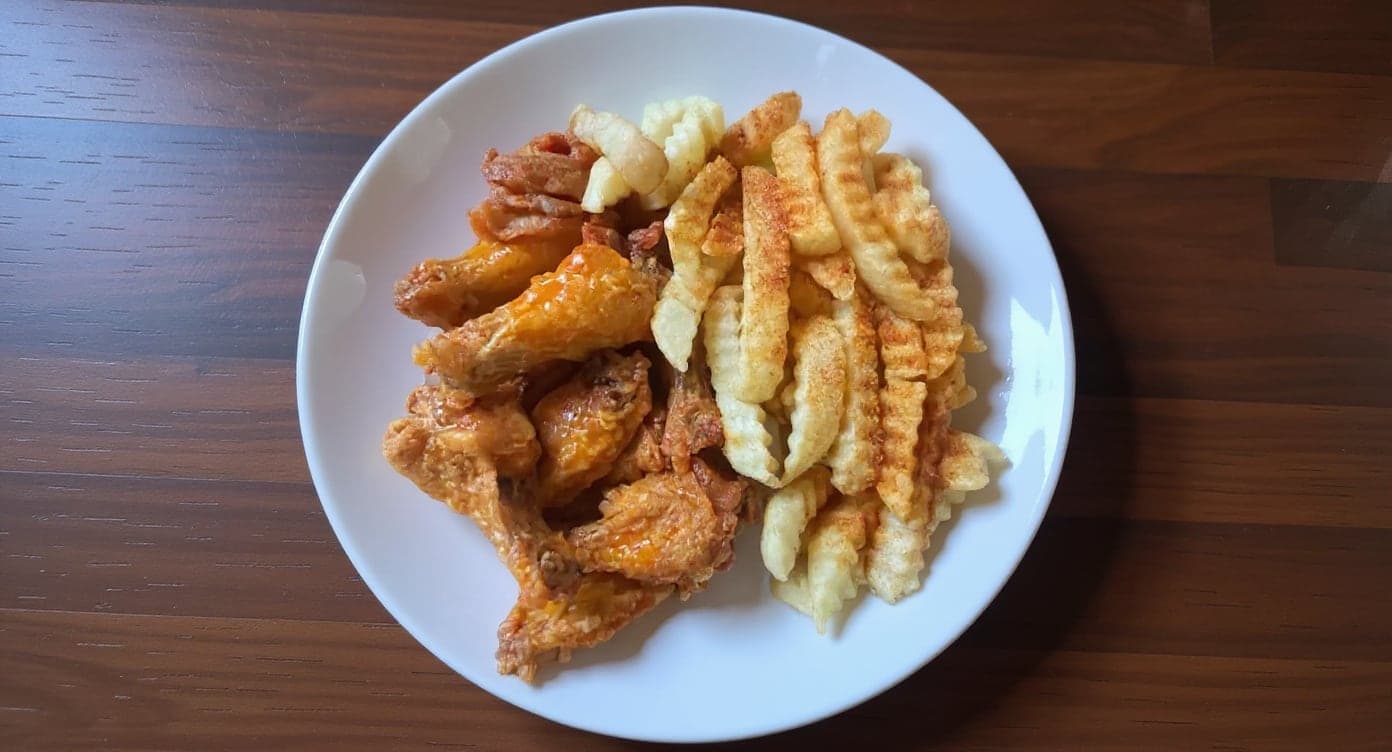
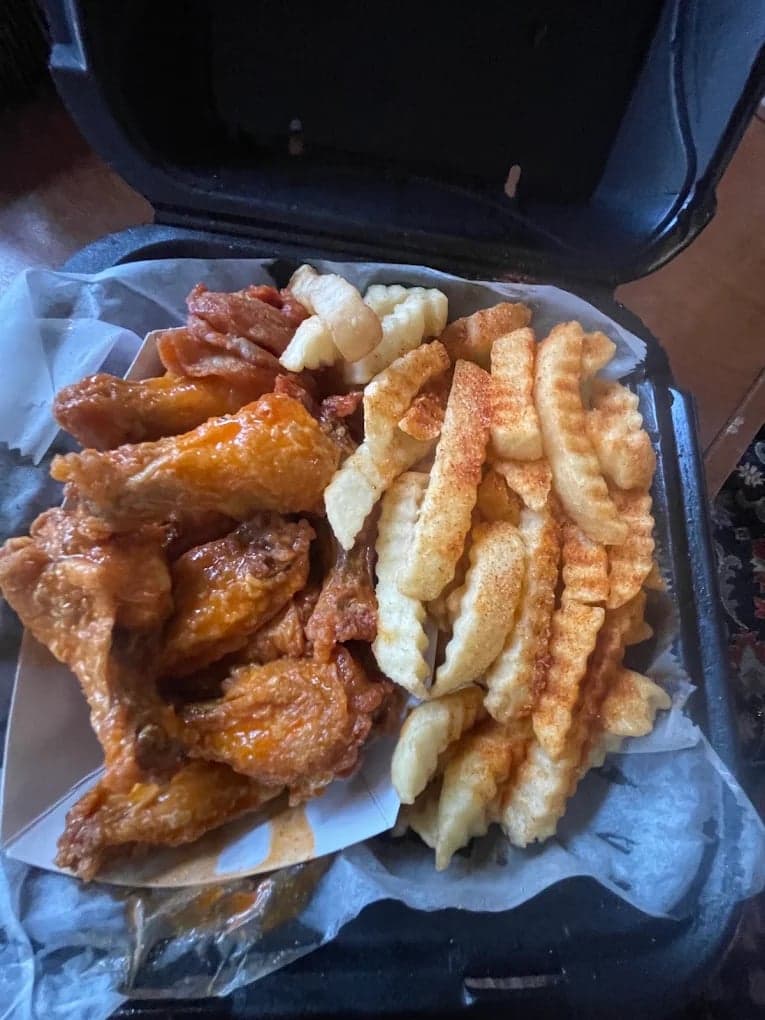
These DoorDash photos look amazing. Exactly the upgrade our shop needed.
5 photos free · No credit card · No watermark
Keep reading

Su Lee
Founder, MenuPhotoLab · Atlanta, Georgia
I have photographed Atlanta restaurants for six years as a food creator, and for the last two my sister and I have run SocialLee Agency, shooting and uploading menus for independent restaurants around metro Atlanta.
Sources (2, each with the date it was read)
Platform requirements change. This page carries the date each source was last checked.
Not affiliated with Grubhub, DoorDash, Uber Eats.