
What do you get from DoorDash's free photoshoot?
Not on another delivery app, according to DoorDash. You can use the photos on DoorDash, your website and social media, but its pages say they may not be used on other third-party platforms such as Uber Eats or Grubhub. The shoot covers up to 20 items in 1.5 hours, and you pay for the food and labor.

Su Lee · Founder, MenuPhotoLab
7 min read · Sources last read · 12 sources
On this page · 6 sections
Read in another language
What does DoorDash's free photoshoot include?
DoorDash books and pays a professional photographer to come to your restaurant. Everything below is from DoorDash's own merchant help pages, read 2026-09-16.
| What DoorDash publishes | |
|---|---|
| Session length | A 1.5 hour session |
| Menu items covered | Up to 20 (one of DoorDash's help pages says up to fifteen) |
| Store photos | One header image |
| DoorDash pays for | The professional photographer, and uploading the images to your DoorDash menu |
| You pay for | Food and labor costs |
| Image rights | DoorDash states it pays for the rights to the images for you, and that the images are yours to keep |
| Premier plan | A $200 credit that can go toward food, plating or prep costs for the shoot |
| Availability | Subject to availability in your area |
That is a real offer and it is worth taking. A photographer booked privately charges about $25 to $40 a dish for an unstyled menu shoot at the rates photographers publish, so a 20 item shoot is roughly a $500 to $800 job that DoorDash is covering. If you sell on DoorDash and nowhere else, take the shoot and stop reading here.
Can I use DoorDash's free photos on Uber Eats or Grubhub?
Not on another delivery app, according to DoorDash. You can use the photos on DoorDash, your own website, social media and promotional materials, but DoorDash's pages say they may not be used on other third-party delivery platforms such as Uber Eats or Grubhub. How firmly each page says it varies.
That is the question the whole shoot turns on, and DoorDash words the answer three different ways on two of its own properties. All three were read on 2026-09-16.
| Where DoorDash says it | What it says |
|---|---|
| Merchant blog, menu photography | "With this service, you use these photos on DoorDash, your website, social media accounts, and promotional materials. You cannot use the photos on any other third-party delivery platforms." |
| Help center, Free DoorDash Photoshoots | "These images are yours to keep, we only ask that you don't use the photos on any other third-party delivery platforms." |
| Help center, How to Book a Free DoorDash Photoshoot | "Please don't use these images on other third-party delivery platforms." Its footnote adds: "Photos provided by DoorDash may not be used on other third-party delivery platforms." |
This is not an isolated slip either. DoorDash publishes two different file size caps on a single specification page, 2 MB in the table and 16 MB in the run-down below it. Reading their pages carefully is a normal part of selling on the platform.
Is 20 photos enough for my menu?
For a short menu, yes. For most, no, and the gap is bigger than owners expect because a menu item is not the same thing as a dish.
DoorDash treats every size variant as its own menu item, and every menu item needs its own photo. A wings restaurant selling 6, 10, 15, 20, 30, 40, 50, 75 and 100 piece counts has nine menu items in that one category, and one photo cannot cover them. Reusing a single shot across the piece counts is one of DoorDash's published rejection reasons.
So count menu items rather than recipes before deciding whether 20 covers you. A menu that reads as 25 dishes can easily be 60 items once the sizes, combos and add-on variants are counted the way the platform counts them.
What should I do if I sell on more than one platform?
Take the DoorDash shoot for what it covers, and understand that it is a DoorDash asset. Then decide how the other platforms get filled.
The shapes do not match either, which matters even where the usage rule does not. DoorDash wants 16:9. Uber Eats wants a band between 5:4 and 6:4, so a 16:9 file sits outside it. Grubhub publishes two specs that disagree with each other. A file cropped for one platform is rarely the right file for the next one, and that is true regardless of who took the photo.
If you shoot the menu yourself or hire someone directly, the photos are yours outright and the only remaining problem is the crop. Keep the dish inside the middle 75 percent of the frame and one original survives all three platforms. The arithmetic is on the cross-platform guide.
Do the other platforms offer a free shoot too?
Uber Eats does. It offers qualifying restaurants a complimentary shoot during onboarding, covering individual items plus one profile image, with the files emailed to you and to your Uber Eats representative. On that page Uber writes: "Feel free to use the photos in your own marketing, too."
Do not read that as permission to put them on DoorDash. "Your own marketing" is a phrase about your website, your social accounts and your printed menu. Uber's page says nothing either way about competing marketplaces, and silence is not permission. The binding terms are in the agreement you signed. The full comparison is on the Uber Eats guide.
Grubhub does too, but not on every plan. Grubhub says partners "can schedule a free photoshoot so you can get professional photos of your cuisine to feature in your digital presence." Its plan comparison lists the free professional menu photoshoot as included in the Plus and All-access plans and not in Basic. The booking page, run for Grubhub by SmartShoot, offers packages of 11 to 15, 16 to 20 and 21 to 30 menu items, and says a photographer comes for a one-hour shoot.
Where the photos go is Grubhub's listing: the booking page says they are "sent to Grubhub to be published on your listing." I found no Grubhub page that restricts using them elsewhere, and none that grants you the right to. Grubhub's merchant terms say you own the photos you supply and license them to Grubhub, but they do not say whether photos from a shoot Grubhub arranged count as yours. Ask before you put them on another app.
Frequently asked questions
Is the DoorDash photoshoot really free?
DoorDash covers the professional photographer and the uploading. You cover the food that gets photographed and your own labor. So it is free of a photography invoice, not free of cost. Merchants on the Marketplace Premier plan also get a $200 credit that can go toward the food, plating or prep for the shoot.
How many photos do you get from a DoorDash photoshoot?
Up to 20 menu items plus one header image, in a 1.5 hour session, though one DoorDash help page says up to fifteen. Whether that covers your menu depends on how many menu items you have rather than how many recipes: DoorDash counts every size variant as its own item needing its own photo, so a menu of 25 dishes can be 60 items by the platform's count.
Can I use DoorDash's free photos on Uber Eats or Grubhub?
Not according to DoorDash. You can use them on DoorDash, your website, social media and promotional materials, but DoorDash's merchant blog says you cannot use them on other third-party delivery platforms, and a help page footnote says they may not be used there. Another help page only asks. None of those pages is your contract, so check the merchant agreement you signed before moving a file, and ask DoorDash directly if the answer matters commercially.
Who qualifies for a free DoorDash photoshoot?
DoorDash describes it as available to most restaurant partners, subject to availability in your area. Availability is the practical constraint rather than eligibility, so the answer for any given restaurant comes from asking DoorDash rather than from the published page.
Do I own the photos from a DoorDash photoshoot?
DoorDash states the images are yours to keep and that it pays for the rights to the images for you. Ownership and where you are asked to use them are two separate questions, and DoorDash answers them separately: yours to keep, and not on other third-party delivery platforms.
Does Grubhub offer a free photoshoot?
Yes, on its Plus and All-access plans. Grubhub's plan comparison lists a free professional menu photoshoot for those two and not for Basic, as read on 2026-09-25. The shoot is booked through SmartShoot, lasts about an hour, covers packages of 11 to 30 menu items, and the photos are sent to Grubhub to publish on your listing.
What if my menu is bigger than 20 items?
The shoot covers the 20 you choose, so pick the highest priced items with no photo rather than your personal favourites. Whatever is left is the gap, and it is worth counting before the shoot so you choose the 20 deliberately instead of running out halfway through the menu.
Real client work
A real restaurant's takeout photo, now live on DoorDash
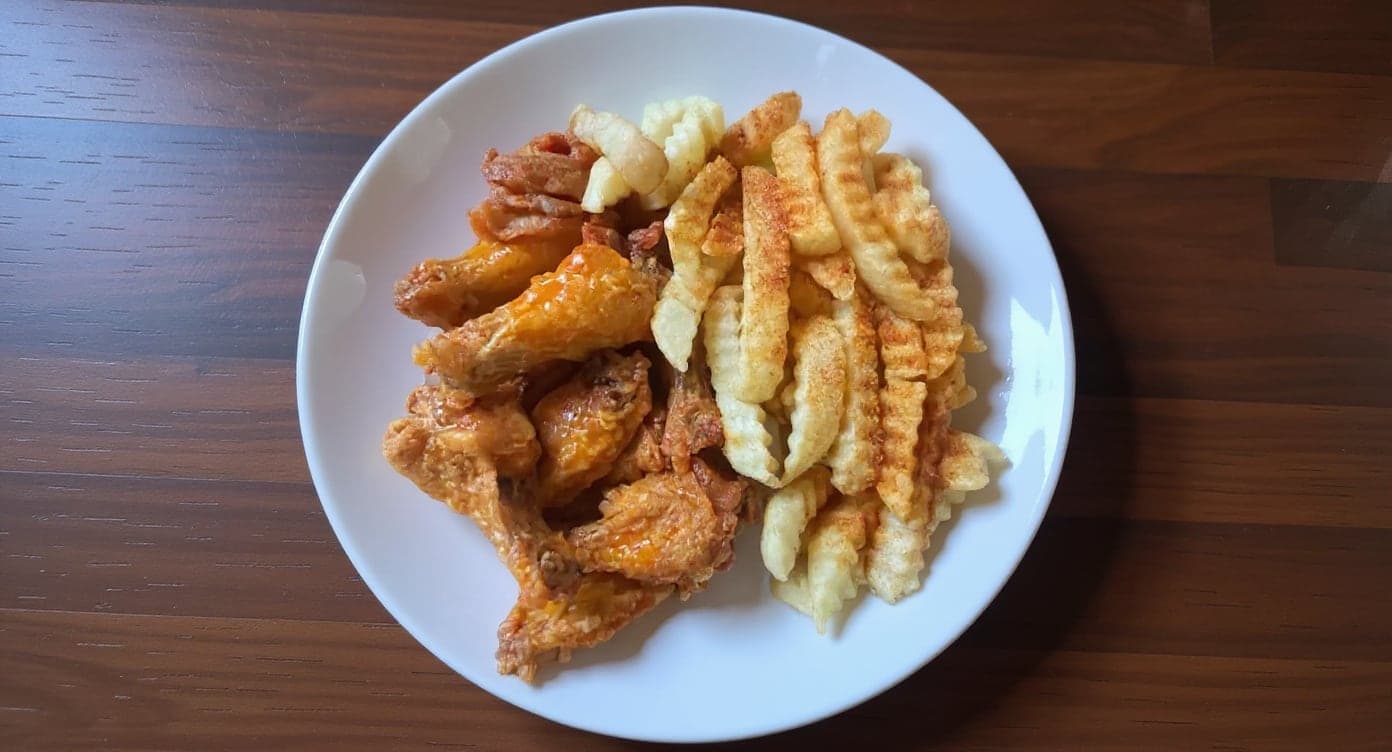
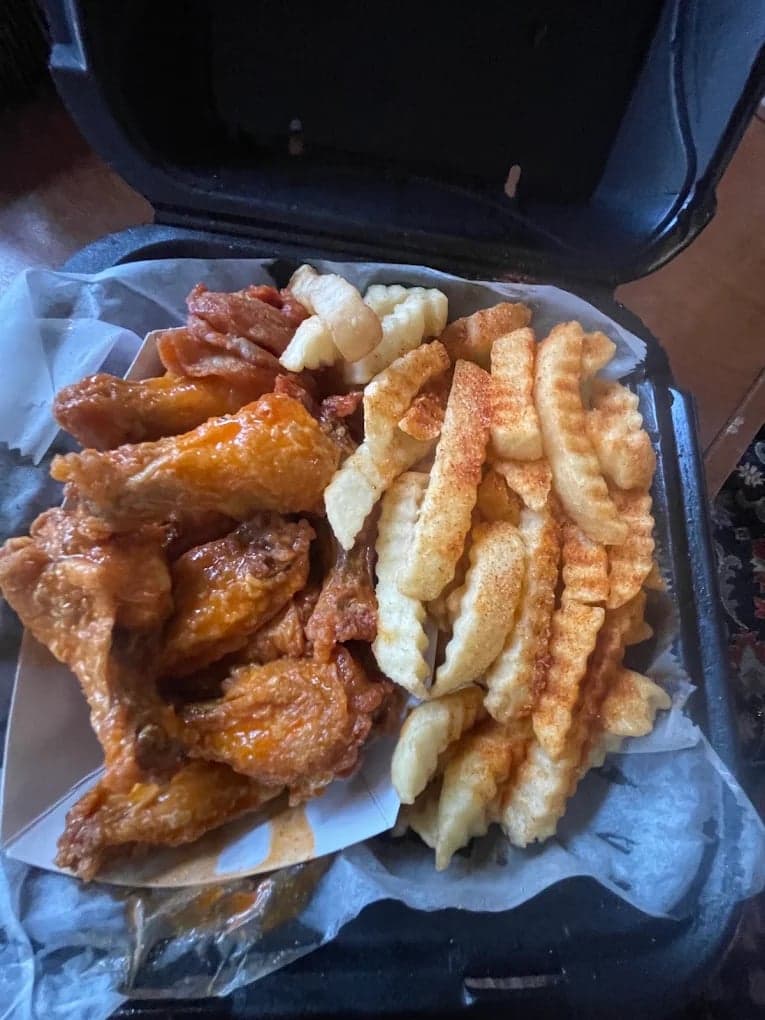
We hadn't updated our photos in three years. This finally got our DoorDash listing looking current.
5 photos free · No credit card · No watermark
Keep reading
- What photos do catering platforms like ezCater require?Catering
- Does every menu item need a photo on DoorDash, Uber Eats and Grubhub?Photo coverage
- Which spec do you follow when a platform publishes two?All platforms
- What are DoorDash's menu photo requirements?DoorDash
- What are Uber Eats' menu photo requirements?Uber Eats
- Menu photos for an Atlanta restaurant: shoot them or enhance them?Hiring
- Can you use DoorDash's AI-enhanced photos on Uber Eats and Grubhub?DoorDash
- Bought a restaurant already on DoorDash or Uber Eats? What happens to the reviews and photosNew owner
- How much does it cost to photograph a whole delivery menu?Cost

Su Lee
Founder, MenuPhotoLab · Atlanta, Georgia
I have photographed Atlanta restaurants for six years as a food creator, and for the last two my sister and I have run SocialLee Agency, shooting and uploading menus for independent restaurants around metro Atlanta.
Sources (12, each with the date it was read)
- Menus and Photos (Chicago), food photography packages: $347 for 10 photos, $990 for 30, $1,497 for 50; $65 to $130 a photo with food styling (a published photographer rate, to size the value of the free shoot), read
- Dustyn Reno Design, How much does food photography cost: menu shoots from $349, half day from $649, $25 to $75 per dish market range (second published photographer rate), read
- DoorDash, Why your menu photos were rejected and how to fix them (rejection email; DoorDash may add a photo from Instagram or Yelp to items without one), read
- Grubhub for Restaurants blog, Improve your online ordering experience (free photoshoot for partners), read
- Grubhub for Restaurants, Marketplace plans (free menu photoshoot in Plus and All-access, not Basic), read
- Grubhub photoshoot booking by SmartShoot (packages, one-hour shoot, published on your listing), read
- Grubhub, Merchant terms (merchant owns supplied content, licensed to Grubhub), read
- DoorDash for Merchants, Menu photography (the prohibition wording, quoted), read
- DoorDash Help Center, Free DoorDash Photoshoots (image rights and the request wording), read
- DoorDash Help Center, How to Book a Free DoorDash Photoshoot (session length, item count, who pays, Premier credit, and the "may not be used" footnote), read
- DoorDash, Common reasons for rejected menu photos (duplicate photos across size variants), read
- Uber Help, Restaurant submitted photos (Uber's own complimentary shoot and its usage wording), read
Platform requirements change. This page carries the date each source was last checked.
Not affiliated with DoorDash, Uber Eats, Grubhub.