
What photos do catering platforms like ezCater require?
Of the major catering marketplaces, only ezCater publishes photo rules: horizontal, at least 1200 x 800 pixels, JPG or PNG, no AI, stock photos, text or people, and matching the portion and packaging the customer receives. DoorDash catering uses its standard photo rules. I found no restaurant photo spec from Grubhub catering or CaterCow.

Su Lee · Founder, MenuPhotoLab
Six years photographing Atlanta restaurants, and two running SocialLee, uploading their menus to DoorDash, Uber Eats and Grubhub.
Sources last read · 7 sources
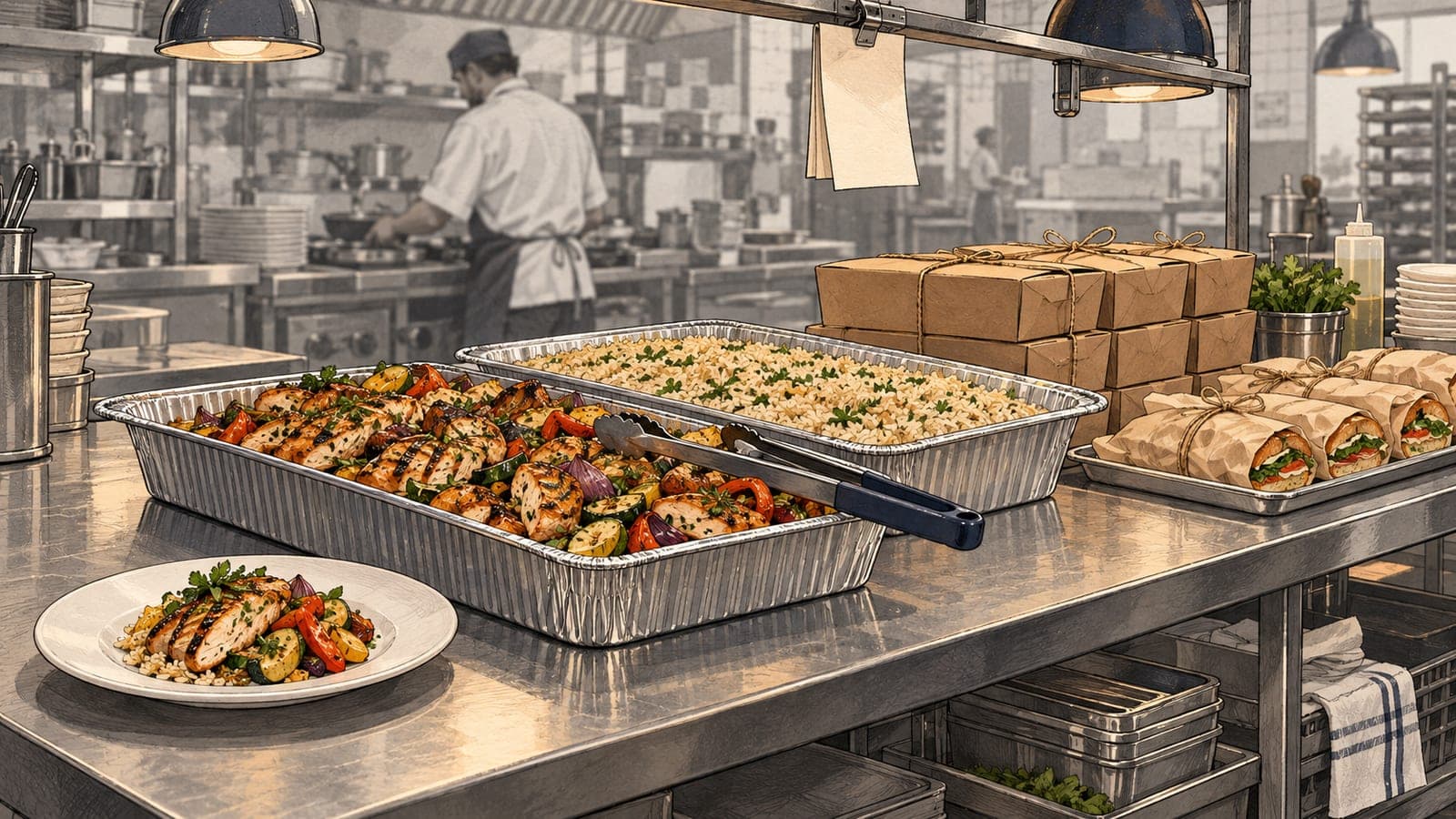
Catering is its own listing with its own photo problem. The item is a tray or a package for a group, and the photo has to show that, not the single plate you already have for delivery.
What are ezCater's menu photo requirements?
| ezCater | DoorDash (for comparison) | |
|---|---|---|
| Shape | Horizontal | Landscape 16:9 only |
| Minimum size | 1200 x 800 pixels | 1400 x 800 pixels |
| File type | .jpg or .png | JPG or PNG |
| AI or stock | Not allowed: "Be AI-generated or generic stock photography" is on the cannot list | Not allowed: real photos of the actual item only |
| Text, people, graphics | Not allowed, "except small logos on packaging/labels" | No added text, graphics or borders |
| Portion | "Match the portion size and packaging the customer actually receives" | "The portion size must be clear and realistic" |
ezCater also asks for room around the food, because it crops your photo itself:
Show food as the central focus, with ample space around the food so our system can crop correctly.
The same article bans collages, composites, logos and watermarks, and asks that the photo accurately represent the item: if a package does not include drinks, the photo should not show drinks. It says the photos must be yours, with rights to use them. For the banner at the top of your ezCater page, it suggests "Ideally an overhead (flat-lay) shot highlighting several popular menu items together".
How is a catering photo different from a delivery photo?
Both ezCater and DoorDash tie the photo to what actually arrives. DoorDash's general rule allows more than one item in a photo only when they are sold together:
Show only one item per photo, unless multiple items are sold together (for example, family meals or bundles)
My advice, not a platform rule: photograph the tray as it leaves your kitchen, in the real container with the real portion, and leave out anything the group will not get.
Does ezCater offer a free photoshoot?
In most of its markets, yes, for active partners. ezCater says a professional photographer visits for about one hour, you prepare the food from a shot list ezCater sends ahead of time, and the photographer captures a banner image plus your key catering items and packages. Atlanta is on its list of photoshoot markets.
The condition that matters is where the photos can go:
Please note photos are for ezCater use only at this time.
That is the same shape as DoorDash's free shoot, whose photos may not be used on other third-party delivery platforms. A free platform shoot fills that one platform. ezCater also says it "may occasionally add photos to menu items that don't have images", so a blank catering item is not guaranteed to stay blank, just as on DoorDash and Uber Eats.
What do DoorDash catering, Grubhub and CaterCow publish?
| Platform | Catering photo rules published? | What it does say |
|---|---|---|
| DoorDash catering | No catering-specific spec found | Catering menus "carry different items, portion sizes, and pricing" and are separate menus. Standard photo rules apply. Catering runs in New York City and San Francisco |
| Grubhub catering | None found | "Some items on the catering menu may have a minimum quantity and serving size label." |
| CaterCow | No restaurant spec found | CaterCow photographs orders itself: "the individual meals in their takeout containers or the buffet setup in their aluminum trays" |
Can I use the same photos on ezCater and DoorDash?
The file can travel, the content often cannot. A photo exported for DoorDash, in 16:9 and at least 1400 x 800, already clears ezCater's 1200 x 800 horizontal minimum, so size is not the obstacle.
What stops reuse is the portion. Your DoorDash item photo shows one serving; your ezCater listing sells a tray. ezCater allows reused photos only when they "accurately represent the catering version of the item", so the delivery plate needs a catering companion shot.
And photos from a platform's free shoot stay on that platform: ezCater's are for ezCater use only, and DoorDash's may not go on other delivery apps. Photos you own outright are the only set you are free to reuse everywhere, once each listing shows the right portion.
What size should ezCater menu photos be?
ezCater asks for horizontal photos of at least 1200 x 800 pixels, saved as .jpg or .png, as of its help article read on 2026-09-25. It also wants the food centered with space around it, because its system crops photos automatically, and bans AI, stock photos, text, people, collages and watermarks.
Can I use my DoorDash photos for catering?
The file size works: a DoorDash photo of at least 1400 x 800 clears ezCater's 1200 x 800 minimum. The content usually does not, because a catering listing sells a tray or package, and ezCater and DoorDash both require the photo to match the portion the customer receives. Photos from DoorDash's free shoot also may not go on other delivery platforms.
Can I use ezCater's free photoshoot photos on my website?
ezCater's help center says the photos from its shoot are for ezCater use only at this time. That rules out other platforms and, as written, your own website too. Check your agreement with ezCater before using them anywhere else.
Does DoorDash have photo rules for catering?
No catering-specific photo spec appears on the DoorDash pages checked on 2026-09-25. Catering menus are separate menus with their own items and portions, and DoorDash's standard photo rules apply, including that the portion size must be clear and realistic. DoorDash catering is available in New York City and San Francisco.
Real client work
A real restaurant's takeout photo, ready for DoorDash
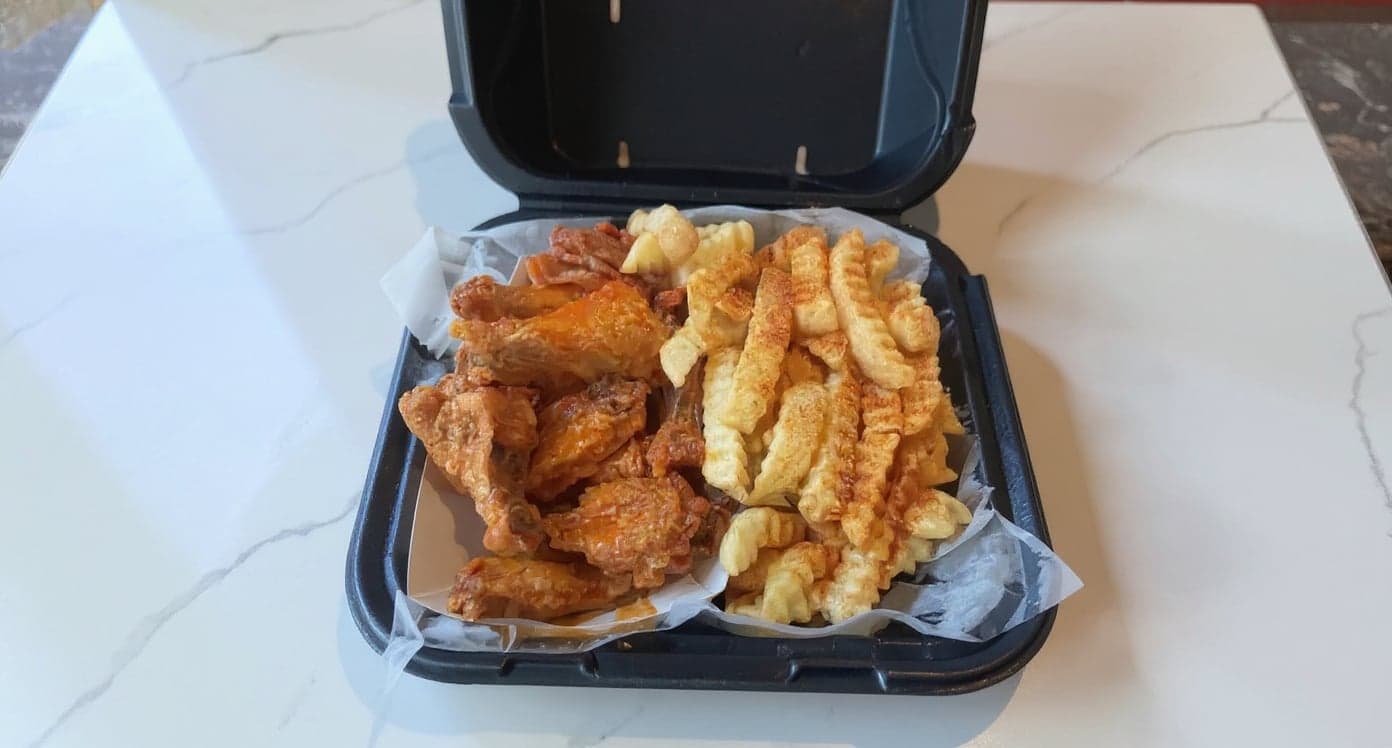
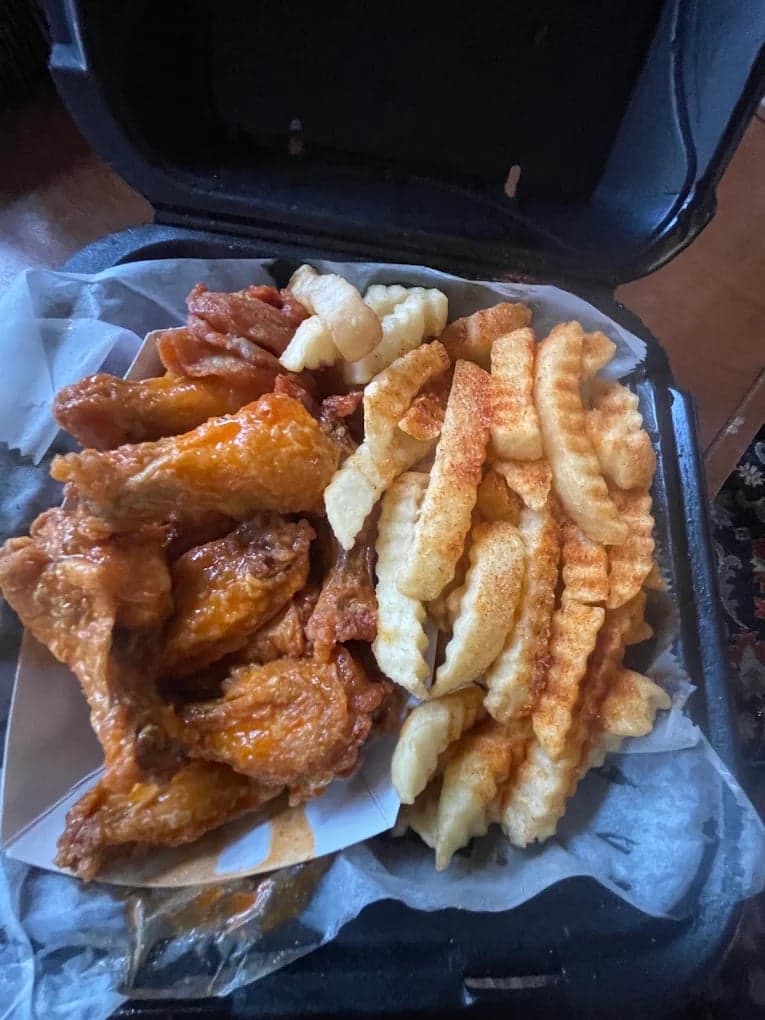
It genuinely looks like we hired a professional photographer. Thank you!
5 photos free · No credit card · No watermark
Keep reading

Su Lee
Founder, MenuPhotoLab · Atlanta, Georgia
I have photographed Atlanta restaurants for six years as a food creator, and for the last two my sister and I have run SocialLee, shooting and uploading menus for independent restaurants around metro Atlanta. I wrote this page the way I wish the platforms had written theirs: every number read off their own documentation, with the date I read it, and where they contradict themselves I say so.
Sources
- ezCater Help, Your menu photos (spec, cannot list, cropping space, banner, free shoot, markets), read
- ezCater Help, Menu photo updates (ezCater use only, ezCater may add photos, reuse conditions), read
- DoorDash, Common reasons for rejected menu photos (portion size, one item per photo), read
- DoorDash Developer, Support catering orders (separate catering menus), read
- DoorDash for Business, Catering (available in New York City and San Francisco), read
- Grubhub for Restaurants, Catering FAQ (minimum quantity and serving size label), read
- CaterCow, Office and corporate catering (CaterCow photographs deliveries itself), read
Platform requirements change. This page carries the date each source was last checked.
Not affiliated with ezCater, DoorDash, Grubhub, CaterCow.