
Can you use DoorDash's AI-enhanced photos on Uber Eats and Grubhub?
DoorDash's own May 2026 announcement says merchants can download photos edited with AI Retouch, AI Replate or Match Style and use them across other channels. Its free photoshoot is the opposite: DoorDash asks you to keep those photos off other delivery apps. On Uber Eats you still need the rights to the image and a 5:4 to 6:4 crop.

Su Lee · Founder, MenuPhotoLab
Six years photographing Atlanta restaurants, and two running SocialLee, uploading their menus to DoorDash, Uber Eats and Grubhub.
Sources last read · 7 sources
Will your photo pass DoorDash, Uber Eats and Grubhub?
Check its size, shape and file type against DoorDash, Uber Eats and Grubhub’s published rules in a few seconds. The photo stays on your device and nothing is uploaded.
Drop a photo here, or choose one from your phone or computer.
Can you use DoorDash's AI-edited photos outside DoorDash?
DoorDash's Merchant Portal has three AI photo modes under Menu Manager, and when DoorDash announced them it said the edited photos are yours to take elsewhere. This is the sentence, from DoorDash's own newsroom:
With each of these tools, merchants can download their edited images to improve their visual presence not just on DoorDash, but across other channels they use.
It does not name Uber Eats or Grubhub, and "other channels" could mean your website and social accounts as easily as a competing app. But it places no limit on where, which is the opposite of what DoorDash says about the photos from its free shoot.
How is that different from DoorDash's free photoshoot?
It is the reverse. DoorDash pays a photographer to shoot your menu, and pays for the rights, then asks you to keep those images off every other delivery app:
These images are yours to keep, we only ask that you don’t use the photos on any other third party delivery platforms.
| DoorDash free photoshoot | DoorDash AI Photo Enhance | Your own photo | |
|---|---|---|---|
| Who took the photo | A photographer DoorDash pays | You, edited by DoorDash's AI | You |
| What DoorDash says about other apps | Asks you not to use them on other third party delivery platforms | Says you can download them for "other channels" | Nothing to ask: it is yours |
| Made for | Your DoorDash menu | The photo already on your DoorDash menu | Wherever you choose to use it |
What do DoorDash's three AI photo modes do?
In DoorDash's help-center wording, which is shorter than its announcement:
AI Retouch: "keeps the original dish; cleans up background, lighting, sharpness".
AI Replate: "re-stages the dish on premium dinnerware with polished plating".
Match Style: "applies the look (lighting, color, background) of a reference photo to the dish".
Two details from the same page matter before you take a result to another app. Enhanced photos "will continue to go through DoorDash’s standard moderation and photo review process", and if you do not like a result you can "click reset to return to the original image". Whether a replated dish is still a fair picture of what you serve is a separate question, and the AI food photos guide in this library covers where DoorDash itself draws that line.
Will Uber Eats accept a photo edited by DoorDash's AI?
Uber's merchant photo guidelines, read 2026-09-29, publish no rule about AI-edited photos either way. What they do require is that the image is yours to use:
Own and or have the right to use your images
That is the clause DoorDash's "other channels" line speaks to, and the reason the free-shoot photos are the harder case.
The bigger practical problem is shape. A photo edited for DoorDash is 16:9, and Uber Eats asks for a band between 5:4 and 6:4, marked "(recommended)". A 16:9 file is wider than that whole band, so it has to be cropped again before it goes on Uber, and whatever sits near the left and right edges goes.
Will Grubhub accept it?
Grubhub's menu help page publishes no rule on AI-edited images and documents no AI photo tool of its own. It does publish two rules that bite here. Its help center asks for a 1:1 square, which takes nearly half the width off a 16:9 DoorDash file. And it checks copyright a specific way:
Images must not return matching URLs from reverse Google image search.
Grubhub does not say whether a match to your own listing on another app counts. It is written to catch stolen photos. But it is one more reason to upload a fresh export of your original to each app rather than the file DoorDash already published.
What this means if you sell on more than one platform
DoorDash's AI tools sit right inside the Merchant Portal, and on DoorDash's own word the results can travel. But they start from the photo you already uploaded to DoorDash, and they hand back a DoorDash-shaped file.
The dependable order is the other way round: keep your original phone photo, improve that once, and export a separate crop for each app from it. A 4:3 original with the dish in the middle 75 percent of the frame survives DoorDash's 16:9, Uber's 5:4 to 6:4 and Grubhub's square. A DoorDash 16:9 file has already lost the height the other two need.
Frequently asked questions
Can I download photos edited with DoorDash's AI Photo Enhance?
DoorDash's 4 May 2026 announcement says merchants can download their edited images to use not just on DoorDash but across other channels. The help page for the tool does not describe a download step, so if you cannot find one in Menu Manager, keep your own original and edit that instead.
Can I put DoorDash AI-enhanced photos on Uber Eats?
DoorDash's announcement places no limit on where the edited images go, and Uber Eats publishes no rule against AI-edited menu photos. Uber does require that you own or have the right to use the image, and it wants 5:4 to 6:4, so a 16:9 DoorDash file needs recropping first.
Are DoorDash's AI-edited photos under the same rule as its free photoshoot photos?
No. DoorDash asks merchants not to use free-photoshoot images on any other third party delivery platform. It says the opposite about AI Photo Enhance results, which merchants can download for other channels. The difference is who took the photo: DoorDash's photographer, or you.
Do AI-enhanced photos skip DoorDash's photo review?
No. DoorDash's help page says enhanced photos will continue to go through its standard moderation and photo review process, and are displayed only if approved. An edited photo faces the same review as any other upload.
Can I undo an AI Retouch or AI Replate edit on DoorDash?
Yes. DoorDash's help page says that if you are not satisfied with the enhanced result, you can click reset to return to the original image and try again.
Does Uber Eats have its own AI photo tool?
Uber announced one on 26 August 2026, saying it is using AI to detect and enhance low-quality food images. It did not say whether merchants opt in, and no Uber merchant help page checked on 2026-09-29 documents it yet.
Real client work
A real restaurant's takeout photo, ready for DoorDash
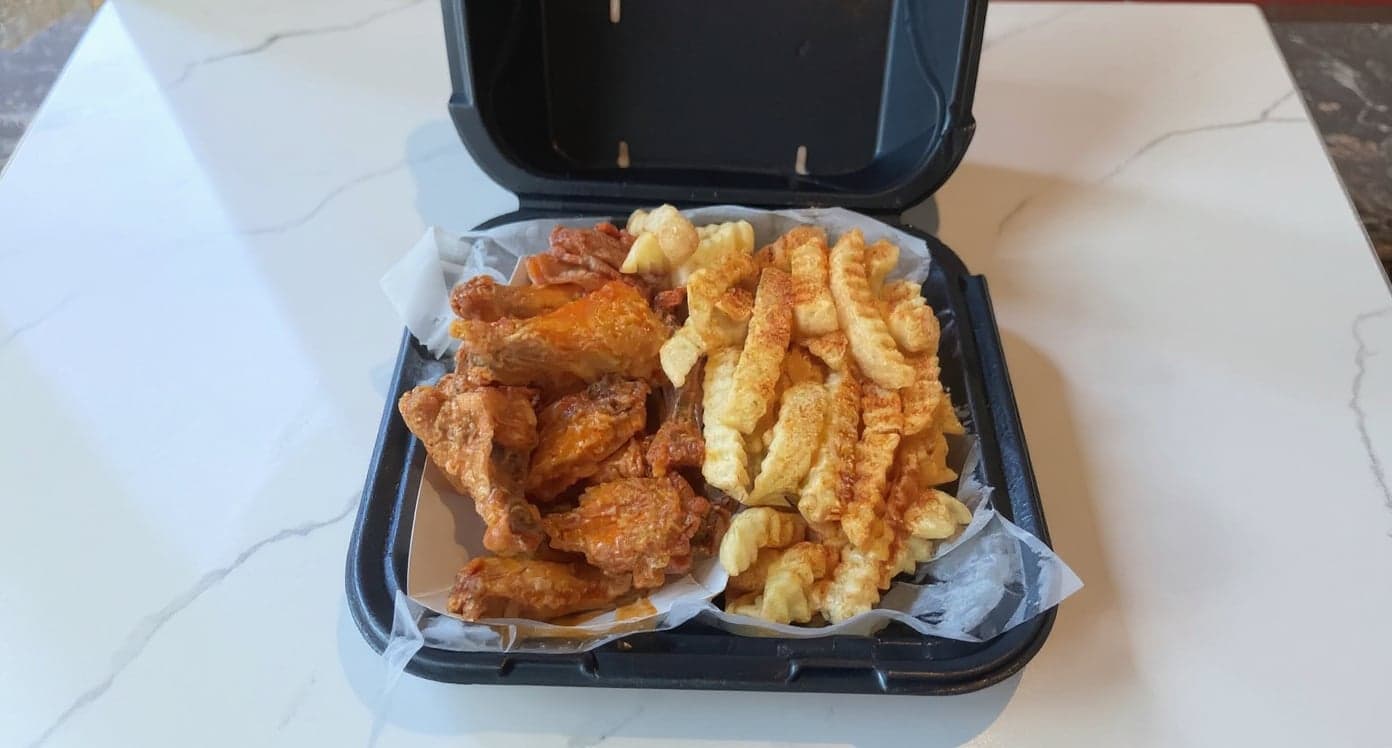
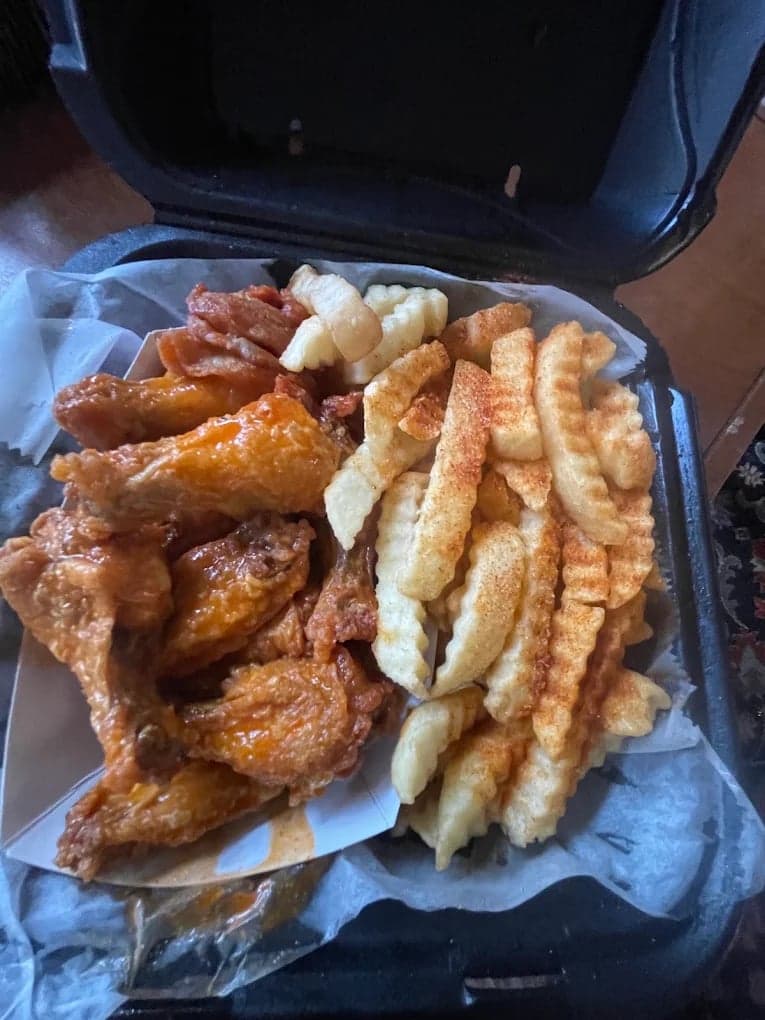
These DoorDash photos look amazing. Exactly the upgrade our shop needed.
5 photos free · No credit card · No watermark
Keep reading
- Will AI-generated photos get your menu rejected?All platforms
- What do you get from DoorDash's free photoshoot?DoorDash
- Which spec do you follow when a platform publishes two?All platforms
- What are Uber Eats' menu photo requirements?Uber Eats
- What are Grubhub's menu photo requirements?Grubhub
- What are DoorDash's menu photo requirements?DoorDash

Su Lee
Founder, MenuPhotoLab · Atlanta, Georgia
I have photographed Atlanta restaurants for six years as a food creator, and for the last two my sister and I have run SocialLee, shooting and uploading menus for independent restaurants around metro Atlanta. I wrote this page the way I wish the platforms had written theirs: every number read off their own documentation, with the date I read it, and where they contradict themselves I say so.
Sources
- DoorDash newsroom, New AI-powered tools for merchants, 4 May 2026 (the "other channels" line), read
- DoorDash Help Center, Enhance your menu photos with Smart Photo Tools (modes, review, reset; updated 20 May 2026), read
- DoorDash Help Center, Free DoorDash Photoshoots (the other-platforms request), read
- DoorDash Help Center, Common reasons for rejected menu photos, read
- Uber Help, Merchant submitted menu catalog photo guidelines (rights, 5:4 to 6:4), read
- Uber newsroom, Smarter tools for restaurants, 26 August 2026 (AI food image enhancement), read
- Grubhub, Getting started with your Grubhub menu (square images, reverse image search rule), read
Platform requirements change. This page carries the date each source was last checked.
Not affiliated with DoorDash, Uber Eats, Grubhub.