
Bought a restaurant already on DoorDash or Uber Eats? What happens to the reviews and photos
Transfer the store instead of relisting it. DoorDash's Change of Ownership keeps the menu, hours and customer reviews. Uber Eats' US transfer page does not say whether ratings carry over, and Uber's UK, Irish, Australian and New Zealand posts give a new account when the menu and photos change. Grubhub publishes no transfer process.

Su Lee · Founder, MenuPhotoLab
Six years photographing Atlanta restaurants, and two running SocialLee, uploading their menus to DoorDash, Uber Eats and Grubhub.
Sources last read · 11 sources
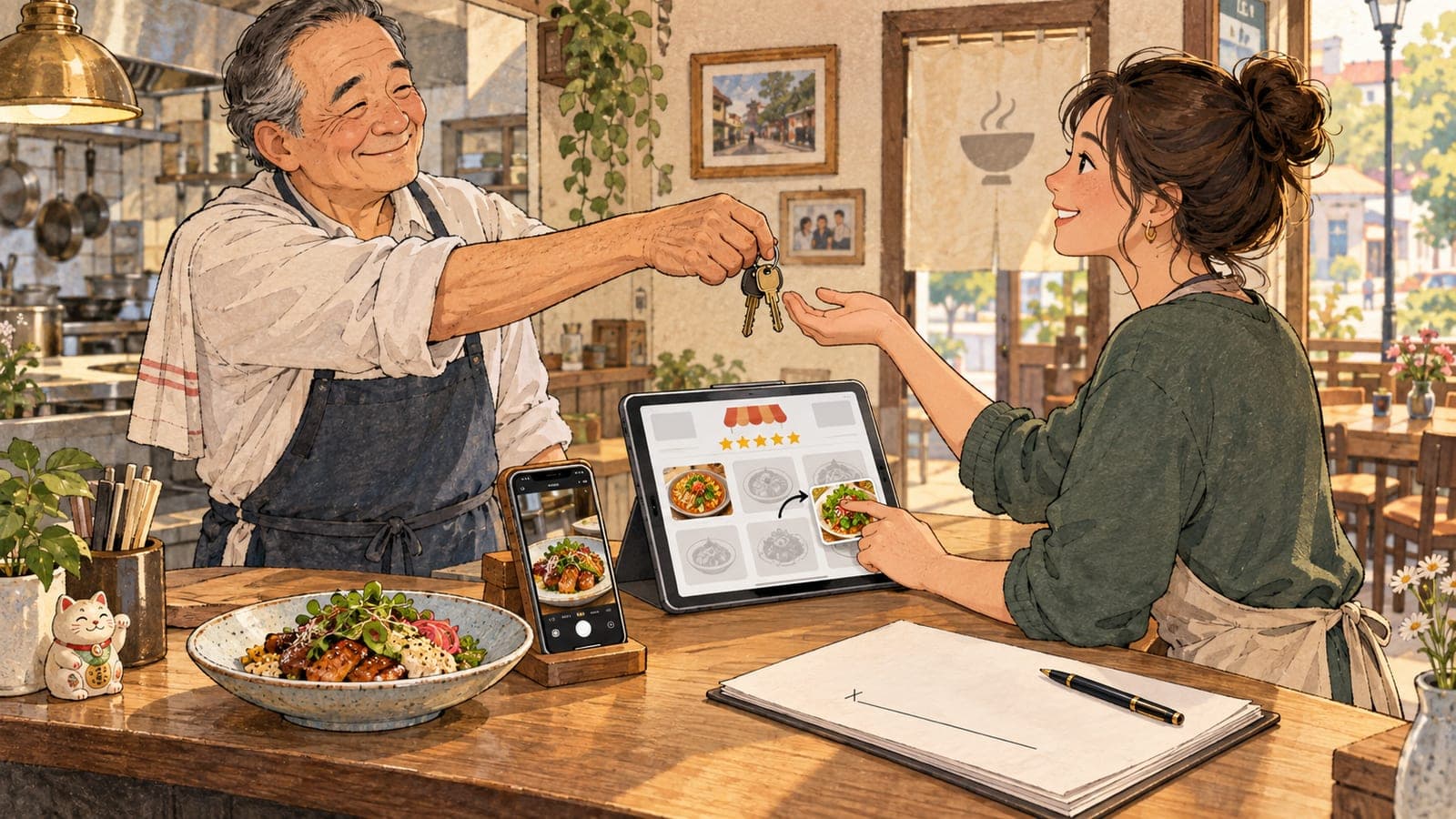
Do you keep the reviews when you buy a restaurant that is already on DoorDash?
Yes, if you transfer the store rather than listing it again. DoorDash's Change of Ownership moves the existing store to you, and its help article tells the new owner to confirm keeping the store settings, including customer reviews, menus and hours. Uber Eats and Grubhub publish less, and the difference is worth knowing before the keys change hands.
DoorDash, transferred store
Reviews stay
DoorDash says "Customer reviews stay with the store" and lists the menu, hours, order history and up to 3 years of data as carrying over.
Uber Eats, US and Canada
Not stated
Uber's US page transfers the live store and gives you access to "manage menus, hours, and user logins". It does not mention ratings.
Uber Eats, UK, Ireland, Australia, New Zealand
Only with authorisation
Uber's regional posts say new owners get a new account, with ratings reset, unless the previous owner authorises a transfer and the menu and photos stay.
Grubhub
Ask first
Grubhub publishes no transfer process. Its terms say the merchant "may not assign the Agreement without the prior written consent of GH".
A brand new listing
Starts at zero
DoorDash says reviews "stay with the store". Uber's regional posts say a new account appears as "a completely new restaurant". Grubhub does not publish what a new listing keeps.
Customer reviews stay with the store and are an important factor in whether customers choose to order from you. Keeping them helps maintain your store's ranking from day one.
How does each app transfer a store to a new owner?
| Platform | Who starts it | How far ahead | What the page says carries over | How long |
|---|---|---|---|---|
| DoorDash | Either owner, from the Change of Ownership link. The previous owner then signs in the Merchant Portal | At least 3 days and no more than 90 days from the request | Menu and hours, customer reviews, order history, up to 3 years of sales and operational data, and the current plan and rates. Not the old bank details, tax documents or logins | The transfer happens at midnight on the chosen date |
| Uber Eats (US and Canada) | Seller or buyer, in Uber Eats Manager. One store at a time; several locations use a webform | An effective date 5 to 30 days after you submit | "The new owner then gains full access to the storefront to manage menus, hours, and user logins." Ratings and photos are not mentioned | "designed to be completed within 5-7 days" |
| Grubhub | No published process. Contact Grubhub | Not published | Not published | Not published |
DoorDash also defines the event more widely than a sale. DoorDash's change of ownership article opens with what counts:
A Change of Ownership (COO) is any update that changes the legal business entity associated with a DoorDash merchant account. This may include changes to the legal business name, or tax identification information (such as an EIN, GST, ABN, or NZBN).
A purchase made through a new LLC is therefore a change of ownership on DoorDash, even if the sign over the door stays the same.
Does Uber Eats reset the ratings when the menu photos change?
Uber's US help page does not say whether ratings reset when the menu photos change. Uber's posts for other countries do, and they tie the account directly to the menu and the photos:
If you require a new menu and new photography, you will be given a new account for Uber Eats. If you will be keeping the same menu and photography as the previous owner, you will have the option to continue using their account given they provide authorisation.
The same post says a new account means "the restaurant will appear as a completely new restaurant on the Uber Eats app meaning previous ratings, ranking, and history will be reset", and that it drops out of customers' favourites and order history. Uber's UK and Ireland post from February 2022 says the same.
In the US, the 2026 help page describes something different: a self-serve transfer of the live store, after which the new owner manages the menu. It sets no condition about photography. Two things follow. The regional rule is not the US rule, and the US page is silent rather than permissive. Before you change the menu, ask Uber Eats Support in writing whether new photos or a new menu affect the transferred store. A written answer is worth more than any page, including this one.
Can you keep using the previous owner's photos?
Whether a new owner can keep the previous owner's photos depends on who took them, and the answer for each source sits in a different document.
| Who took the photo | What the platform publishes | What to check |
|---|---|---|
| DoorDash's free photoshoot | DoorDash says "These images are yours to keep, we only ask that you don't use the photos on any other third-party delivery platforms." | "Yours" meant the previous owner. Whether the files and that right came with the sale is the purchase agreement's question. The no-other-apps limit stays either way |
| Uber Eats, photos Uber takes or generates | Uber's US merchant terms say Marketing Photographs "are and will remain the sole and exclusive property of Portier or its Affiliates", Portier being the Uber company named in the terms | Ask Uber before using them anywhere but Uber Eats |
| The previous owner, uploaded to Grubhub | Grubhub's terms say the merchant owns its Merchant Content, which "may include, without limitation, restaurant name, menus, photographs, trademarks and logos" | Grubhub's license runs "For the term of the Agreement and for six (6) months thereafter" |
| The previous owner, uploaded to DoorDash | DoorDash's terms give it a license to Merchant Content, including photographs, during the term of the agreement | Whether the photos were sold to you, and whether a hired photographer licensed them for resale, is between you and the seller |
| Added by DoorDash itself | DoorDash may fill a blank item from a connected Instagram business account or from Yelp, and says "DoorDash will never replace photos you upload yourself." | Check which Instagram account is linked. Uploading your own photo replaces a DoorDash-added one |
The free shoot's limit is covered in full in the guide to the free DoorDash photoshoot, and what the apps show on an item you leave blank is in the guide to menu items without photos.
When do the old photos stop matching the food?
The previous owner's photos stop matching the day you change the recipe, the portion, the plate or the container. DoorDash's photo rules are written about the item, not the owner:
Images must reflect the actual item served, not an idealized or generic version
A new recipe or portion makes the old photo a mismatch, which is one of the issues DoorDash rejects photos for. Its own reason: accurate photos "help prevent confusion, disappointment, and order issues."
A new plate or takeout container changes what the customer sees on arrival. Shoot the dish the way it now leaves your kitchen.
Photos copied from the old owner's website or social pages are not a shortcut. DoorDash's same article says "Don't use stock photos, images copied from websites, or third-party images".
One photo per item. DoorDash says "Photos can be reused only if they represent the exact same item", so a renamed or reworked dish needs its own.
What if you are renaming the restaurant too?
DoorDash: the store name is a field under Settings in the Merchant Portal, described as "the name you will see on your DoorDash store". A change to the legal business name counts as a change of ownership, as quoted above.
Uber Eats: the US help page does not cover a rename. Uber's UK and Ireland post lists "Changing their trading name" among the cases that are not a change of ownership and sends them to a new sign-up. Ask Uber Eats Support before you rename a transferred store.
Grubhub: its rebranding article is marketing advice and publishes no listing rule. Ask Grubhub.
New logo and header. A rename means a new logo and header image on every app. DoorDash's own figures: logo at least 230 x 230 pixels, square, under 2 MB; header at least 1400 x 800 pixels, 16:9 in the app and 4:1 on the web.
What order should a new owner do it in?
Name the listings and photos in the purchase agreement
List each delivery app account and the photo files, and who took them. That settles the ownership questions in the table above before they become disputes.
Start each transfer before the takeover date
DoorDash needs at least 3 days of notice and allows up to 90. Uber Eats needs an effective date 5 to 30 days out. Grubhub has no published window, so contact it first.
Collect the original photo files from the seller
DoorDash says the previous owner loses access to the store account, reports and tax documents at transfer. Ask for full-size originals, not screenshots of the menu, before that date.
Review the menu after the transfer
DoorDash's own tip is to review banking information and menu details once the store is yours. Mark every item whose recipe, portion or container you have changed or plan to change.
Replace photos item by item, changed dishes first
Upload your own photo for each marked item. Sizes are on the DoorDash and Uber Eats requirement pages, and the rejection guide covers what gets sent back.
What this means if you sell on more than one app
Three apps, three transfers. Each runs its own process on its own clock, so start all three in the same week and pick one takeover date that fits every window.
The free-shoot photos cannot follow you everywhere. DoorDash's photos stay off Uber Eats and Grubhub whoever owns them, so a store whose photos came from a DoorDash shoot needs other photos for the other two.
One shoot, three shapes. DoorDash asks for 16:9 item photos. Uber Eats' 5:4 to 6:4 range and Grubhub's square and 4:3 specifications are set out, with each platform's own source, in the guide to conflicting photo specs. Shoot each dish with room on every side and all three come out of one file.
A takeover is usually when a menu finally gets the photos it should have had, because every changed dish needs one anyway. With MenuPhotoLab you take the photos on your phone in your own kitchen. It fixes the light and the background and prepares each app's size from one shot, and it never generates food or changes what is on the plate, because the photo has to match what your customer receives.
Frequently asked questions
Do I keep the DoorDash reviews when I buy a restaurant?
Yes, if you use DoorDash's Change of Ownership instead of signing up as a new store. DoorDash's help article, read 2026-10-05, says customer reviews stay with the store, and lists the menu, hours, order history and up to 3 years of sales data as carrying over. The transfer date must be 3 to 90 days after the request.
Does Uber Eats reset ratings for a new owner?
Uber's US help page, read 2026-10-05, describes a self-serve transfer of the live store and does not mention ratings. Uber's posts for Australia, New Zealand, the UK and Ireland say a new owner gets a new account, with ratings, ranking and history reset, unless the previous owner authorises a transfer and the menu and photography stay the same.
Can I use the previous owner's menu photos on DoorDash?
Yes, as long as the photos still show the food you serve. DoorDash requires images to reflect the actual item served, so a changed recipe, portion or container makes the old photo a mismatch. Who owns the files is a question for your purchase agreement, and photos from DoorDash's free shoot still may not go on other delivery apps.
How long does an Uber Eats change of ownership take?
Uber's US help page says the self-serve flow is designed to be completed within 5 to 7 days, and asks for an effective date 5 to 30 days after you submit. Uber's page adds that it can take longer for several locations, incomplete forms, documents that need manual review, or an agreement one side has not signed.
Does Grubhub have a change of ownership process?
Grubhub publishes none on its merchant site, checked 2026-10-05. Its restaurant terms say the merchant may not assign the agreement without Grubhub's prior written consent, and that any assignment without it is a nullity. Contact Grubhub before the sale closes and ask how it wants the store moved.
Real client work
A real restaurant's takeout photo, now live on DoorDash
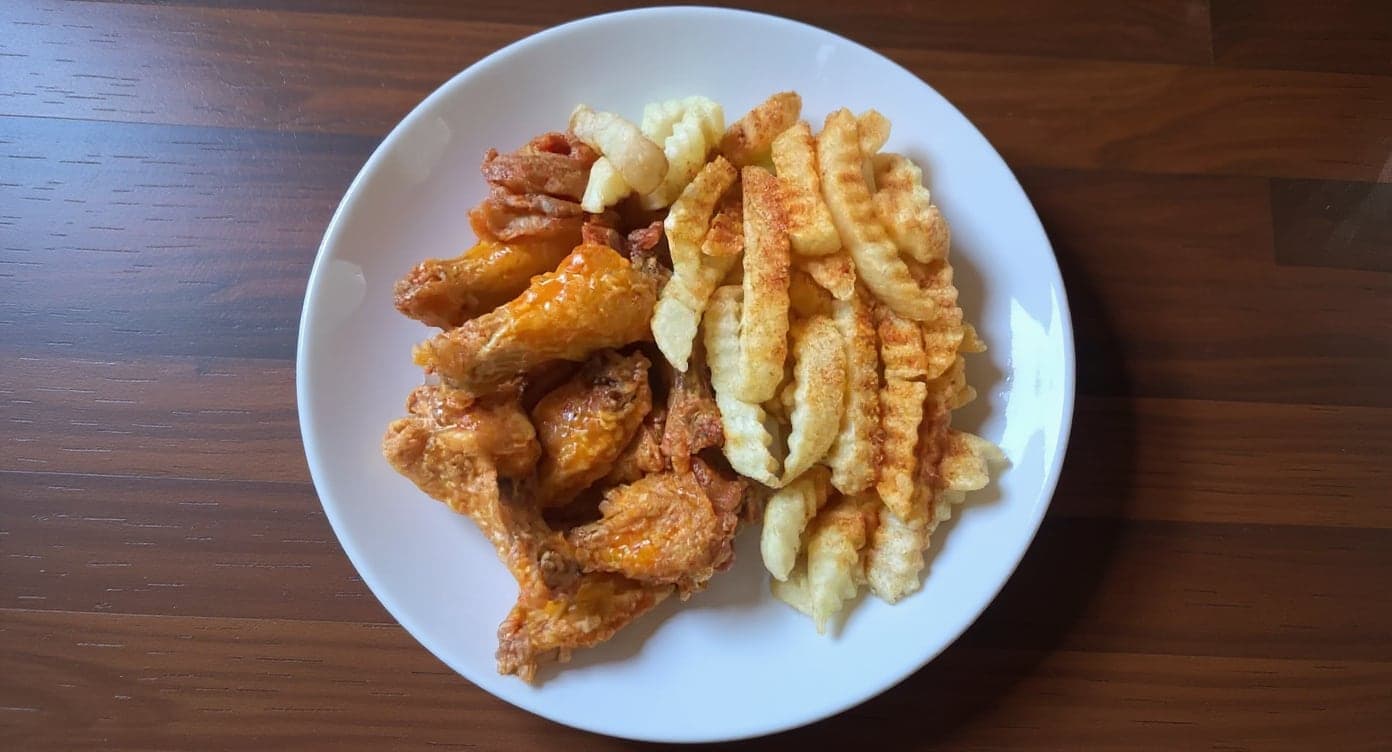
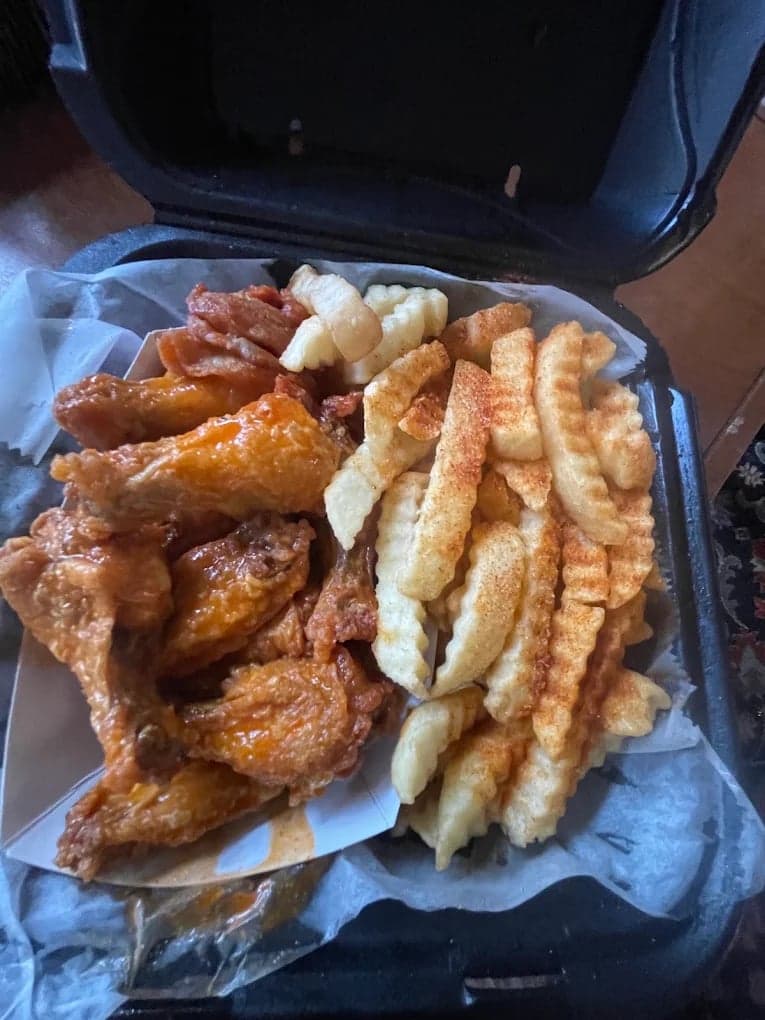
We hadn't updated our photos in three years. This finally got our DoorDash listing looking current.
5 photos free · No credit card · No watermark
Keep reading

Su Lee
Founder, MenuPhotoLab · Atlanta, Georgia
I have photographed Atlanta restaurants for six years as a food creator, and for the last two my sister and I have run SocialLee, shooting and uploading menus for independent restaurants around metro Atlanta. I wrote this page the way I wish the platforms had written theirs: every number read off their own documentation, with the date I read it, and where they contradict themselves I say so.
Sources
- DoorDash Help Center, How to Change the Owner of Your Store on DoorDash (what carries over, 3 to 90 days, best practices), read
- DoorDash Help Center, How to Update the Settings in the Merchant Portal (store name), read
- DoorDash Help Center, Common Photo Issues Explained (mismatch, copied images, reuse, DoorDash-added photos, logo and header sizes), read
- DoorDash Help Center, Free DoorDash Photoshoots (images yours to keep, not on other delivery platforms), read
- DoorDash, Merchant Terms of Service, United States, last updated April 27, 2026 (section 5.3, Merchant Content), read
- Uber Help, Change of Ownership (US and Canada self-serve flow; JavaScript page, read as rendered text. curl returns 404), read
- Uber Blog, Is your business going through a change of ownership? (Australia and New Zealand, August 18, 2024; read as rendered text), read
- Uber Blog, Is your business going through a change of ownership? (UK and Ireland, February 23, 2022; read as rendered text), read
- Uber Eats Merchant Terms and Conditions, United States, last updated June 2, 2026 (section 12.e.i, Marketing Photographs; read as rendered text), read
- Grubhub, Restaurant terms and conditions (Merchant Content, assignment), read
- Grubhub for Restaurants, Tips for successful restaurant rebranding, read
Platform requirements change. This page carries the date each source was last checked.
Not affiliated with DoorDash, Uber Eats, Grubhub.