
What should a new restaurant post before opening and in its first month?
If you don't know what to post before you open, post the progress: the menu board, the sign going up, the date. Set up your Google Business Profile first, because with an opening date it shows 90 days early, and customers cannot review it until you open. Then post the address and hours, then one dish a week.

Su Lee · Founder, MenuPhotoLab
9 min read · Sources last read · 8 sources
On this page · 8 sections
- What do I post if the restaurant isn't finished yet?
- Can I set up a Google Business Profile before the restaurant opens?
- What name and handle should the new restaurant use on each platform?
- What should I post before the restaurant opens?
- What should I post on opening day and in the first month?
- What should be ready before the first post?
- What we do not know yet
- Frequently asked questions
In October 2026 we helped prepare a new location of a multi-location chicken wing franchise. The finished room, the first plate and the line out the door did not exist until the last week. What did exist was the menu board, the sign and an opening date that kept moving, so that's what we posted, in the order it happened.
This page covers what Google and Meta publish about a business that hasn't opened yet, plus our post order. What we did, not a platform rule, is marked Ours.

What do I post if the restaurant isn't finished yet?
Post the progress. A wall getting painted, the sign going up, the menu board before the floor is finished: these are real, and people like watching something get built. Before opening you have no finished room, no first plate and no reviews, and that's fine. Each post takes a minute, needs no finished room, and gives opening day something to point back to.
A wall getting painted,
or the floor going down.
The sign going up,
which also tells the neighbourhood where you'll be.
The menu board,
before the room around it is done.
The kitchen taking shape
a hood going up, a sink, a shelf, a counter.
A before and after
of a corner, a counter or a window.
The first dish on a plate,
once the kitchen can make it.
Keep each post short, and ask permission from anyone in the picture.
Can I set up a Google Business Profile before the restaurant opens?
If your business hasn’t opened yet, you can create a Business Profile on Google to let your community know when your business will open at the given address.
Yes. Only the month and year are required, the date can be up to one year ahead, and once the profile is verified:
After you enter the date and verify your business, your profile shows up on Google 90 days prior to your opening date.
In those 90 days Google lists three things you can do: create posts to announce the opening and "share an opening day discount or coupon", add photos of the location "from construction to opening day", and write the business description. Two more lines on the same page shape the plan:
Once your business opens, your profile will show a "Recently opened" tag on Google for 90 days.
To prevent inaccurate information from appearing on Google, users cannot suggest edits to your business information or post content, such as reviews or photos, on your Business Profile until your business is officially open.
So a soft-opening review push is pointless until the opening date has passed: Google will not take the reviews. Verification is a separate step that Google says takes up to 5 business days.
Ours: in our October 2026 case the opening date wasn't confirmed in writing for several weeks, so every dated post waited. Get the date in writing before you plan a post.
What name and handle should the new restaurant use on each platform?
Pick one spelling before any account exists and use it on the sign, the website, the Google profile, the Facebook Page, the Instagram bio and the printed menu. Changing it later isn't free, and the rules differ by platform.
Keep Page names simple, specific and grammatically correct to accurately reflect the purpose of your Page. For example, Hungry Bear Coffee, Allstar Locksmith or Caring Hearts Daycare.
Facebook Page name
Meta bars all-capital names except acronyms, and names made only of a general word or place. A change is a request, only someone with Facebook access to the Page can make it, and a recent change can make the option disappear.
Facebook username
Meta says "newly-created Pages may not immediately be able to create a username" and that one "may be removed because of inactivity". Create the Page early and post to it.
Instagram
A username change "may need to be reviewed" if the account reaches a lot of people. Our old internal note said two name changes per 14 days; we couldn't find that on Instagram's help page, so treat it as unverified.
Google
The name must be the real-world name on your storefront and website.
Ours: the Instagram bio used the town and dropped half the brand, the Google profile used a bracketed town, and the menu used the full name. We settled on the full brand name everywhere, with the town on a separate bio line, before the first post.
What should I post before the restaurant opens?
Post five things in this order: the menu board, the storefront, the opening date, the team, and how to order. Ours, not a platform rule: it's the order the assets became real in our October 2026 case.
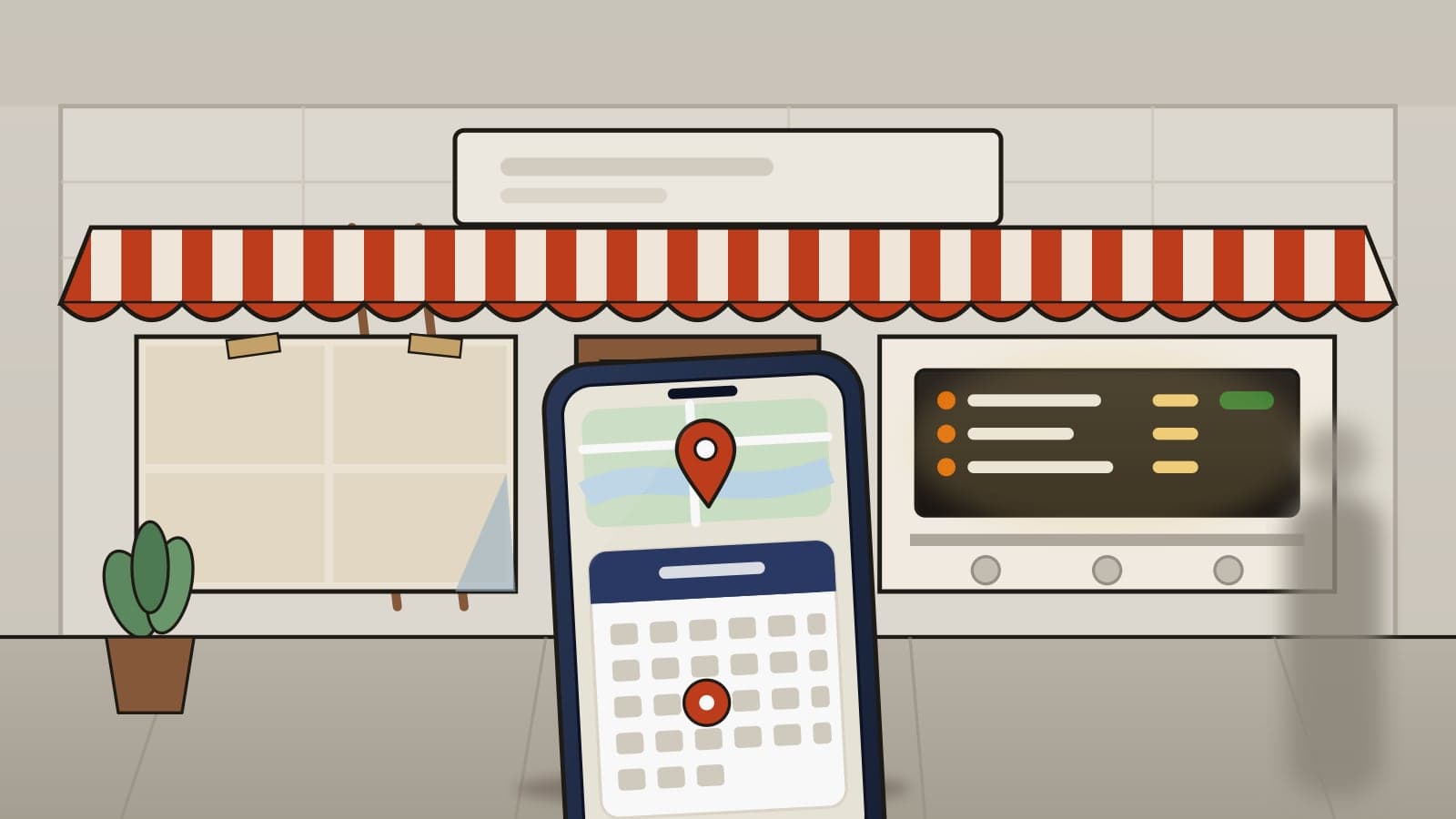
The board: what you will sell
The menu board or printed menu is usually the first finished asset. Photograph it straight on with no glare and post it first. On Google it's an Update post with a photo, reviewed against Google's content policy after publishing.
The storefront: where you will be
The sign going up, the window film, the door with the address. Write the full address and the nearest landmark in the Instagram and Facebook caption. Ours: the Facebook Page didn't exist when the first Instagram posts went out, so there was no location to tag.
The date: when, only once it is in writing
On Google, set the opening date on the profile and post it as an Event with a start date. On Instagram and Facebook, one post with the date and hours. If the date can still move, say "opening this month" and nothing more precise.
The people: who is cooking, with consent
The owner or team at the counter, with written consent from everyone in the photo. Ours: this is the post the neighbourhood answers, and the one most new stores skip because the room isn't finished.
How to order from day one
Hours, phone, pickup and which delivery apps are live. On Google use the Call now button: the content policy says Google "may remove posts with unverified contact information".
What should I post on opening day and in the first month?
In the first month, post once a week per platform: week 1 the address, hours and one button plus one named dish; week 2 the opening offer; week 3 a second category; week 4 the first review. Ours: one post a week is the floor a store with no marketing staff can hold. Use the same picture on Google, Instagram and Facebook on the same day, Google first, because the "Recently opened" tag lasts only 90 days.
Opening week
the address, the hours and one button, Order online or Call now, over the storefront photo (or the board if the room isn't ready).
Opening week, second post
one dish by name, photographed on a plate. A new store has no reviews to quote, so the dish is the proof.
Week 2
the opening offer, if there is one. Google allows "an opening day discount or coupon" in a post. Use the Offer type with start and end dates, only if the store will honour it, and name the store.
Week 3
a second category, the thing people don't know you sell.
Week 4
the first review, verbatim, first name and last initial. Never one you paid for; the Google Search guide quotes Google's policy on incentives.
Every week
new photos on Google. Ours: we set a target of five a week.
What should be ready before the first post?
Six things should be ready: one name and address string, written hours, photos taken early, owner-controlled accounts, the printed review link, and live delivery apps. Ours: each one blocked a post when it was missing.
One name string and one address string,
pasted everywhere, with the street abbreviated as Google Maps prints it. Ours: a sibling store's phone number once ended up on a new listing because the address block was copied and the phone line wasn't changed.
Hours in writing
from the owner, checked against the printed menu. Ours: the new store's printed hours differed from every sibling store until the owner was asked.
Photos that exist before the room does
the board, the sign and the dishes on a plate. Ours: we aimed for ten to twenty dishes. Shoot them weeks early and size one set for Google, Instagram, Facebook and the delivery apps.
Accounts created by the owner,
with a business email the owner controls, and help added by role, not by sharing a password.
The review link, printed
Ours: once the profile was verified, the merchant panel offered a review link and QR code. Put it on a counter card, but Google won't accept reviews until the opening date has passed.
Delivery apps live on day one,
and whether the brand's own site lists the new store. Ours: the store was on a delivery app weeks before the site listed it, so the first "order online" post pointed at a site that didn't know it existed.
What we do not know yet
Three questions the Google and Meta pages we read on 2026-10-30 don't answer:
Whether pre-opening posts help the profile rank after opening
Google says you can post in the 90-day window, not that it counts later. We have one case, opened in late October 2026; this note will be updated.
Any waiting period after a Facebook Page or Instagram name change
The pages we read give no number of days.
Whether a Google post expires
Advice online says about a week; Google's posts page doesn't say so. We post weekly anyway.
Frequently asked questions
What should a new restaurant post if the room isn't finished?
Post the progress: a wall being painted, the sign going up, the menu board, a before and after of one corner. A restaurant that hasn't opened has no finished room or first plate yet, and work in progress is real content. Get permission from anyone in the photo.
Can I create a Google Business Profile before my restaurant opens?
Yes. Google says a business that hasn't opened can create a profile to tell its community when it will open. Set the opening date, month and year required and up to one year ahead, then verify. The profile shows on Google 90 days before that date.
Can customers leave Google reviews before my restaurant opens?
No. Until a business is officially open, Google says users cannot post content such as reviews or photos on its profile. Print the review link before opening, but the first reviews can only arrive after the opening date has passed.
What should a new restaurant post first on Instagram?
In our October 2026 case, the menu board first, because it was the first finished asset. Then the storefront with its address, the date once it was in writing, the team, and how to order.
Can I rename my restaurant's Facebook Page or Instagram account after opening?
You can ask. Meta says a Facebook Page name change is a request for someone with Facebook access, and a recent change can remove the option. Instagram says a username change may need review. Neither gives a number of days, so settle the name first.
Real client work
A real restaurant's takeout photo, now live on DoorDash
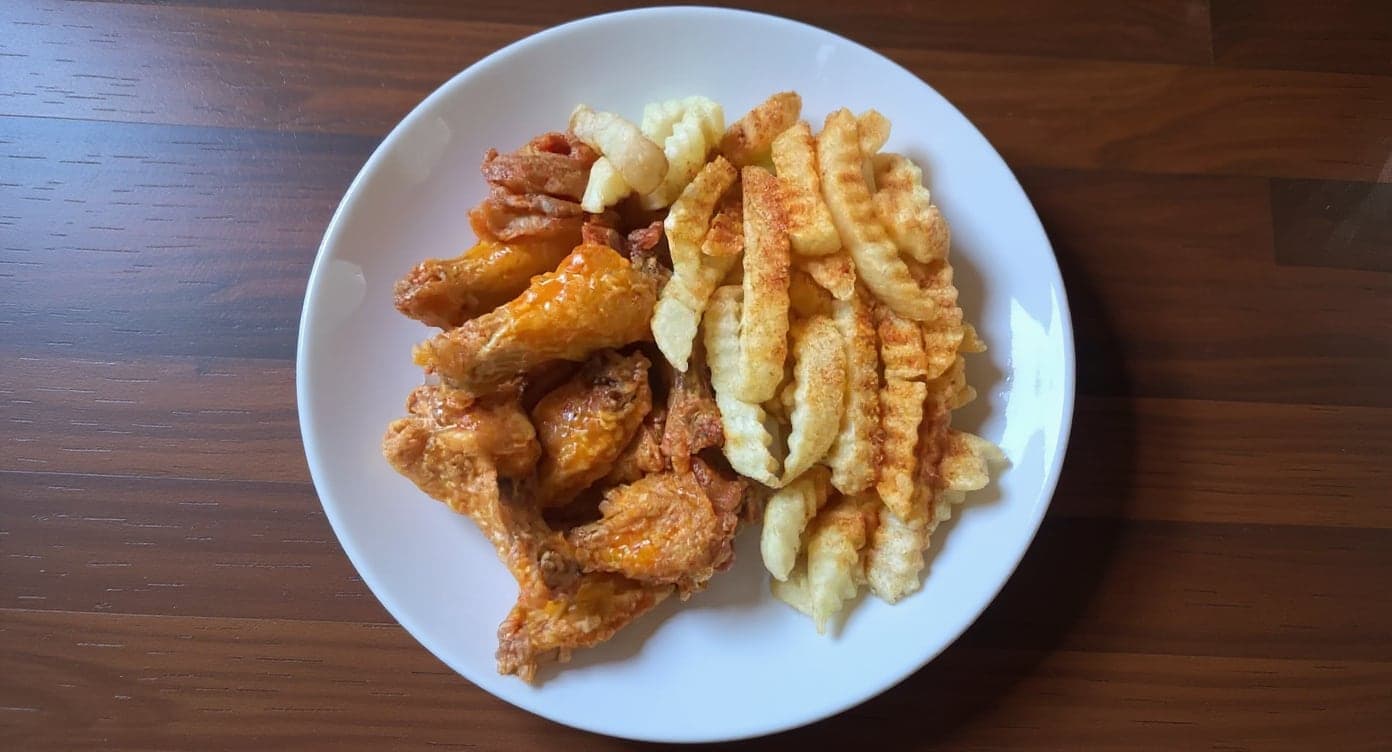
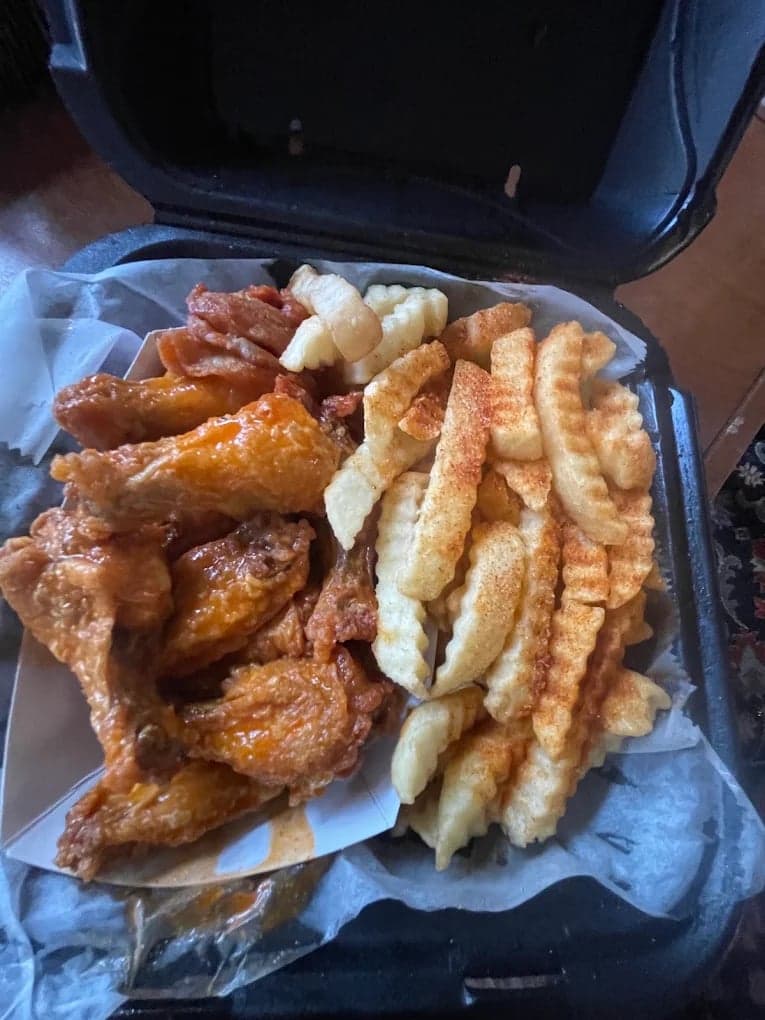
This looks incredible. We're using it for our Google Maps listing and social media.
5 photos free · No credit card · No watermark
Keep reading

Su Lee
Founder, MenuPhotoLab · Atlanta, Georgia
I have photographed Atlanta restaurants for six years as a food creator, and for the last two my sister and I have run SocialLee Agency, shooting and uploading menus for independent restaurants around metro Atlanta.
Sources (8, each with the date it was read)
- Google Business Profile Help, Add a business opening date (profile before opening, month and year required, up to one year ahead, 90 days before and after, posts, photos, Recently opened tag, no reviews until open; read in a rendered browser, a plain fetch returned only a stub), read
- Google Business Profile Help, Create and manage posts on your Business Profile (Update, Offer and Event types, review after publishing, pending while unverified, tips; read in a rendered browser), read
- Google Business Profile Help, Business Profile photos, videos and posts content policy (posts with unverified contact information, Call now button; read in a rendered browser), read
- Google Business Profile Help, Verify your business on Google (up to 5 business days; read in a rendered browser), read
- Facebook Help Center, Guidelines for Facebook Page names (simple and specific, capitalization, general words and places; read in a rendered browser), read
- Facebook Help Center, Change your Facebook Page's name (a request, Facebook access only, recent change; read in a rendered browser), read
- Facebook Help Center, Create a username for your Facebook Page (new Pages may wait, removal for inactivity; read in a rendered browser), read
- Instagram Help Center, How to change your Instagram profile information (username change may be reviewed, followers notified; read in a rendered browser), read
Platform requirements change. This page carries the date each source was last checked. Self-serve prices are on the pricing page.
Not affiliated with Google, Instagram, Facebook.