
Why isn't my new restaurant location showing up on Google Search?
A verified Business Profile can appear on Google Maps and still be missing from Google Search. Google says local results depend on relevance, distance and prominence, and that prominence counts how many websites link to you and how many reviews you have. Check your name matches your real one, your own website lists the store, and reviews are arriving.

Su Lee · Founder, MenuPhotoLab
6 min read · Sources last read · 4 sources
On this page · 5 sections
In October 2026 we set up a Business Profile for a new location of a multi-location chicken wing franchise. It was verified and showing on Google Maps. In Search it was missing: a search for the brand returned an older location, a search for the new address returned another location of the same brand, and Google's AI answer said the brand had no location in that town. When we last checked, on 2026-10-21, that had not changed.
This page is what Google's own help pages say about it, and the order we worked through the problem. Where something is what we saw rather than what Google says, it is marked as ours.
What does Google say decides whether a profile shows up in Search?
Local results are mainly based on relevance, distance, and popularity.
Google's page describes the third factor as prominence, and says what feeds it:
This factor’s also based on info like how many websites link to your business and how many reviews you have.
Two things in that page matter for a new store. Verifying is the first step, and Google ties it to being shown:
This tells Google that you’re authorized to represent the business, so it's more likely to show up in search results.
And a new profile cannot be sped up by asking: "There's no way to request or pay for a better local ranking on Google." What an owner controls is the information and the signals around the profile, which is what the checklist below covers.
A checklist in the order we checked it
Confirm the profile is verified, not just created
Google says verification reviews "take up to 5 business days", and "On rare occasions, reviews may take longer." Some profiles verify instantly. If a "Get verified" button appears on the profile again, Google could not fully verify it.
Search the exact name and the exact address
Ours, not Google's: we searched the brand name, the street address and the town, in Search and in the Maps app, and wrote down what came back each time. A profile that shows on Maps but not in Search tells you the problem is visibility, not existence.
Check the profile name against Google's rule
Google asks for the real-world name. The exact words are quoted in the next section. Check the name against the storefront sign and the website, and remove anything in brackets or after a dash that describes where the store is.
Put the store on your own website
Ours: the brand's website never mentioned the new store, so nothing on the brand's own domain tied the profile to the brand. We added a store card to the locations page with the address, phone number, hours and a Maps link. Google's guideline asks each location to give a phone number or a website that represents that individual location, so a page for the store is the safer reading.
Fill in the profile completely and keep the chain consistent
Google says "Businesses with complete and accurate info are more likely to show up in local search results." For chains it asks you to "Maintain consistent names and categories across all of your business locations." A new store with a different category from its siblings is worth fixing early.
Make the other listings match
Ours, and common local-search practice rather than a Google rule I found: the new store started with no presence on delivery apps, review sites, Apple Maps or social pages. We gave each the identical name, address and phone number. Several need the owner to log in, so ask early.
Ask for reviews, without an incentive
Reviews feed prominence. Ask at the counter or on the receipt. Never offer anything in return, which the next section covers.
What exactly can the profile name say?
Your name should reflect your business’s real-world name, as used consistently on your storefront, website, stationery, and as known to customers.
Google lists what the name must not include: marketing taglines, store codes, hours, phone numbers or URLs, service or product information, and location information. Its examples are the useful part, and they are more specific than the advice that circulates:
Holiday Inn
"Holiday Inn (I-93 at Exit 2)" is listed as not acceptable. "Holiday Inn Salem" is listed as acceptable.
Equinox
"Equinox near SOHO" is listed as not acceptable. "Equinox SOHO" is listed as acceptable.
Examples copied from Google's name guideline, read in a rendered browser on 2026-10-21. The wording is Google's.
So the rule is not simply "never put a place in the name". On my reading, a place name that is genuinely part of how the business is named in the real world appears among the acceptable examples, and brackets or "near" phrases that only describe where the store is do not. A name written as the brand plus a bracketed town looks like the pattern Google marks unacceptable. If your sign and website use the name that way, that is the evidence Google asks for. If they do not, the profile should not either.
Changing a name later is not free. Google says a minor change that keeps the proper nouns, services and category may qualify as rebranding. Otherwise the change is treated as a new business, which means closing the existing profile and creating a new one. Get the name right before the profile builds history.
Can I give customers something for a Google review?
No. Google lists offering incentives among the things merchants may not do, and names what counts as one:
payment, discounts, free goods and/or services - in exchange for posting any review or revision or removal of a negative review.
The same page also rules out selectively asking happy customers: merchants may not "selectively solicit positive reviews from customers". What it allows is to "Solicit or encourage the posting of content that does represent a genuine experience, without offering incentives". A counter card or receipt note that asks everyone is on the allowed side.
What we do not know yet
How long it takes
Google publishes the verification time, up to 5 business days. I found no page that gives a time from verification to appearing in Search. Third-party blogs give "a few weeks", and I could not trace that to Google.
Which step fixed ours
We made several changes close together, so even if the profile appears we will not be able to say which one did it.
Whether a website page is required
Google asks for a phone number or a website that represents the location. It does not say a page on the brand's site is mandatory. Our reading is that a page helps, and the quote above on websites linking to a business is why.
How long does a new Google Business Profile take to show up in Search?
Google gives one time: verification reviews take up to 5 business days, and sometimes longer. Its help pages say nothing about how long a verified profile takes to appear in Search, and says rank cannot be requested or paid for. In our October 2026 case the profile was verified and on Maps but still missing from Search when we checked on 2026-10-21.
Can I put the town in my Google Business Profile name?
Only if it is part of the real-world name on your storefront and website. Google's examples list "Holiday Inn Salem" as acceptable and "Holiday Inn (I-93 at Exit 2)" as not. Google says the name must not include location information, and its examples of that are bracketed or "near" phrases that only describe where the store is.
Does my restaurant website need a page for each location?
Google's guideline asks each location for a phone number or a website that represents that individual location, so a page is not strictly mandatory. Google also says prominence counts how many websites link to your business. In our case the brand's site listed no store at all, so we added a location page with address, phone, hours and a Maps link.
Can I offer a discount for a Google review?
No. Google's policy bars merchants from offering payment, discounts, free goods or services in exchange for a review, and from selectively asking happy customers. Asking every customer for an honest review, with nothing offered, is allowed.
Real client work
A real restaurant's takeout photo, now live on DoorDash
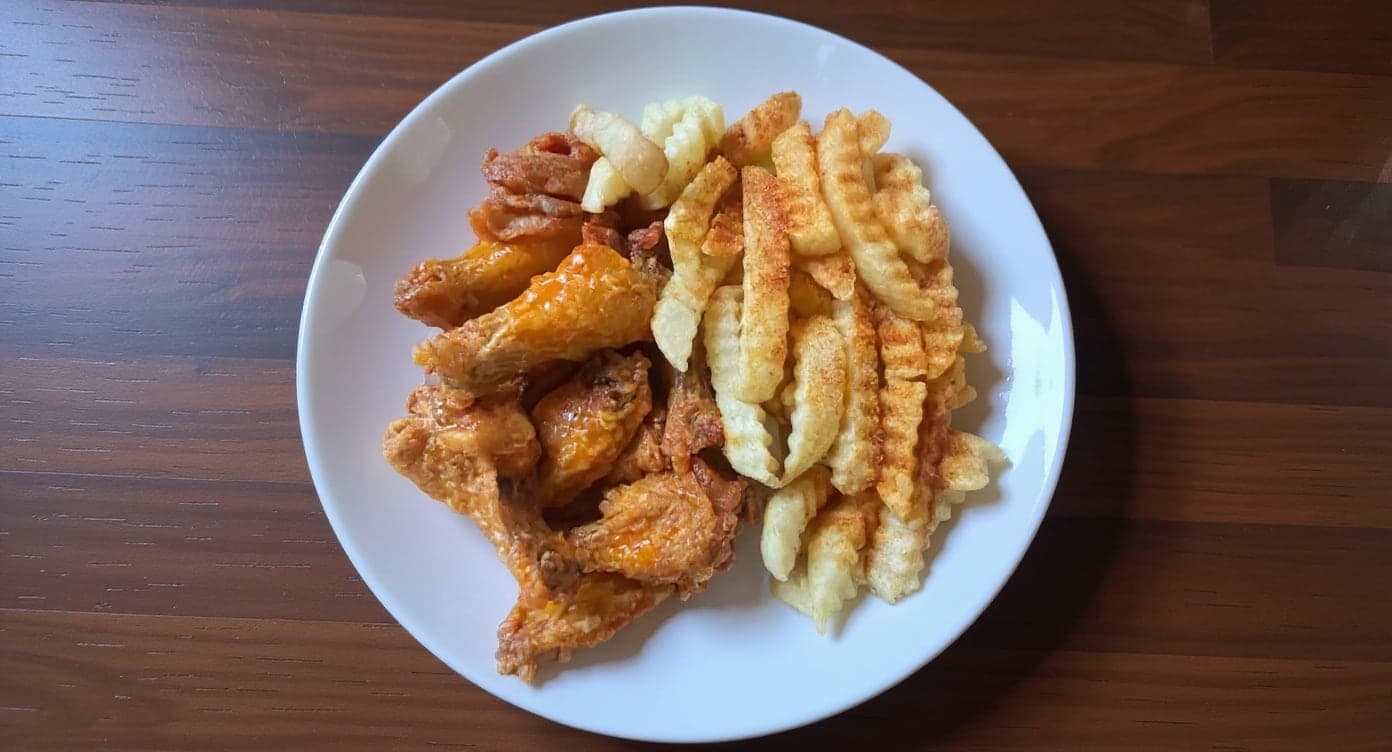
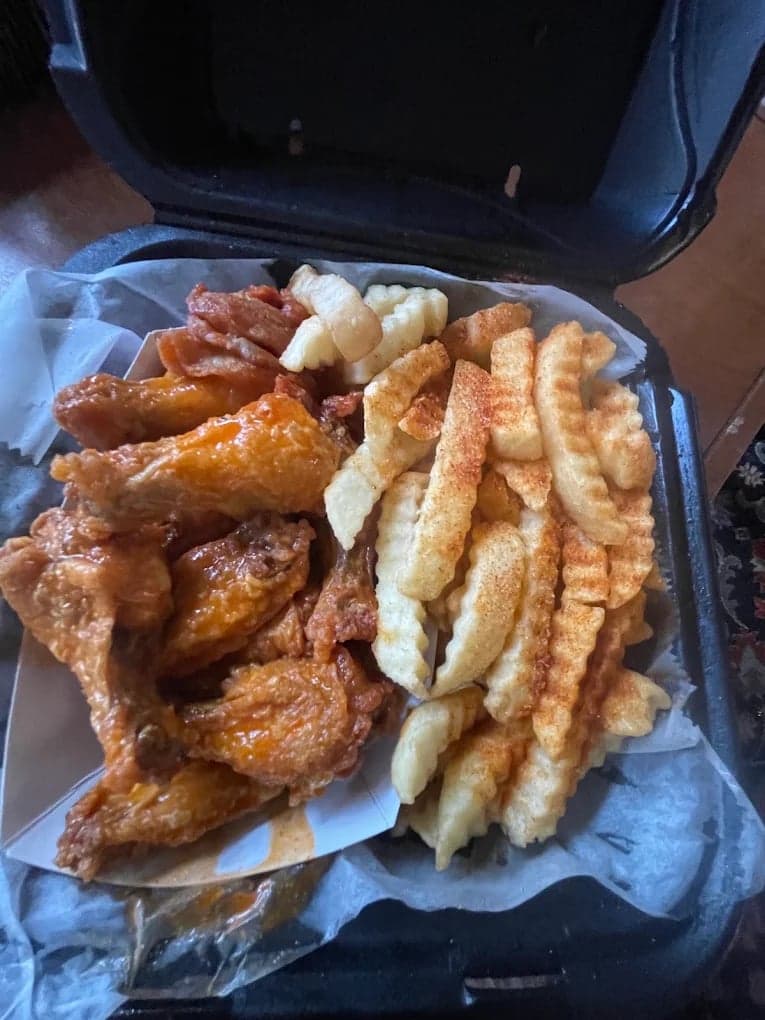
This looks incredible. We're using it for our Google Maps listing and social media.
5 photos free · No credit card · No watermark
Keep reading

Su Lee
Founder, MenuPhotoLab · Atlanta, Georgia
I have photographed Atlanta restaurants for six years as a food creator, and for the last two my sister and I have run SocialLee Agency, shooting and uploading menus for independent restaurants around metro Atlanta.
Sources (4, each with the date it was read)
- Google Business Profile Help, Tips to improve your local ranking on Google (relevance, distance, prominence; read in a rendered browser, a plain fetch returned only a stub), read
- Google Business Profile Help, Guidelines for representing your business on Google (real-world name, name examples, website, chains, rebranding; read in a rendered browser), read
- Google Business Profile Help, Verify your business on Google (up to 5 business days, instant verification), read
- Google Business Profile Help, Prohibited and restricted content (review incentives, selective solicitation; read in a rendered browser), read
Platform requirements change. This page carries the date each source was last checked.
Not affiliated with Google.