
What are Just Eat's menu photo requirements?
Just Eat tells restaurants to fill the frame with a 4:3 landscape photo, no borders, for each dish, and to use a 2:1 landscape ratio for the header image. The Knowledge Centre page I read gives no pixel size or file limit. Photos must be your own, well lit and in focus, with no people or hands.

Su Lee · Founder, MenuPhotoLab
6 min read · Sources last read · 3 sources
On this page · 4 sections
Just Eat publishes its menu photo rules for restaurants on a short page called "Photos on menu" in its partner Knowledge Centre. It states two aspect ratios and says nothing about pixel size. This guide reports what the page says, says what it leaves out, and does not fill the gap with a number from a blog.
I read the UK edition and the Irish edition of that page in a rendered browser on 2026-11-07. The UK edition shows an update time of 1 September 2026. The Irish edition shows no date. Just Eat's Partner Hub also has a photography guide behind a login, which I could not open, so nothing here comes from it. I make MenuPhotoLab, a photo enhancement tool, so I have a stake in the AI question; the numbers on this page are Just Eat's, not mine.
What size should menu photos be on Just Eat?
Just Eat dish and item photo, shape
4:3 landscape, filling the frame, no borders.
Just Eat header image, shape
2:1 landscape, no stretching or borders, filling the space.
Just Eat header images, number
one main header, and up to 10 more can be scheduled, for example for seasons or promotions.
Pixel size, file type and file size
not stated on the Knowledge Centre page I read, which is not the same as there being none.
Fill the frame with a 4:3 landscape ratio, no borders
Use a 2:1 landscape ratio, no stretching or borders. Make sure to fill the space
Pages that rank for this question quote other ratios and pixel sizes for Just Eat. I could not trace any of them to a Just Eat page I could read, so I have not repeated them. If you see 3:2, a pixel size or a file limit attributed to Just Eat, check it against the upload screen in your own Partner Hub account.
My arithmetic, not Just Eat's: because the page names a ratio and no minimum, any file at exactly 4:3 or exactly 2:1 keeps the shape Just Eat asks for. A photo of 1600 x 1200 pixels is 4:3, and a header of 2000 x 1000 pixels is 2:1. Start from the largest original you have and crop to the ratio, rather than stretching a small file to fit, because the page says not to stretch.
What does Just Eat require for a photo to be approved?
Just Eat headlines this list "Requirements to ensure your images are approved" and adds a short list for dish photos and another for headers. It is the closest thing the page has to a rejection list. These are Just Eat's words:
Camera and light
use the best camera you have and ensure the shot is well lit and in focus.
The food
make sure the food looks fresh and ready, and show the product exactly as it is served or sold.
Ownership
use photos owned by you.
People
do not include people or hands.
Shape
do not stretch or rotate the image.
Dish photos only
no text over the dish or item, and keep logos to a minimum.
Header images only
if you include text, make it legible, simple and not distracting from the items shown.
The page does not publish a list of rejection reasons or a review time. If a Just Eat photo does not appear, the cause is not stated on this page, and I will not guess one. For the general method of finding out why a photo failed on any marketplace, see the guide to rejected menu photos. Just Eat also says items with images are added to baskets four times more often and receive 16 percent more orders on average; that is Just Eat's figure, and the page gives no method for it.
How do I upload photos to Just Eat?
Dish and item photos
In the Partner Hub, click Management, then Menu/Items, and upload the photo on the item.
Header image
In the Partner Hub, click the Marketing tab, then Customise Storefront. Just Eat says header photos go live within 48 hours of it confirming receipt.
Are AI photos allowed on Just Eat?
Just Eat's two editions of the same page differ on this. The Irish edition's list says to use real photos owned by you and not to use AI-generated images. The UK edition, which shows an update time of 1 September 2026, says to use photos owned by you and does not repeat the AI line. Just Eat does not say why the lists differ, and I found no definition of AI-generated on either.
Separately, Just Eat trialled AI-enhanced images on menus and paused the trial in October 2026 after inaccurate images appeared. This is what a Just Eat spokesperson told Restaurant Online on 21 October 2026:
We’ve been trialling AI-enhanced images and, as with any new technology, it isn’t always quite right the first time
We’re sorry for any inaccurate images that have been posted. We’ve paused rolling this out while we further develop the tool to ensure it best serves our partners and customers.
We want partners on our platform to show photos that accurately reflect their dishes so that our customers can be confident in what they are ordering and happy when their food arrives.
Restaurant Online reports that Just Eat said affected images had been removed. I make an enhancement tool, so weigh this as you like: the standard Just Eat states is that the photo shows the dish accurately, and in my reading that is met by fixing the light, background and color of your own photo of your own dish, and not met by changing or inventing what is on the plate. Nobody can promise approval, and I do not. The same rule applies on DoorDash and Deliveroo; see the guide on AI-generated photos and the Deliveroo photo guide.
What size should a Just Eat dish photo be?
Just Eat's Knowledge Centre asks for dish and item photos that fill the frame at a 4:3 landscape ratio with no borders. The page gives no pixel size or file limit. Any file at exactly 4:3, such as 1600 x 1200 pixels, keeps the shape Just Eat asks for. Do not stretch or rotate it.
What size is a Just Eat header image?
Just Eat asks for a 2:1 landscape ratio, no stretching or borders, filling the space. You can set one main header and schedule up to 10 more. The page states no pixel size. A file such as 2000 x 1000 pixels is 2:1. Just Eat says headers go live within 48 hours of it confirming receipt.
Does Just Eat allow AI-generated photos?
Just Eat's Irish Knowledge Centre page tells partners not to use AI-generated images. The UK edition, updated 1 September 2026, says to use photos owned by you and does not repeat that line. Just Eat paused its own AI-enhanced image trial in October 2026 after inaccurate images appeared on menus.
Why was my Just Eat photo not approved?
Just Eat's Knowledge Centre publishes a list of requirements but no list of rejection reasons and no review time. Check the photo against the list: well lit, in focus, your own, no people or hands, not stretched, and no text over a dish. Your Partner Hub account is the place that shows the actual outcome.
Where do I upload photos on Just Eat?
Dish photos go in the Partner Hub under Management, then Menu/Items. Header images go under the Marketing tab, then Customise Storefront. Just Eat says header photos go live within 48 hours of it confirming receipt. The menu names are Just Eat's and can change.
Do Just Eat photos have to be 3:2?
Not on the Knowledge Centre page I read, which asks for 4:3 for dish photos and 2:1 for headers. I could not trace a 3:2 figure for Just Eat to a page I could read. Just Eat's Partner Hub has a photography guide behind a login that I could not open, so check your account if you need to be sure.
Real client work
A real restaurant's takeout photo, now live on DoorDash
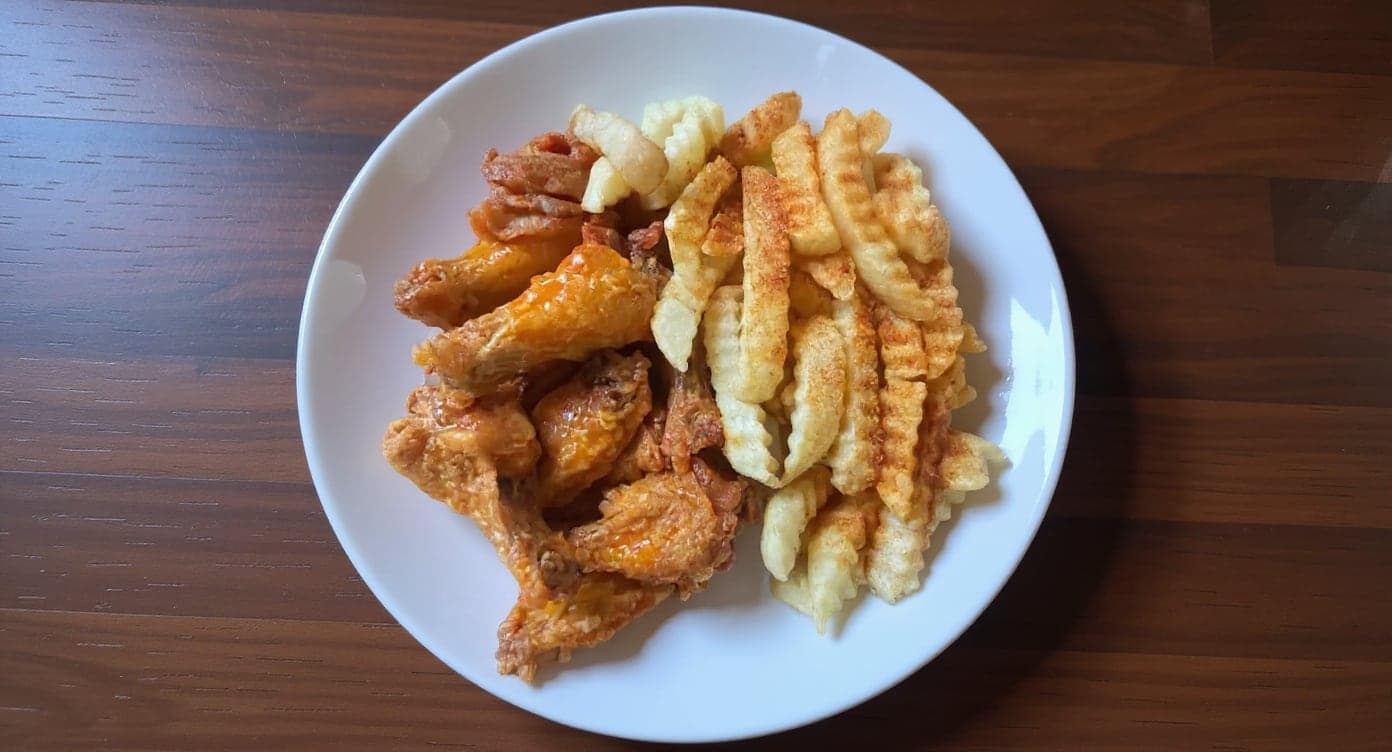
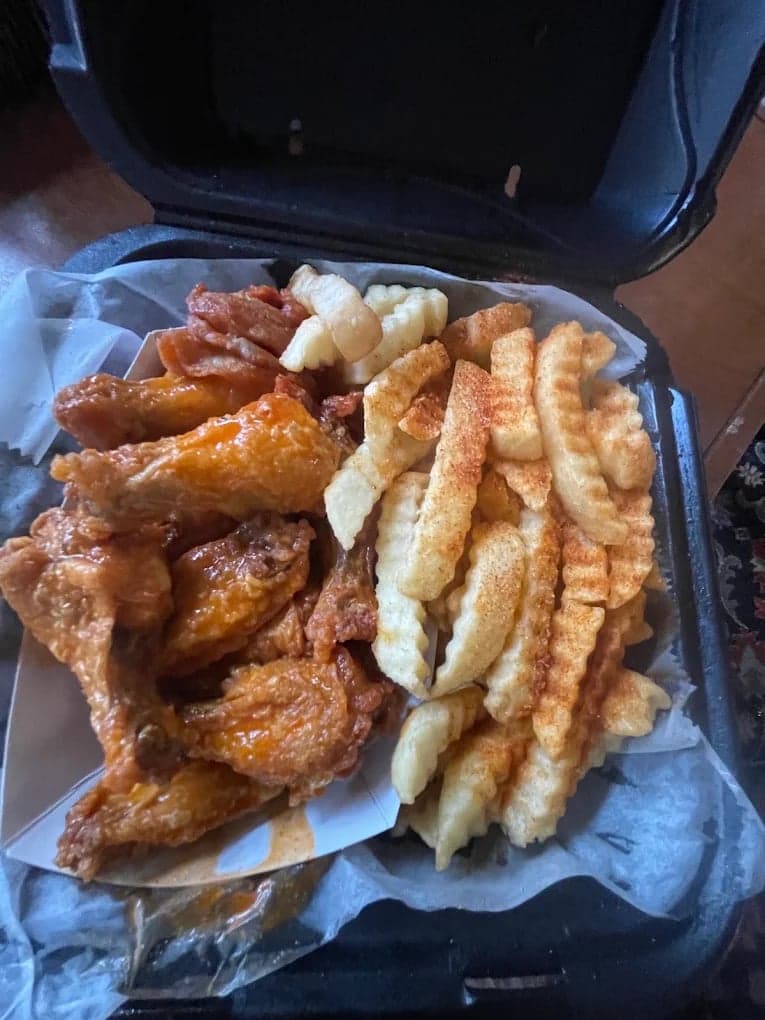
It genuinely looks like we hired a professional photographer. Thank you!
5 photos free · No credit card · No watermark
Keep reading

Su Lee
Founder, MenuPhotoLab · Atlanta, Georgia
I have photographed Atlanta restaurants for six years as a food creator, and for the last two my sister and I have run SocialLee Agency, shooting and uploading menus for independent restaurants around metro Atlanta.
Sources (3, each with the date it was read)
- Just Eat Knowledge Centre, Photos on menu (UK edition, shown updated 1 Sep 2026: 4:3 dish ratio, 2:1 header, upload paths, 48 hours, approval requirements; rendered browser), read
- Just Eat Knowledge Centre, Photos on your menu (Irish edition, undated: same ratios, plus "don't use AI-generated images"; rendered browser), read
- Restaurant Online, Just Eat apologises for surreal AI generated food images (spokesperson statement, 21 October 2026), read
Platform requirements change. This page carries the date each source was last checked. Self-serve prices are on the pricing page.
Not affiliated with Just Eat, Deliveroo.