What size and format should menu photos be on Deliveroo?
Deliveroo asks restaurants for JPEG menu item photos, landscape, at least 1200 x 675 pixels and up to 8 MB. The app crops item photos to a square, so the whole dish must sit centered with space around it. Hero images need at least 1920 x 1080. Deliveroo says AI-generated images are not permitted.

Su Lee · Founder, MenuPhotoLab
8 min read · Sources last read · 5 sources
On this page · 8 sections
- What size should menu photos be on Deliveroo?
- Why does Deliveroo's retail page say 3:2?
- What does a Deliveroo hero image need?
- Deliveroo photo checklist before you upload
- How do I upload a photo to Deliveroo?
- What gets a Deliveroo menu photo rejected?
- Are AI photos allowed on Deliveroo?
- Can Deliveroo add photos to my menu?
Deliveroo publishes two different sets of photo numbers on its own Help Centre: one for restaurants and one for retail stores. Guides that quote "3:2 at 1200 x 800" are quoting the retail page. This guide reports the restaurant page, says where the two differ, and flags what Deliveroo does not publish.
I read each Deliveroo page below in a rendered browser on 2026-11-06 and read them all again on 2026-11-07. Deliveroo dates the restaurant page 2 September 2026. It is the English Help Centre. I did not read the regional editions, so a market that publishes something else would not show up here. I make MenuPhotoLab, a photo enhancement tool, so I have a stake in the AI question; the numbers on this page are Deliveroo's, not mine.
What size should menu photos be on Deliveroo?
Deliveroo menu item photo, minimum size
1200 x 675 pixels, landscape.
Deliveroo menu item photo, file
JPEG, up to 8 MB.
Deliveroo menu item photo, shape on the app
cropped to a square (1:1).
Deliveroo hero image, minimum size
1920 x 1080 pixels, landscape. The page states no file type or file size for hero images, which is not the same as there being none.
Deliveroo hero image, shape on the app
16:9 today, with a 3:2 layout arriving; it should work in both.
Deliveroo's restaurant item-photo numbers above come from "How to upload your own photos in Menu Manager", read 2026-11-06. The page names a minimum and an orientation for the item photo. It does not name an aspect ratio. A 16:9 photo at 1200 x 675 meets the minimum exactly, and so does a 3:2 photo at 1200 x 800.
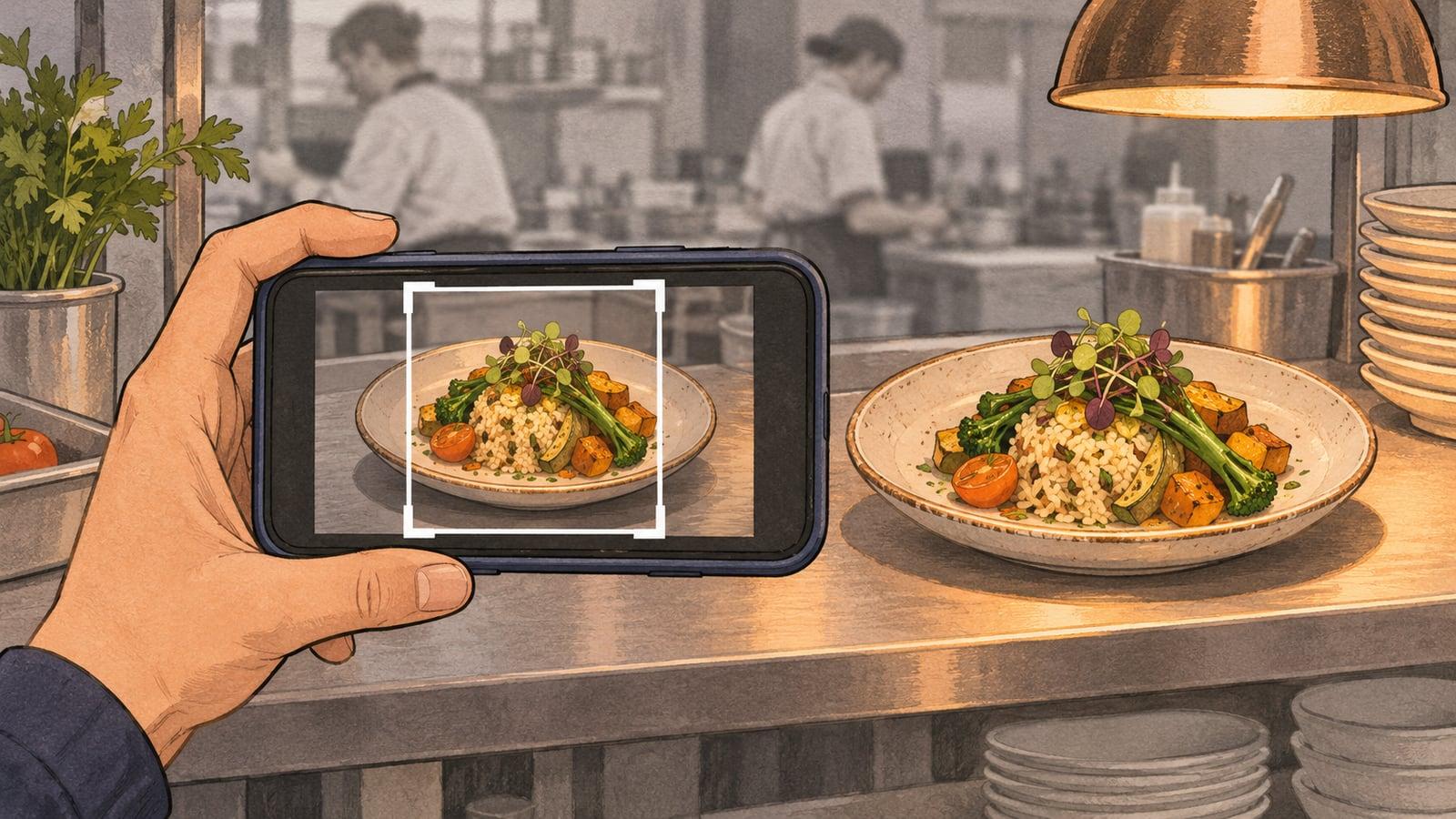
What matters more is the crop. Deliveroo says it crops item photos to a square, and that it is unable to accept a photo where the full dish is no longer recognizable:
For item images, always make sure that the entire dish is in shot with sufficient space, as the platform will crop the images to a 1:1 ratio.
My arithmetic, not Deliveroo's: a square cut from the middle of a 1200 x 675 photo keeps the central 675 pixels, which is 56 percent of the width. From a 1200 x 800 photo it keeps 67 percent. Shoot the dish centered and inside that middle square, and the rest of the frame is free to be background.
Why does Deliveroo's retail page say 3:2?
Deliveroo's retail page says 3:2 because it is a separate article with its own rule. That page asks for item images at a 3:2 ratio, at least 1200 x 800 pixels, and for a hero at 16:9, at least 1920 x 1080. The restaurant page asks for at least 1200 x 675 and names no ratio. Both say the item image is cropped to a square.
Two sets of numbers on one Help Centre is the contradiction worth knowing about. If you run a restaurant, the restaurant page is the one that applies to you. A 3:2 photo at 1200 x 800 also clears the restaurant minimum, so a single file can satisfy both pages, but I could not find a Deliveroo page that says a restaurant needs 3:2. For DoorDash, Uber Eats and Grubhub numbers side by side, see the guide to conflicting photo specs.
Item photo minimum
restaurant page 1200 x 675, retail page 1200 x 800.
Item photo ratio
restaurant page names none, retail page says 3:2.
Hero minimum
1920 x 1080 on both, and the retail page adds 16:9.
File type
JPEG on both, and the retail page adds that PNG, TIFF and PSD are not accepted.
File name
the restaurant page recommends a dish name, the retail page requires the item name or barcode.
Source: Deliveroo Help Centre, "How to upload your own photos in Menu Manager" (restaurants) and "How to upload your own product images" (retail partners), both read 2026-11-06. The wording is mine; the numbers are Deliveroo's.
What does a Deliveroo hero image need?
The hero is the first photo on your menu. Deliveroo asks for at least 1920 x 1080, and says hero images should work in both the current 16:9 layout and a new 3:2 Store Page layout. Deliveroo's page on the redesign says the updates roll out gradually from June 2026.
Deliveroo's hero instructions differ from its item-photo rules: at least five different dishes in the shot, the food filling most of the frame with a small margin, a clear background, and nothing important near the edges. No text-heavy graphics, large logos or watermarks.
Deliveroo photo checklist before you upload
File
JPEG, landscape, at least 1200 x 675 pixels, up to 8 MB.
Framing
the whole dish centered, inside the middle square the app will crop to.
Look
plain background, in focus, good light, no hands, faces, text or watermarks.
Truth
the real dish you serve, not an AI-generated image.
Hero
at least 1920 x 1080, five or more dishes, nothing important near the edges.
How do I upload a photo to Deliveroo?
Open Menu Manager
Go to the Menu Manager page in Hub.
Edit the menu
Choose the right menu and click Edit menu.
Pick the item
Click a menu item and select Upload photo, then upload your photo.
Read the quality check
Review any quality check result, guidance or enhancement option shown in Menu Manager.
Save and publish
Click Save, then Publish. The change does not appear on your menu until you publish.
What gets a Deliveroo menu photo rejected?
If Deliveroo rejected or declined a menu photo, the reason is usually one of nine it lists, including blur, clutter, poor lighting and poor framing. Item photos go through a quality check when you upload them in Menu Manager, and a photo can be approved, rejected with a reason, or sent to a person for review. Deliveroo publishes no review time, and I found none. Deliveroo's list, in its own wording:
Cluttered background
Blurry image
Poor colour saturation
Ingredients shown instead of the dish itself
A person visible in the image
Obvious signs of image editing
Poor lighting
Text or imagery overlaid
Poor framing, where the item is not fully visible, does not fill enough of the frame, or is not centred enough
The same page asks you not to send photos with hands, faces, text, watermarks or raw ingredients placed around the dish, and not to use collages or overly photoshopped images. It also says Deliveroo may restrict or remove any image that is not in line with these guidelines.
Deliveroo's own tools overlap with some of these reasons. Where available, Menu Manager offers an enhancement for a rejected photo, and you choose whether to accept the improved version or replace it:
Where available, image enhancement may help improve eligible issues such as lighting, colour saturation, blurry images, background clutter and minor framing.
Are AI photos allowed on Deliveroo?
Deliveroo says AI-generated images are not permitted. It publishes no definition of the term, so I cannot say where edited real photos fall. Its words:
AI-generated images are not permitted on Deliveroo. Please only upload authentic images of the food or products you sell.
Deliveroo publishes no statement about edited photos that start from a real one, and no description of how its check treats them. Its rejection list does include "obvious signs of image editing", and its own enhancement tool is described as improving light, color and clutter. Deliveroo does not say where enhancement ends and AI-generated begins.
I make an enhancement tool, so weigh this as you like: in my reading, fixing the light, background and color of your own photo of your own dish is the kind of change Deliveroo itself offers, and inventing a dish or changing what is on the plate is not. Nobody can promise approval, and I do not. The practical rule is the one on the DoorDash side too, covered in the guide on AI-generated photos: the dish in the photo has to be the dish you serve.
Can Deliveroo add photos to my menu?
Yes, Deliveroo can add photos to your menu, and you can review and remove them in Menu Manager. Deliveroo's page on the menu redesign says it will use stock images from its library to fill gaps across drinks and condiments, and that some previously rejected images may be improved and reused. It also says images may be reused for matching menu items across menus.
If you would rather not rely on that, Deliveroo sells a photography service: a Silver package of one hero photo and 15 item photos, and a Gold package of one hero photo and 25 item photos. Prices are given in Partner Hub, not on the page I read.
What is the minimum photo size for a Deliveroo menu item?
Deliveroo's restaurant help page asks for menu item photos at least 1200 pixels wide and 675 pixels high, in landscape. The file should be a JPEG up to 8 MB. Deliveroo crops item photos to a square, so keep the whole dish centered with space around it.
Do Deliveroo photos have to be 3:2?
Not on the restaurant page I read on 2026-11-06, which names no aspect ratio for item photos. The 3:2 ratio at 1200 x 800 comes from Deliveroo's retail partner page. A 3:2 photo at 1200 x 800 also meets the restaurant minimum, so one file can satisfy both.
Does Deliveroo accept PNG photos?
Deliveroo's restaurant page lists the file type as JPEG, and its retail page says it does not accept PNG, TIFF or PSD. I found no Deliveroo page that accepts PNG for restaurant menu photos, so upload JPEG.
How do I upload a photo to Deliveroo?
In Menu Manager in Hub, choose the menu and click Edit menu, click the item and select Upload photo, then read the quality check result. Click Save and then Publish, because the photo does not appear on your menu until you publish. Hero images are uploaded separately.
How long does Deliveroo take to review a menu photo?
Deliveroo publishes no review time. Its help pages say an uploaded item photo goes through a quality check and can be approved, rejected with a reason, or sent for human review, and that hero images are reviewed separately by its team. I found no figure for either, so treat any number you read elsewhere as unverified.
Why was my Deliveroo menu photo rejected?
Deliveroo lists cluttered backgrounds, blur, poor color or lighting, ingredients instead of the dish, a person in the shot, overlaid text, obvious editing and poor framing. Menu Manager shows the reason for each rejected photo, and may offer an enhancement you can accept or replace.
Are AI-generated photos banned on Deliveroo?
Deliveroo's restaurant help page says AI-generated images are not permitted and asks for authentic images of what you sell. It publishes no definition of AI-generated and no description of how its check handles edited real photos, so the line itself is undocumented.
What size should a Deliveroo hero image be?
At least 1920 x 1080 pixels, landscape, according to Deliveroo's help pages. It should work in the current 16:9 layout and the new 3:2 Store Page layout, with the food centered and no text or logos near the edges. Deliveroo says at least five dishes should appear in a hero.
Real client work
A real restaurant's takeout photo, now live on DoorDash
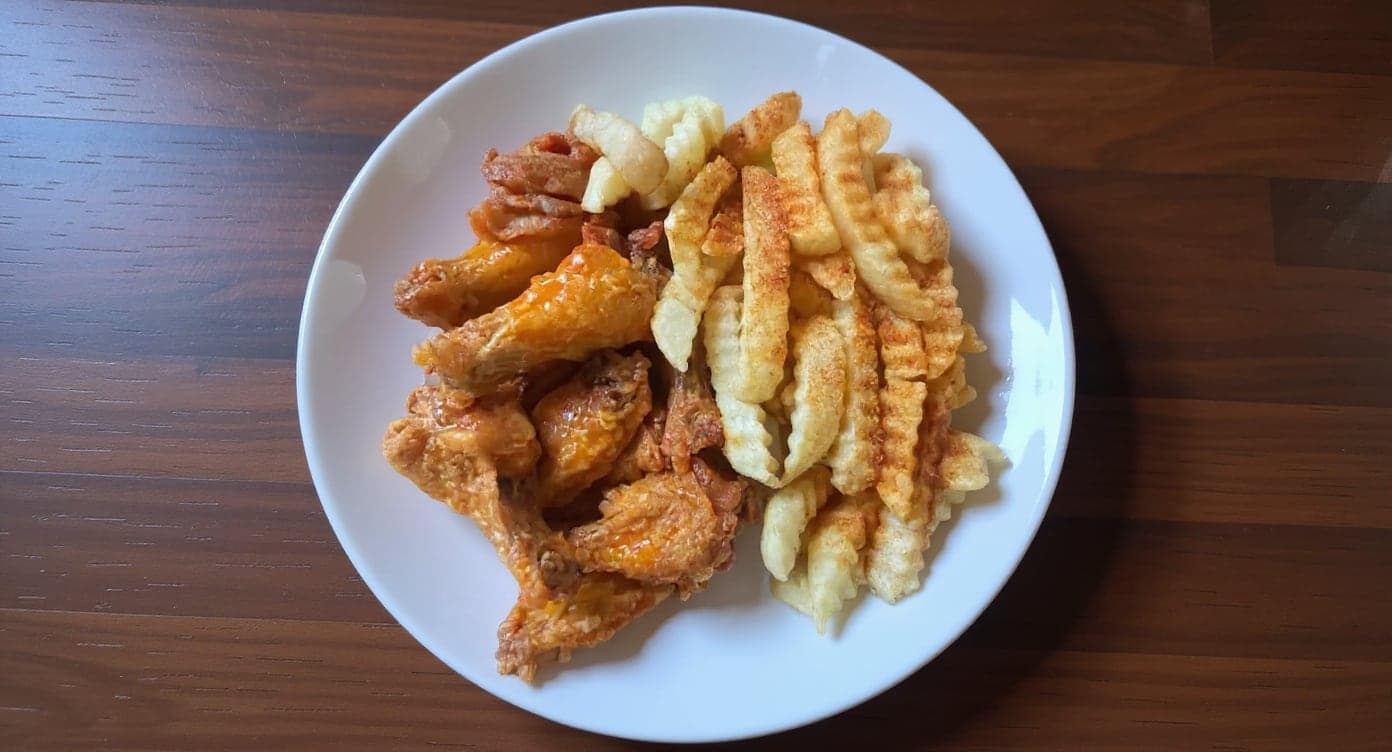
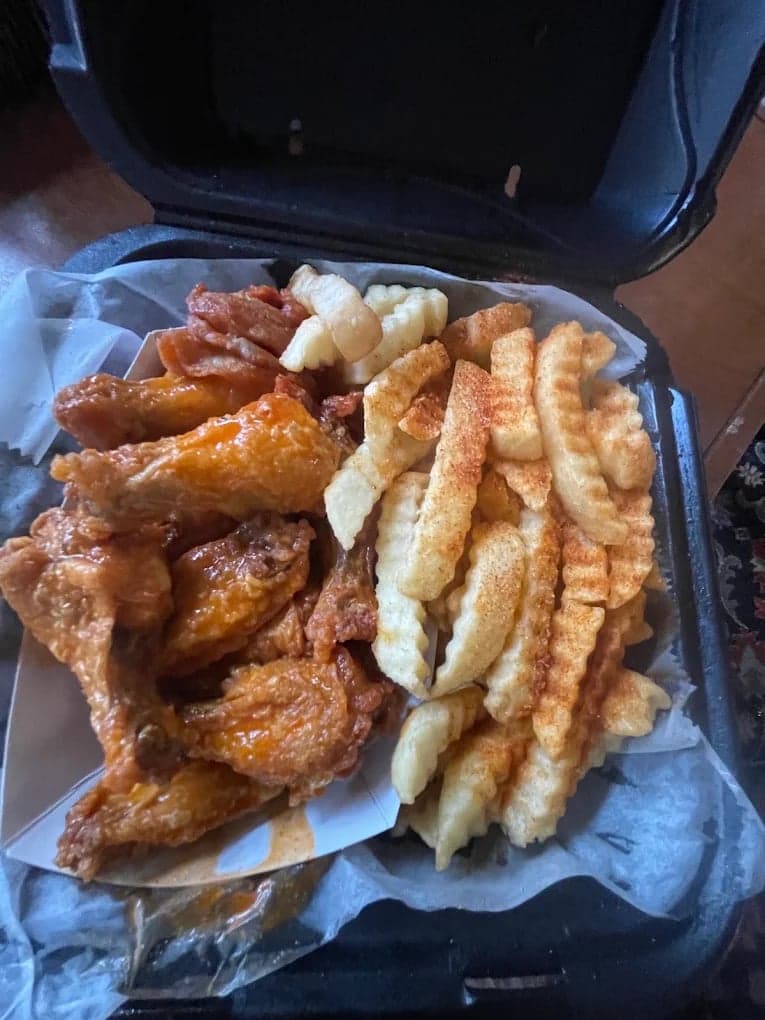
It genuinely looks like we hired a professional photographer. Thank you!
5 photos free · No credit card · No watermark
Keep reading

Su Lee
Founder, MenuPhotoLab · Atlanta, Georgia
I have photographed Atlanta restaurants for six years as a food creator, and for the last two my sister and I have run SocialLee Agency, shooting and uploading menus for independent restaurants around metro Atlanta.
Sources (5, each with the date it was read)
- Deliveroo Help Centre, How to upload your own photos in Menu Manager (restaurant partners: 1200 x 675, JPEG, 8 MB, 1:1 crop, rejection reasons, AI rule; rendered browser), read
- Deliveroo Help Centre, How do I add, edit and remove item photos in Menu Manager? (quality check outcomes, enhancement; rendered browser), read
- Deliveroo Help Centre, How to upload your own product images, retail partners (3:2, 1200 x 800, JPEG only, file naming; rendered browser), read
- Deliveroo Help Centre, Why does my menu look different in the Deliveroo app? (16:9 and 3:2 hero, stock images, Image Rescue, rollout from June 2026; rendered browser), read
- Deliveroo Help Centre, How can I schedule a photoshoot for my Deliveroo menu (Silver and Gold packages; rendered browser), read
Platform requirements change. This page carries the date each source was last checked. Self-serve prices are on the pricing page.
Not affiliated with Deliveroo, DoorDash.