
Can my restaurant sell alcohol on DoorDash, Uber Eats and Grubhub?
Yes, if your liquor license allows off-premises delivery and your state is on that app's list. DoorDash asks you to sign an alcohol addendum and tag every alcohol item; self-serve approval typically takes 1 to 2 business days. Uber Eats reviews an uploaded license within 1 business day in its self-serve states. Grubhub binds you to separate Alcohol Terms.

Su Lee · Founder, MenuPhotoLab
Six years photographing Atlanta restaurants, and two running SocialLee, uploading their menus to DoorDash, Uber Eats and Grubhub.
Sources last read · 10 sources
Will your photo pass DoorDash and Uber Eats?
Check its size, shape and file type against DoorDash and Uber Eats’ published rules in a few seconds. The photo stays on your device and nothing is uploaded.
Drop a photo here, or choose one from your phone or computer.
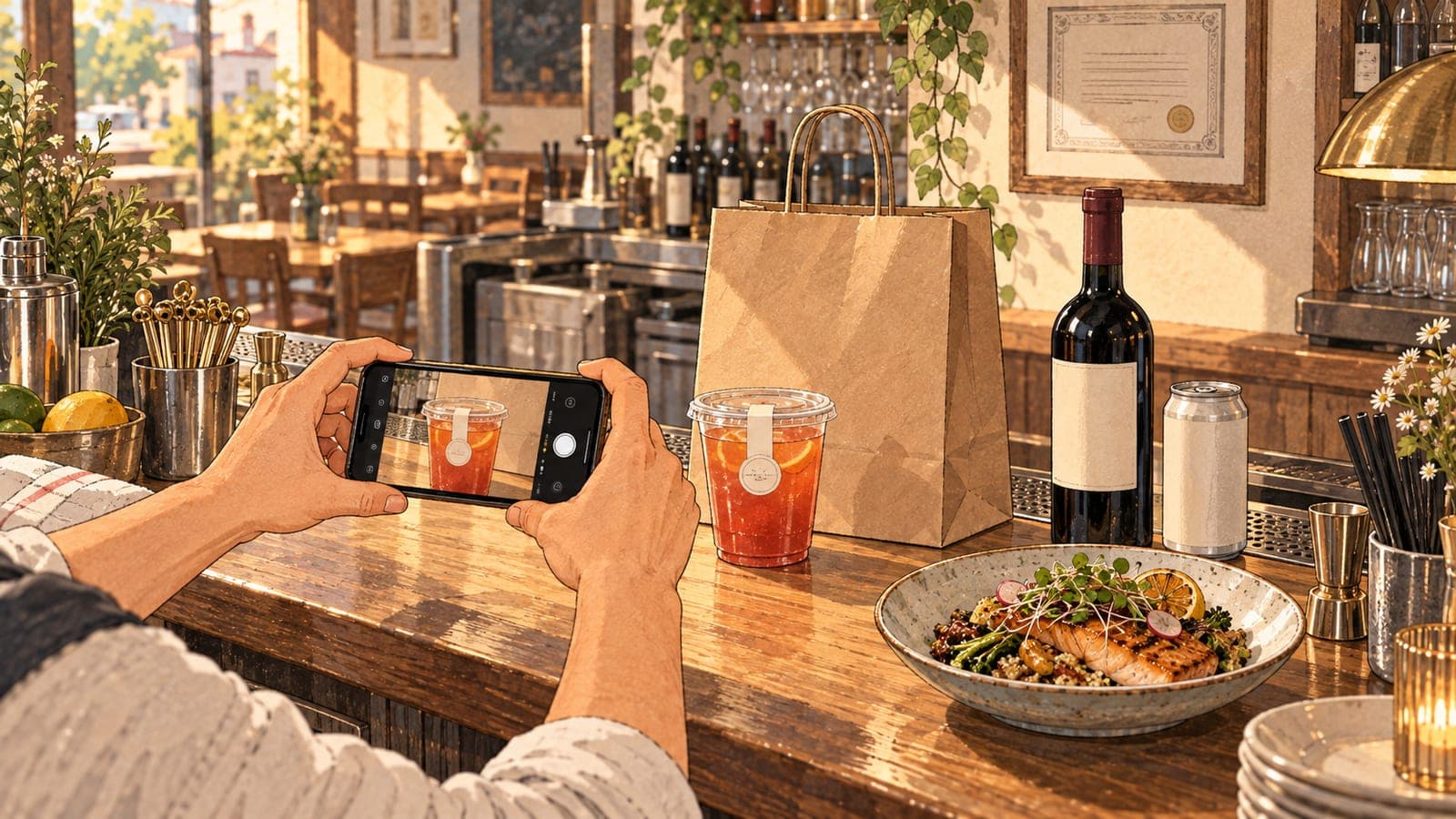
Can a restaurant sell alcohol on DoorDash, Uber Eats or Grubhub?
Yes on all three, but only in the places each app has switched on, and only with a liquor license that covers selling for delivery. Each app then adds its own paperwork, and each limits alcohol to the places it has switched on. Which places those are is where the three disagree.
DoorDash
Yes, with an addendum
You need "the appropriate license that allows alcohol delivery", a signed alcohol addendum, and the alcohol tag on each item.
Uber Eats
Depends on your state
Uber's help article lists where alcohol sales are available, with limits on merchant type in some states. Georgia is not on it.
Grubhub
Depends on your state
Its Alcohol Terms limit sales to the places your license was issued "and in which Grubhub permits alcohol sales".
A license that is on-premises only
No
Grubhub has you warrant there are no conditions on your license "that would preclude the off-premises sale" or delivery of alcohol.
Alcohol with no food in the order
It depends
DoorDash says in certain areas "customers cannot purchase only alcohol from your store". Your local law decides.
What does each app ask for before you add alcohol?
| Platform | What you do | How long review takes | On each item |
|---|---|---|---|
| DoorDash | Hold a liquor license that allows delivery, then sign the alcohol addendum in Merchant Portal (Account Settings, Menu Settings, Add Alcohol) | Typically 1 to 2 business days on the self-serve flow | Tap "This item contains alcohol", or ask the menu team to tag items |
| Uber Eats | "Submit a valid alcohol license to Uber Eats" through Uber Eats Manager, plus "any additional requirements" for your state | "our team will review it within 1 business day" | The help article read does not describe item tagging |
| Grubhub | Accept the Additional Terms for Alcohol Sales and give Grubhub a copy of your licenses "including any conditions" | Not stated in the documents read | Tag items "in accordance with the instructions and guidelines made available by GH" |
Do not add alcohol to a menu without working with Uber Eats. Alcohol items listed on accounts that have not been properly configured to sell alcohol on Uber Eats will be removed and could result in termination from the platform.
Adding an alcohol item to the menu before the account is set up for alcohol is the mistake to avoid. DoorDash says you can mark an item as containing alcohol once the addendum is signed, so its order of steps is built in. Uber Eats says alcohol listed on an account not configured for it will be removed and could end the account.
Where can restaurants sell alcohol through the apps?
Only where each app has switched alcohol on, and the two published lists do not match. DoorDash's alcohol page names the US states where its marketplace delivers alcohol and marks the ones where it does not deliver from restaurants. Uber's help article names its own states, with notes such as "liquor stores and convenience/grocery only". Four examples from the lists read on 2026-10-05:
| State | DoorDash marketplace | Uber Eats |
|---|---|---|
| Georgia | Listed | Not listed |
| Pennsylvania | Listed | Not listed |
| Minnesota | Listed, but not from restaurants | "liquor stores and convenience/grocery only" |
| Arizona | Listed | "liquor stores and convenience/grocery only" |
If you are a restaurant in Georgia, the practical reading today is that alcohol can go on DoorDash and not on Uber Eats. Grubhub publishes no state list in the documents I read. Its terms limit sales to places "in which Grubhub permits alcohol sales and/or delivery", so ask your Grubhub contact before you plan for it.
Do customers have to order food with the alcohol?
In certain areas, local laws mandate that alcohol must be purchased with food in certain jurisdictions. This means that customers cannot purchase only alcohol from your store, they must also purchase non-alcohol items in the same transaction.
DoorDash shows the customer a warning before checkout and asks for at least one non-alcoholic item. Uber's help article and Grubhub's Alcohol Terms, read the same day, do not describe a food requirement, which is not the same as saying none applies. The rule comes from local law, so it binds you on every app in an area that has it.
Do the apps have rules for alcohol photos?
One app does, and only for one kind of photo. Uber's photo guidelines carry an alcohol rule under cover photos, the wide image at the top of your store page. Its item photo rules, read the same day, say nothing about alcohol. DoorDash's photo help pages and Grubhub's menu documentation do not publish an alcohol photo rule either, so an alcohol item is judged by the general rules that apply to every item.
For alcohol, images must be referential, with no particular brand displayed. Otherwise, a health warning is required
| Platform | Alcohol rule on photos | General rule that decides an alcohol photo |
|---|---|---|
| Uber Eats | Cover photo only: "referential, with no particular brand displayed", or a health warning. Also "Consider politically correct images when displaying products for adults (like alcohol)" | One item per photo; no people "except for hands"; logos and text allowed only "on food items the merchant sells or on packaging/plating" |
| DoorDash | None published in the photo help pages read | "Show the full item whenever possible (for bottles, plates, bowls)"; "Even for naturally vertical items (like drinks), photos should be taken horizontally"; logos only when they "naturally appear on items" |
| Grubhub | None published in the menu documentation read | Its Alcohol Terms make any marketing material comply with alcohol law, which they define to include "industry marketing codes" |
How should you photograph beer, wine and cocktails to go?
Photograph each drink the way it arrives. These are my recommendations, reasoned from the rules above, not platform rules of their own:
Show the container you send. If your state requires a sealed cup or a tamper-evident lid for a cocktail to go, the photo shows that cup, not the coupe it is served in at the bar. Grubhub's terms make the container yours to get right: alcohol only "in containers, sizes, and quantities approved for sale" under the law.
Show the whole bottle or can. DoorDash names bottles when it asks for the full item, and, as its photo requirements set out, wants at least 80% of the item visible. A label that is printed on the bottle is fine on both big apps, because it is on the item you sell.
Turn the phone sideways. A bottle is tall, and DoorDash still wants a horizontal photo. Leave room on both sides so the 16:9 crop and the centered square both keep the whole bottle. The crops are drawn in the guide to conflicting photo specs.
One drink per photo. Uber Eats rejects a photo with more than one item, so the beer does not sit beside the burger in the burger's photo. A bucket or a six-pack sold as one menu item is one item.
No one drinking. Uber Eats allows people in an item photo only as hands. Keep faces and mouths out of every frame; what each app turns away is in the rejection guide.
No added text. No ABV badge, no "21+" sticker, no price on the image. Put that in the item name and description, where the apps expect it.
What is the route that works?
Confirm your license covers delivery
Ask your state alcohol regulator whether your license allows off-premises sale and delivery, which drinks, in what containers, and at what hours. DoorDash's alcohol page tells every retailer to "consult their retail permit and local laws" for exactly this.
Check each app's list for your state
DoorDash and Uber Eats publish different lists, with different limits on restaurants. Ask Grubhub directly.
Set up alcohol before any item goes on the menu
Sign DoorDash's addendum, upload your license to Uber Eats Manager, accept Grubhub's Alcohol Terms. Then add items.
Tag every alcohol item
DoorDash's tag is "This item contains alcohol". Grubhub's terms make correct tagging your responsibility.
What this means if you sell on more than one app
Your menus may not match. In a state on one list and not the other, the same restaurant sells drinks on one app and not the next. Plan your bundles and promotions per app.
Use one photo set for the item pages. None of the three publishes an item photo rule for alcohol, so one sideways shot of the real container, with room on every side, serves all three.
Keep brands off the Uber Eats cover. That is the only alcohol photo rule any of the three publishes.
Fill every drink with a real photo. On DoorDash an item left without a photo may show an image pulled from Instagram or Yelp, and on Uber Eats a customer's photo, as the guide to menu items without photos explains.
MenuPhotoLab exists for this stage: you shoot the drinks and the food on your phone at the counter, and I fix the light and the background and prepare the size each app wants. I never generate a drink or change what is in the cup, because the photo has to be what your customer receives.
Frequently asked questions
Do I need a liquor license to sell alcohol on DoorDash?
Yes. DoorDash's merchant help center, read 2026-10-05, says you must already have a valid liquor license to facilitate alcohol delivery in your state, and that the license must allow alcohol delivery before you can add alcohol to your menu. You then sign DoorDash's alcohol addendum in Merchant Portal and apply the alcohol tag to each item.
How long does alcohol approval take on DoorDash and Uber Eats?
DoorDash says approval on its self-serve flow typically takes 1 to 2 business days after you submit the request in Merchant Portal. Uber Eats says its team reviews an uploaded alcohol license within 1 business day, in the states where you can upload it yourself; elsewhere it asks you to email merchants@uber.com. Grubhub's Alcohol Terms, read 2026-10-05, do not state a review time. None of the three counts the time your state takes to issue the license itself.
Can restaurants in Georgia sell alcohol on Uber Eats?
Not according to Uber's help article read on 2026-10-05: Georgia is not among the states it lists where selling alcohol through the Uber Eats app is available. DoorDash's alcohol page, read the same day, does list Georgia for marketplace alcohol delivery. Both lists change, so check each page before you plan around it.
Can a beer or liquor brand appear in my Uber Eats photos?
On an item photo, yes, if the logo is on the item you sell: Uber allows logos and text on food items the merchant sells or on packaging. On the cover photo, Uber's guidelines say alcohol images must be referential with no particular brand displayed, otherwise a health warning is required. Keep brand labels off the cover.
Can customers order only alcohol from my restaurant on DoorDash?
In some areas, no. DoorDash says local laws in certain jurisdictions require alcohol to be purchased with food, so customers there must add at least one non-alcoholic item and see a warning before checkout. Where no such law applies, DoorDash's help pages do not describe a food requirement.
Real client work
A real restaurant's takeout photo, now live on DoorDash
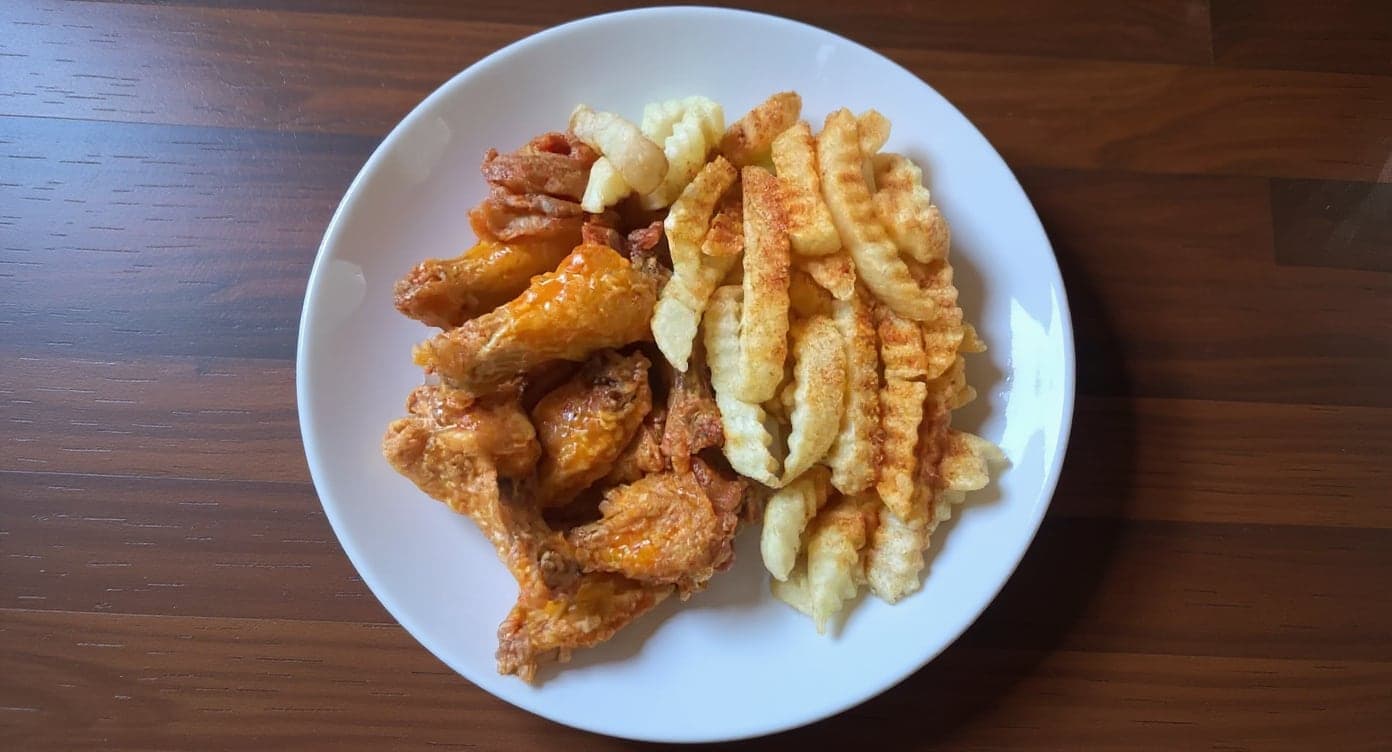
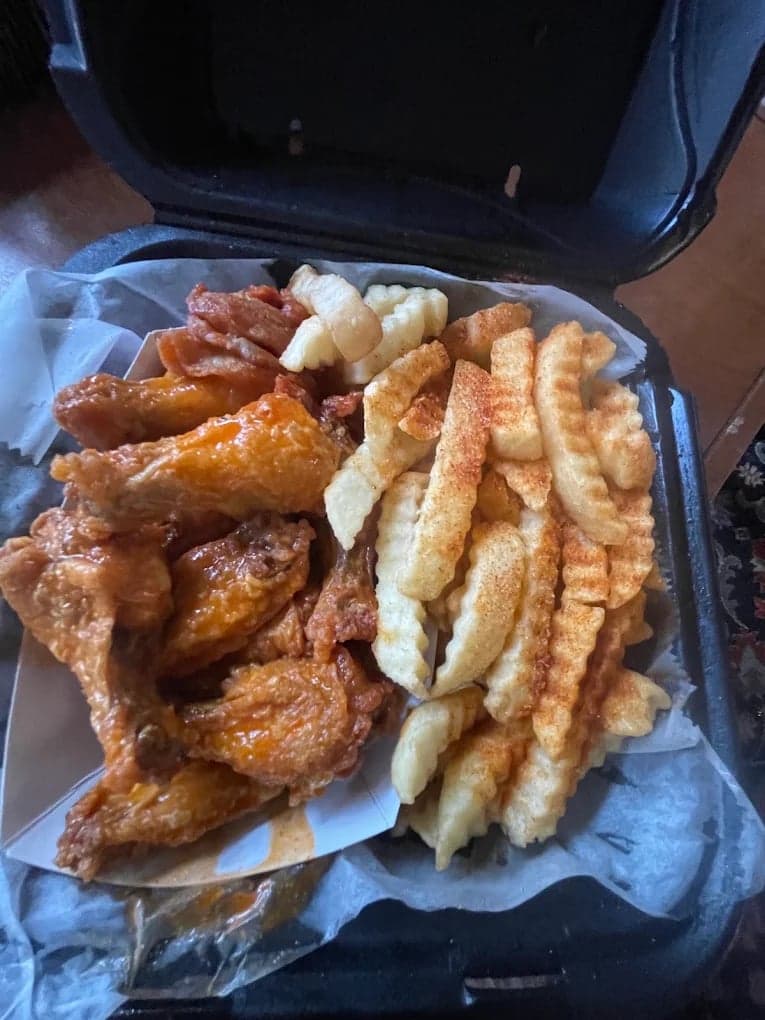
We hadn't updated our photos in three years. This finally got our DoorDash listing looking current.
5 photos free · No credit card · No watermark
Keep reading

Su Lee
Founder, MenuPhotoLab · Atlanta, Georgia
I have photographed Atlanta restaurants for six years as a food creator, and for the last two my sister and I have run SocialLee, shooting and uploading menus for independent restaurants around metro Atlanta. I wrote this page the way I wish the platforms had written theirs: every number read off their own documentation, with the date I read it, and where they contradict themselves I say so.
Sources
- DoorDash Help Center, Guidelines for Selling Alcohol on DoorDash (license, addendum, alcohol tag, restricted locations), read
- DoorDash Help Center, How to Navigate Food and Alcohol Constraints (food with alcohol, self-serve flow, 1 to 2 business days), read
- DoorDash for Merchants, Alcohol (US state list, restaurant exclusions, wet and dry counties), read
- DoorDash Help Center, Why Your DoorDash Menu Photos Were Rejected (full item, bottles, logos), read
- DoorDash Help Center, photos terms glossary (drinks taken horizontally), read
- Uber Help, How can I sell alcohol on the Uber Eats app? (JavaScript page; read through a rendered fetch. No page date), read
- Uber Help, Merchant submitted menu catalog photo guidelines (cover and item photos; JavaScript page, read through a rendered fetch), read
- Grubhub, Additional Terms for Alcohol Sales, updated April 30, 2025, read
- Grubhub, Merchant Terms, effective December 17, 2024 (alcohol compliance clause), read
- Grubhub for Restaurants, Grubhub menu overview (no alcohol photo rule), read
Platform requirements change. This page carries the date each source was last checked.
Not affiliated with DoorDash, Uber Eats, Grubhub.