
What menu photos does a food truck need on DoorDash and Uber Eats?
The same photos as any restaurant. DoorDash says food trucks can take orders "just like brick-and-mortar restaurants", so item photos follow its 16:9 rule at 1400 x 800 or more, and Uber Eats wants 5:4 to 6:4. The truck itself is not a menu photo: Uber's cover rules exclude storefronts and Grubhub rejects exterior shots.

Su Lee · Founder, MenuPhotoLab
Six years photographing Atlanta restaurants, and two running SocialLee, uploading their menus to DoorDash, Uber Eats and Grubhub.
Sources last read · 8 sources
Will your photo pass DoorDash, Uber Eats and Grubhub?
Check its size, shape and file type against DoorDash, Uber Eats and Grubhub’s published rules in a few seconds. The photo stays on your device and nothing is uploaded.
Drop a photo here, or choose one from your phone or computer.
Can a food truck sell on DoorDash and Uber Eats?
Yes, and DoorDash says it in so many words:
Yes, food trucks can receive and process DoorDash orders just like brick-and-mortar restaurants.
Uber Eats describes food trucks as a restaurant model of their own: "Food trucks run a commercial kitchen out of a vehicle and serve food to customers from the truck window." Grubhub publishes nothing specific to trucks on the pages I checked.
What matters for photos is the first half of DoorDash's sentence. There is no separate food truck photo standard on any of the three apps. Your menu photos are judged against the same rules as a sit-down restaurant's.
How does a moving menu work on DoorDash?
DoorDash's truck article is mostly about the part a restaurant never has to think about, the address:
As a food truck operator, you may change locations every day, or even throughout the day.
Location. You can type a new address and pickup instructions, pick a saved location, or "Enable GPS location sharing so your address automatically updates whenever you move."
Daypart menus. "If you change your offerings throughout the day, you can assign different menus to specific hours or days of the week in DoorDash."
Running out. Items can be temporarily marked out of stock.
The photo consequence is the daypart menu. A lunch menu and a late-night menu are two sets of items, and each item needs its own photo. A truck that rotates specials is photographing more dishes than its menu board suggests.
What size should food truck menu photos be?
The same as every restaurant on each app, read off each platform's own page:
| DoorDash | Uber Eats | Grubhub | |
|---|---|---|---|
| Item photo shape | 16:9 landscape | 5:4 to 6:4 landscape | 1:1 to 4:3, Grubhub's own docs disagree |
| Minimum size | 1400 x 800 px | 550 x 440 px | 200 x 200 px |
| File types | JPG or PNG | JPG, PNG, or GIF | PNG per the help center; PNG, JPEG or JPG per the developer docs |
| File size cap | 2 MB stated, 16 MB for item photos | 10 MB | Not stated |
| Source | Read 2026-08-26 | Read 2026-08-30 | Read 2026-08-27 |
The three shapes do not match, so one exported file will not suit all three apps. The cross-platform guide in this library works out the framing that survives all three crops.
Can you use a photo of your truck?
Not as a menu photo, and on two of the three apps not as a cover either. The wrap is your brand, which makes this the most common mistake a truck makes.
Uber Eats. Its cover image "must contain items relevant to the storefront" with a simple background, and under "What photos shouldn’t look like" it lists "Building storefront or interior" and "The store’s scenery". Item photos may not "Depict people (except for hands)", so a shot of the cook at the window fails too.
Grubhub. "All images except for the logo should be photos of food." Photos of "restaurant interior/exterior are not accepted." A truck exterior is an exterior.
DoorDash. Item photos must show the item. The pages checked publish no specific rule on a storefront header image, so a truck photo in the header is not ruled out in writing, but it is also not the food.
What happens to items you never photograph?
Both big apps fill the gap for you, from sources you do not control. DoorDash says photos it adds to your menu "may come from a connected Instagram account or Yelp." Uber Eats shows customers' photos, and says "User-submitted photos will only be displayed for dishes missing a photo."
For a truck that is a real risk: a customer's phone photo is taken wherever they happened to be standing, and nobody chose the light. An item with your own photo on it is an item neither system needs to fill.
How do you shoot menu photos in a food truck?
This part is my own practical advice from shooting in tight kitchens, not a platform rule.
Shoot off-shift, parked, in daylight. Use the side light from the service window or an open door, and switch off the overhead lights, which throw a color cast over the food.
Bring a surface. Truck counters are small, steel and reflective. A clean board about 2 by 3 feet, wood or matte laminate, gives every dish the same ground.
Plate it the way it ships. Customers compare the photo with what arrives, so use your real container or boat, not a plate you never serve on.
One item, centered, with room around it. Uber asks for the item framed in the center, and leaving space on all four sides lets one photo be cropped for all three apps.
Keep hands out. Uber allows hands and DoorDash allows them only if they stay secondary. Leaving them out is the choice that is safe on every app.
What this means if you sell on more than one platform
A truck on DoorDash, Uber Eats and Grubhub needs three crops of every dish, a cover that shows food rather than the truck, and a photo on every item, including the daypart ones, before the apps fill the gaps with their own.
The efficient version is one shoot, with the dish centered and room around it, exported three ways. Photos you took yourself are the only set with no usage strings attached on any app.
Frequently asked questions
Can a food truck be on DoorDash?
Yes. DoorDash's merchant article states that food trucks can receive and process DoorDash orders just like brick-and-mortar restaurants. The photo rules are the same ones every restaurant follows: item photos in 16:9 landscape at 1400 x 800 pixels or larger.
How do I update my food truck's location on DoorDash?
DoorDash lists three ways in the Merchant Portal or its Order Manager app: type the new address and pickup instructions, choose a saved location, or enable GPS location sharing so the address updates automatically whenever the truck moves.
Can I use a photo of my food truck as my Uber Eats cover image?
Uber's guidelines say the cover image must contain items relevant to the storefront on a simple background, and list building storefront or interior and the store's scenery under what photos should not look like. A photo of the truck falls in that list. Use a photo of your food.
Do food trucks need different menu photos than restaurants?
No platform publishes a separate standard for food trucks. The differences are practical: daypart menus mean more items to photograph, and a cramped, steel counter and overhead light make a truck a harder place to shoot than a dining room.
Can a food truck have a lunch menu and a dinner menu on DoorDash?
Yes. DoorDash says that if you change your offerings through the day you can assign different menus to specific hours or days of the week. Each item on each menu needs its own photo, or DoorDash may fill it from Instagram or Yelp.
Can a food truck get DoorDash's free photoshoot?
DoorDash says free photoshoots are available to most restaurant partners, subject to availability in your area, with a photographer visiting your restaurant. It does not mention food trucks, so ask DoorDash directly. Photos from that shoot are meant to stay off other delivery apps.
Real client work
A real restaurant's takeout photo, ready for DoorDash
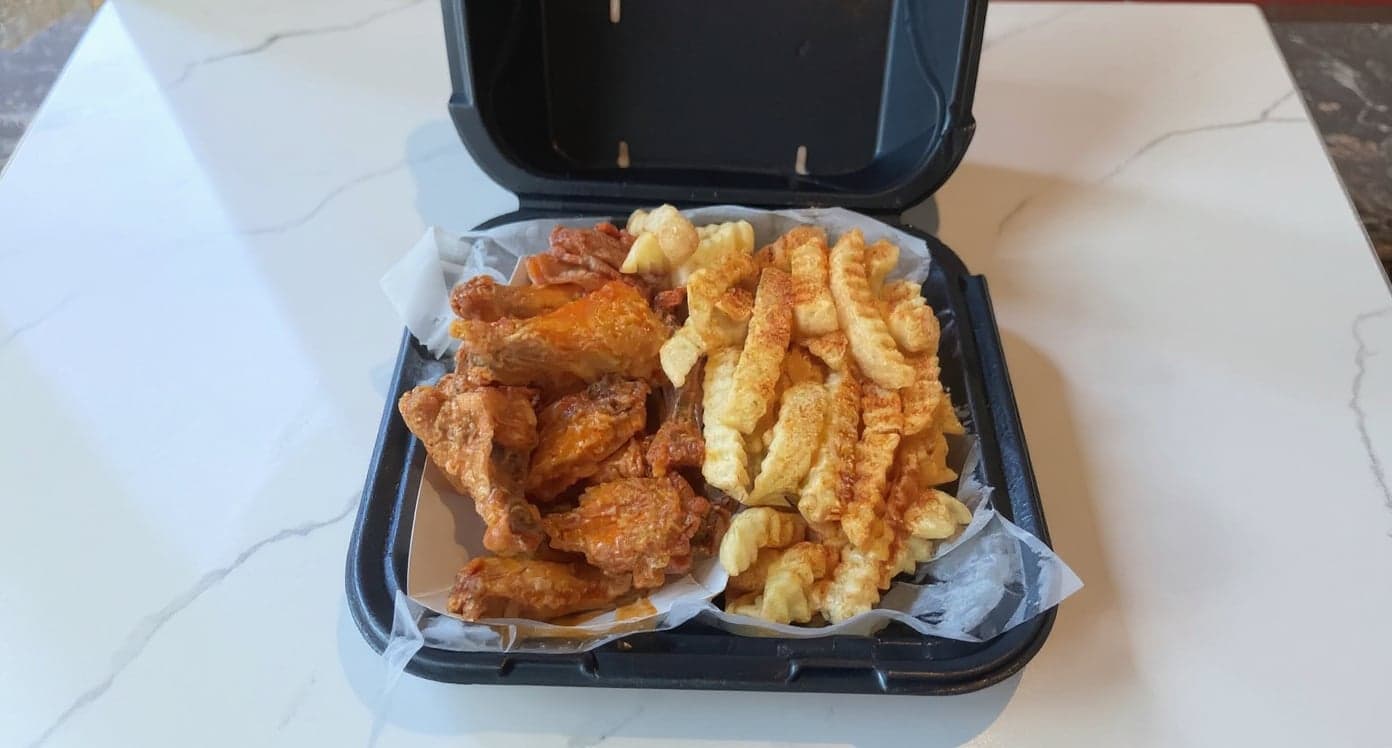
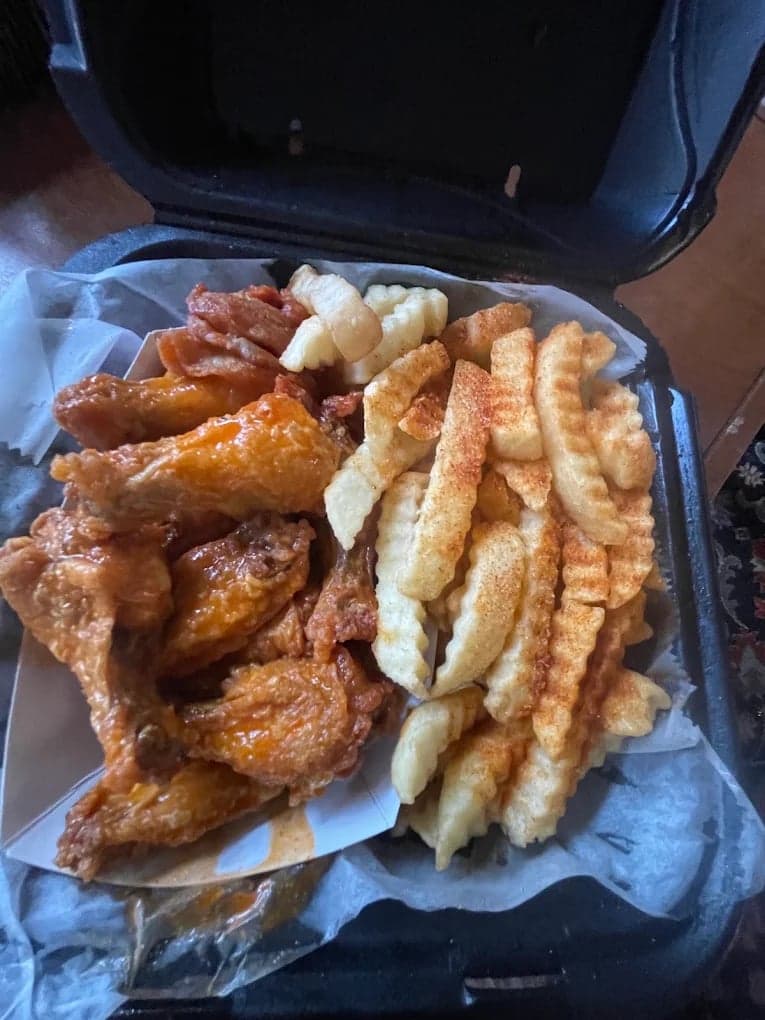
We hadn't updated our photos in three years. This finally got our DoorDash listing looking current.
5 photos free · No credit card · No watermark
Keep reading
- What photos does a ghost kitchen or virtual brand need on DoorDash?Ghost kitchens
- Can I sell food from my home kitchen on DoorDash or Uber Eats?Home kitchens
- Which spec do you follow when a platform publishes two?All platforms
- Does every menu item need a photo on DoorDash, Uber Eats and Grubhub?Photo coverage
- What do you get from DoorDash's free photoshoot?DoorDash
- Why do my restaurant food photos look dark and yellow?Lighting

Su Lee
Founder, MenuPhotoLab · Atlanta, Georgia
I have photographed Atlanta restaurants for six years as a food creator, and for the last two my sister and I have run SocialLee, shooting and uploading menus for independent restaurants around metro Atlanta. I wrote this page the way I wish the platforms had written theirs: every number read off their own documentation, with the date I read it, and where they contradict themselves I say so.
Sources
- DoorDash for Merchants, How DoorDash works for food truck delivery (locations, GPS, daypart menus), read
- Uber Eats for Merchants, Types of restaurants: models and concepts (food trucks), read
- Uber Help, Merchant submitted menu catalog photo guidelines (cover image rules, people, what photos should not look like), read
- Grubhub, Getting started with your Grubhub menu (photos of food only, no interior or exterior), read
- DoorDash Help Center, Menu photo terms glossary (photos from Instagram or Yelp; square thumbnails), read
- Uber Help, User-submitted photos FAQ, merchant version (shown only for dishes missing a photo). Read in a rendered browser fetch; plain curl returns 404, read
- DoorDash Help Center, How to book a free DoorDash photoshoot (availability, photographer visit), read
- Uber Eats for Merchants, Restaurant menu photography guidelines (complimentary onboarding shoot), read
Platform requirements change. This page carries the date each source was last checked.
Not affiliated with DoorDash, Uber Eats, Grubhub.