
Which photo tool actually handles delivery menu photos?
Photoroom, Canva and Claid are general image tools: none names DoorDash, Uber Eats or Grubhub on its pricing page, checked 2026-10-02. MenuReady and MenuPhotoLab both do. That matters because one file cannot serve all three platforms: DoorDash wants 16:9, Grubhub square, Uber Eats a 5:4 to 6:4 range.

Su Lee · Founder, MenuPhotoLab
8 min read · Sources last read · 8 sources
On this page · 7 sections
- Which of these tools is built for delivery menus?
- What does each one cost?
- Why does one exported file not work on all three apps?
- What about Claid? Its site says delivery platforms
- When should you pick one of the others instead?
- What this means if you sell on more than one platform
- Frequently asked questions
Read in another language
Which of these tools is built for delivery menus?
Two of the five. This is the first thing to settle, because it decides whether the price comparison further down is even a comparison of like things.
I checked each vendor's own pricing page on 2026-10-02 for the words DoorDash, Uber Eats and Grubhub. Photoroom, Canva and Claid return no match for any of the three. MenuReady names all three plus Postmates on its homepage. So does MenuPhotoLab.
| What the vendor says it is for | Names DoorDash, Uber Eats or Grubhub? | |
|---|---|---|
| MenuPhotoLab | Restaurant menu photos for delivery apps | Yes, all three |
| MenuReady | Restaurant menu photos for delivery apps | Yes, all three plus Postmates |
| Photoroom | E-commerce product images, catalogs, AI fashion models | No |
| Claid | Product imagery at scale, sold to platforms via API | No |
| Canva | General design editor, 1,000+ design types | No |
What does each one cost?
The pricing models are not comparable in a single number, so the table gives each vendor's own units first and a per-photo figure only where the vendor publishes one.
The split that matters most for a restaurant is subscription against pay per photo. Photoroom, Canva and Claid all bill monthly or yearly whether or not you upload anything. MenuReady and MenuPhotoLab sell one-time packs, so you can buy photos without a subscription; MenuPhotoLab's monthly plans are optional.
| Model | Entry price | What that buys | Free tier | |
|---|---|---|---|---|
| MenuPhotoLab | Credit packs, or optional monthly plans | $13 for 20 photos, $0.65 each | 50 photos $25 ($0.50 each), 100 photos $45 ($0.45 each). Credits never expire. Platform exports and commercial license included | 5 photos, no card, no watermark |
| MenuReady | Pay per download, no subscription | $1.75 per photo at 1 to 4 | $1.50 at 5 to 9, $1.25 at 10 to 24, $0.99 at 25+. Capped at $49 for a full menu. All three aspect ratios for one dish is a $2.00 bundle | Preview with watermark |
| Photoroom | Monthly subscription | $12.99 / month, or $7.50 billed yearly | Pro: 8,000 AI credits and 1,000 exports per month | Free trial |
| Claid | Monthly subscription | $9 / month | Essentials: 500 credits. An enhance costs 2 to 8 credits, so roughly 60 to 250 enhancements | 50 credits |
| Canva | Yearly subscription | US$144 / year for one person | Business US$250 / year per person. Free plan available | Free plan, up to 20 Standard or Premium AI uses |
Why does one exported file not work on all three apps?
Because the three platforms do not agree on shape, and one of them crops your photo twice.
DoorDash asks for 16:9 landscape and then renders that same image as a centered square thumbnail in parts of its app. Grubhub's help center publishes a square requirement. Uber Eats accepts a range between 5:4 and 6:4. A single file exported at 16:9 loses the sides of the dish when Grubhub squares it, and a single square file is letterboxed or cropped by DoorDash.
This is the part a general image tool cannot help with, because it is not an export setting. It is a decision about how much empty space to leave around the dish when the photo is taken, so the food survives every crop.
| DoorDash | Uber Eats | Grubhub | |
|---|---|---|---|
| Item photo shape | 16:9 landscape | 5:4 to 6:4 landscape | 1:1 to 4:3, Grubhub's own docs disagree |
| Minimum size | 1400 x 800 px | 550 x 440 px | 200 x 200 px |
| File types | JPG or PNG | JPG, PNG, or GIF | PNG per the help center; PNG, JPEG or JPG per the developer docs |
| File size cap | 2 MB stated, 16 MB for item photos | 10 MB | Not stated |
| Source | Read 2026-08-26 | Read 2026-08-30 | Read 2026-08-27 |
What about Claid? Its site says delivery platforms
It does, and this is worth explaining rather than glossing, because it is the one place the table above could mislead you.
Claid publishes a food page headed "AI food photography automation for restaurants and delivery platforms", and the named customers on it are Rappi and Zepto. Those are the delivery platforms themselves, not restaurants selling on them. Claid's food business is an API that a marketplace runs across the thousands of images its merchants upload.
So Claid is a real food imaging company. It is just selling to the app, not to you. If you are one restaurant with forty dishes and no engineering team, the API pricing page is not aimed at you. If you are a group with a developer and thousands of images, it genuinely might be, and MenuPhotoLab has no API to offer you.
When should you pick one of the others instead?
There are real cases for each of them, and pretending otherwise would make the rest of this page less worth trusting.
MenuReady, if you need one or two photos
At $1.75 each with no account, two dishes cost $3.50. My smallest pack is $13 for 20. If you are fixing a couple of items and nothing else, they are cheaper and I would rather say so than have you find out.
Canva, if photos are not the actual job
If you also need table tents, a printed menu, flyers and Instagram graphics, Canva does all of that and none of the food tools do. Its free plan is genuinely free and has no expiry.
Photoroom, if you sell products as well as food
Retail packaging, bottled sauces, a merch line: that is what its background removal and catalog tooling is built for, and it is better at it than any menu tool.
Claid, if you are a platform or a large group with a developer
An API across thousands of images is a different problem from a forty item menu, and it is the problem Claid solves well.
Any of them, if you already pay for one
If Canva Pro is already on your card for other reasons, try it on a dish before adding another subscription. Check the result against the sizes in the table above.
What this means if you sell on more than one platform
The comparison collapses to one question: does the tool give you the same dish in the shapes the apps want, and does it charge you once or three times for that?
MenuReady and MenuPhotoLab are the two that will produce all three ratios. They price it differently. MenuReady's per-photo rate buys one size, and all three sizes of one dish is a $2.00 bundle. MenuPhotoLab's packs include the platform exports, so a dish in all three shapes is the pack rate: $0.65 at the 20 pack, down to $0.45 at 100.
For a 40 dish menu on three apps, that is $80 of aspect ratio bundles at MenuReady against $25 at MenuPhotoLab's 50 pack, though MenuReady's $49 menu cap pulls their figure down to $49 if the cap applies to bundles. Their page does not say whether it does. Ask them before you buy on that number, and check both live pages rather than mine.
With Photoroom, Canva or Claid you can still get there, because all three let you export custom dimensions. You will just be the one who has to know that DoorDash wants 16:9, Grubhub square and Uber Eats between 5:4 and 6:4, and you will be doing the resize three times per dish yourself.
If sizing is the only job, I built a free tool for it. The Delivery Photo Resizer takes one dish photo and gives you the DoorDash, Uber Eats and Grubhub files in one pass, in your browser, with no account, and tells you why the original would have been rejected. It does not change the light or the background. That part is what the paid enhancement is for.
Frequently asked questions
What is the best tool to fix restaurant menu photos for DoorDash and Uber Eats?
Of the five compared here, only MenuReady and MenuPhotoLab are built for delivery menus and name DoorDash and Uber Eats directly. Photoroom, Canva and Claid are general image tools that mention neither on their pricing pages as of 2026-10-02. Between the two menu tools, MenuReady is cheaper for one or two photos and MenuPhotoLab is cheaper per photo at menu scale.
Can I use Canva to resize food photos for delivery apps?
Yes, technically. Canva lets you set custom dimensions, so you can produce 16:9 for DoorDash, square for Grubhub and something between 5:4 and 6:4 for Uber Eats. What it will not do is tell you those are the sizes, warn you when a dish is cropped out of frame, or do it in one pass. MenuPhotoLab's free Delivery Photo Resizer does all three crops in one pass, in your browser, with no account.
Is Photoroom good for restaurant menu photos?
Photoroom is built for e-commerce product images, and its plans are described around catalogs, background removal and AI fashion models. It produces good images and nothing stops you using it on food. It publishes no delivery platform requirements, so any sizing for DoorDash, Uber Eats or Grubhub is something you look up and apply yourself.
Is MenuReady or MenuPhotoLab cheaper?
It depends entirely on volume, as of 2026-10-02. For one to four photos MenuReady is cheaper at $1.75 each against a $13 minimum pack. At menu scale MenuPhotoLab is cheaper per photo, $0.45 to $0.65 with platform exports included, against MenuReady's $0.99 to $1.75 per size plus a $2.00 bundle for all three ratios. MenuReady caps a full menu at $49.
Do any of these tools guarantee my photo will be approved?
No, and treat any tool that says otherwise with suspicion. Final moderation belongs to DoorDash, Uber Eats and Grubhub, and none of them publish their decisions to third parties. What a tool can do is prepare a photo to the platform's current published requirements, which is what the two menu-specific tools here are built to do.
Is this five-tool comparison neutral?
No. MenuPhotoLab publishes it and MenuPhotoLab is one of the five, so read it as one side's account. Every figure was read off each vendor's own public pricing page on 2026-10-02 and all five are linked in the sources below, specifically so you can check rather than take my word for it. The section on when to pick a competitor is there for the same reason.
Real client work
A real restaurant's takeout photo, now live on DoorDash
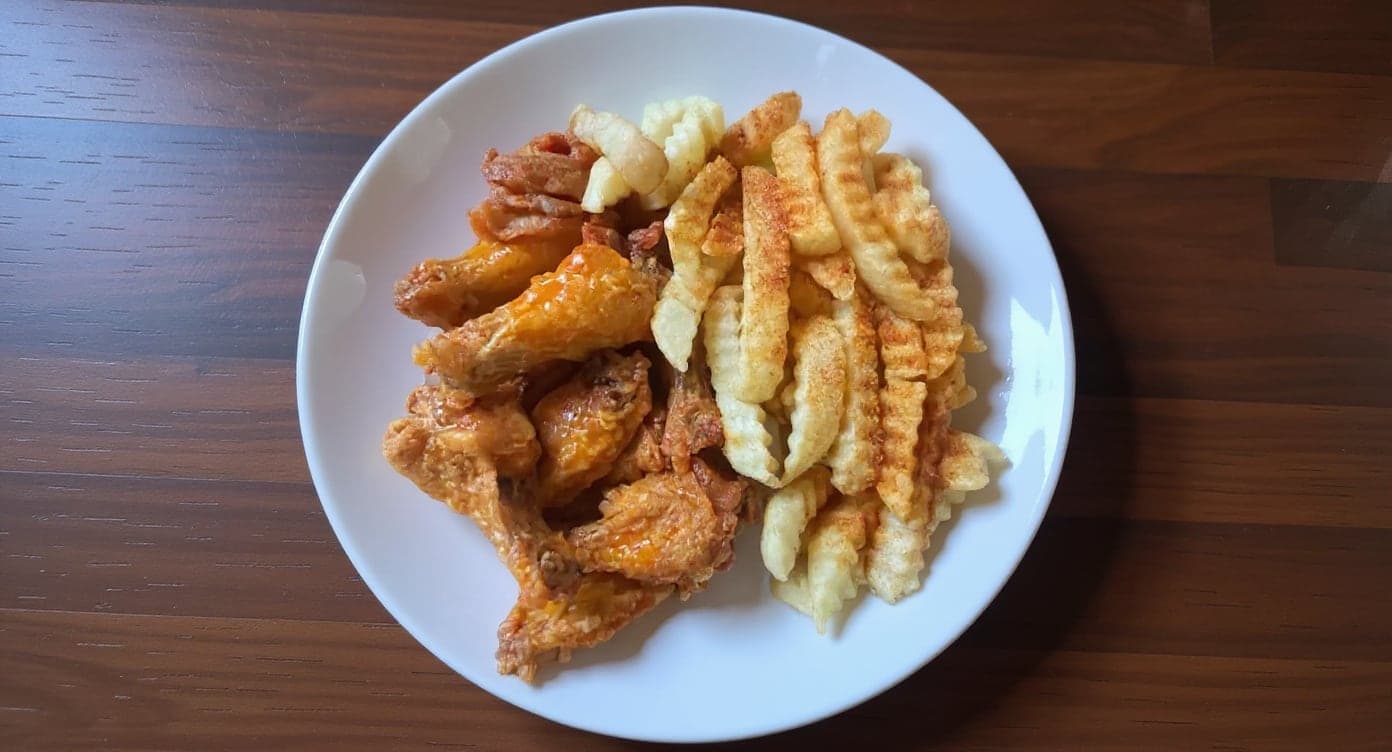
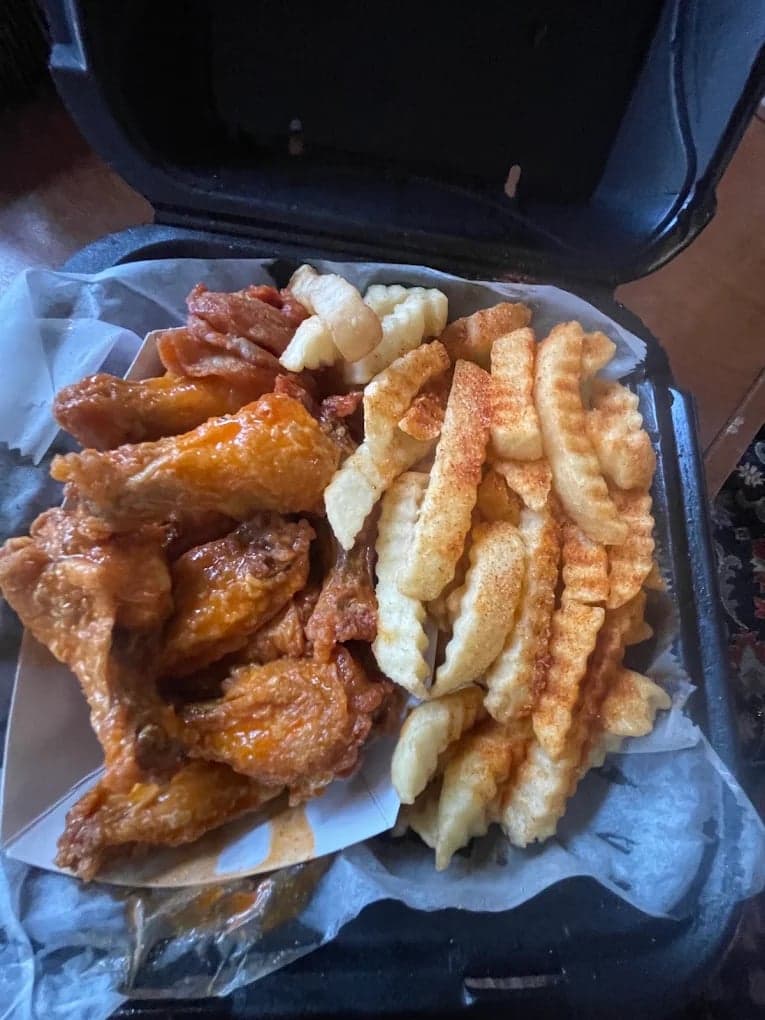
It genuinely looks like we hired a professional photographer. Thank you!
5 photos free · No credit card · No watermark
Keep reading

Su Lee
Founder, MenuPhotoLab · Atlanta, Georgia
I have photographed Atlanta restaurants for six years as a food creator, and for the last two my sister and I have run SocialLee Agency, shooting and uploading menus for independent restaurants around metro Atlanta.
Sources (8, each with the date it was read)
- Photoroom pricing, read
- Canva pricing, read
- Claid pricing, read
- Claid for food and delivery platforms, read
- MenuReady, read
- MenuPhotoLab pricing, read
- DoorDash: common photo issues explained, read
- Grubhub developer docs: menu imagery specifications, read
Platform requirements change. This page carries the date each source was last checked.
Not affiliated with DoorDash, Uber Eats, Grubhub, Photoroom, Canva, Claid, MenuReady.