
Can a bakery sell on DoorDash and Uber Eats?
Yes, from a licensed kitchen, for what is ready on the day. DoorDash publishes a bakery case study, Grubhub takes app preorders up to 4 days ahead, and Uber Eats offers only items available at the scheduled pickup time. Sell slices, cupcakes, boxes and stock cakes there, and take custom cakes on your own ordering page.

Su Lee · Founder, MenuPhotoLab
Six years photographing Atlanta restaurants, and two running SocialLee, uploading their menus to DoorDash, Uber Eats and Grubhub.
Sources last read · 11 sources
Will your photo pass DoorDash and Uber Eats?
Check its size, shape and file type against DoorDash and Uber Eats’ published rules in a few seconds. The photo stays on your device and nothing is uploaded.
Drop a photo here, or choose one from your phone or computer.
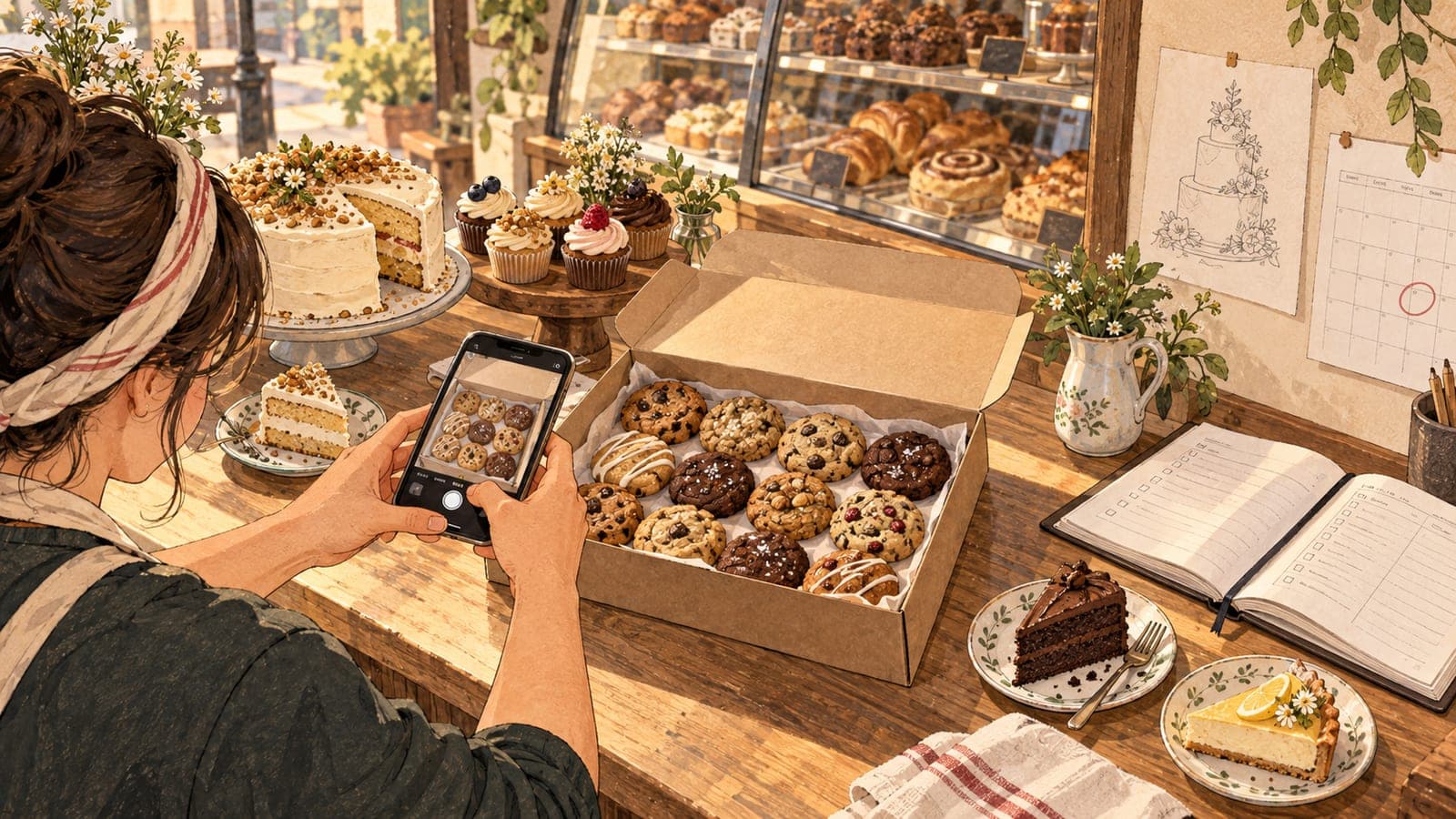
Can a bakery list on DoorDash, Uber Eats or Grubhub?
Yes, as a licensed food business. None of the three publishes a bakery rule, so what decides it is the same thing that decides it for any kitchen: the permit, and the address on it. DoorDash's merchant sign-up form has no bakery business type (its seven options run from Restaurant to Retail), but DoorDash publishes its own case study of a bakery, Hruska's Kolaches, a four-location kolache bakery in Utah, so bakeries do list there.
DoorDash
Yes
No bakery category on its sign-up form, but DoorDash publishes a case study of a bakery selling on it.
Uber Eats
Yes, with a food permit
Asks for a permit issued by a health department, at the address you deliver from.
Grubhub
No bakery rule published
Takes preorders from 2 hours to 4 days ahead in its app. Its pages I read name no bakery rule.
Custom cakes on the apps
Not described
None of the pages I read describes made-to-order items, and the preorder windows are short.
From a home kitchen
Covered separately
Cottage food bakers get each platform's own wording in the home kitchen guide.
Your own ordering page
Yes
Square preorders run from 24 hours to 365 days ahead, with a cutoff date you set.
A store license/permit should be issued by a health department or relevant government agency and authorize your food service establishment to handle and serve food to the general public. Please make sure that the address listed on the license/permit matches the address used for doing deliveries on Uber Eats.
If you bake at home under a cottage food permit, the delivery apps are a different question, and the home kitchen guide answers it with each platform's own wording. Everything below assumes a licensed bakery or commercial kitchen.
Which bakery items sell well on the delivery apps?
The apps are built for an order placed now or within a few days, for something already on your menu. That splits a bakery menu in two.
| Item | Fits the apps? | Why |
|---|---|---|
| Slices, cupcakes, croissants, cookies, bread | Yes | Made every day, sold as listed, ready when the courier arrives |
| A box of 6 or 12, one price | Yes | One menu item to the platform, so one photo, shown with the whole box |
| Standard whole cakes you keep in stock | Yes | Sold as listed. Sizes work as separate items or options, each with a clear portion |
| Whole cakes baked to order for a date | Sometimes | Grubhub's app window is 4 days. Uber offers only items available at the scheduled pickup time |
| Custom cakes (design, message, tiers) | No, in my reading | Design, deposit and a lead time of days or weeks. None of the pages I read describes a way to take those |
A message on a stock cake sits in between. DoorDash lets customers type special instructions on an item, and says plainly what happens to them: "Restaurants may not be able to accommodate certain special instructions, in these cases, the restaurant may not fulfill your request." A birthday name typed into that box is a request, not an order you agreed to. If you offer writing, list it as a priced option you can always deliver.
How far ahead can customers order a cake on the apps?
| Platform | What it publishes about ordering ahead |
|---|---|
| DoorDash | Customers choose Scheduled at checkout and pick a date and time. The page states no maximum |
| Uber Eats | "Only items available during the scheduled pickup time will be available for pre-order." Also: "Scheduled orders cannot be cancelled after you accept them." No maximum stated |
| Grubhub | "Customers can preorder anywhere from 2 hours to 4 days before they want to receive their order." The same page also says up to 7 days on the Grubhub.com desktop site and up to 4 days in the app |
| Square Online, for comparison | "You can choose any date and time from 24 hours up to 365 days in advance." Needs a Plus or Premium plan and a preorder cutoff date |
| Hotplate, for comparison | "You choose what's for sale, when orders open/close, and when customers pick up." Inventory is set per item |
Uber's pre-order rule matters more for a bakery than for a restaurant. If your celebration cakes are only on the menu on Saturdays, Uber's rule means a customer can preorder one only for a Saturday pickup, not for the Tuesday they want it. And because an accepted scheduled order cannot be cancelled, accept only what you can bake.
Where should custom cake orders go instead?
Custom cake orders belong on an ordering page you control, where you set the lead time, take a deposit and see the design before you agree to it. The delivery apps then carry the everyday menu.
Split the menu in two
Everything ready on the day goes on the apps. Anything that needs a design, a message or more than a few days goes on your own page.
Set a lead time and a cutoff on your own page
Square preorders take a date from 24 hours to 365 days ahead and stop at the cutoff you set. Hotplate lets you close orders a set number of hours before each pickup window.
List standard cakes on the apps in fixed sizes
One item per size, or one item with size options, each with a photo that shows the size clearly.
Point app customers to custom orders
Put your ordering page in your store description and on the box insert, so a delivery customer who wants a birthday cake knows where to order it.
How should a bakery photograph a cake, a slice or a box of a dozen?
A bakery should photograph each item as the customer receives it. A bakery menu is full of items where the photo can quietly promise more than the box holds: the whole cake when the item is a slice, the dozen when the item is a half dozen. DoorDash's rules close that gap directly:
The portion size must be clear and realistic
| What you sell | What the photo should show |
|---|---|
| A slice | One slice on its own, not the whole cake it was cut from |
| A whole cake in two sizes | Each size on the same surface, so the difference reads at a glance, or one photo per size |
| A box of 6 or 12 | The open box with every piece in it. DoorDash allows several items in one photo when they are sold together |
| An assorted box | The actual assortment the customer gets, not a mix you sell separately |
| A cake with writing piped on it | Fine on both apps, as long as the writing is on the cake and not added in an editor |
The writing question is the one a bakery hits first, and both apps answer it the same way. DoorDash says "Text is acceptable only if it exists on the item itself and was not added digitally". Uber bans text in item photos with an exception:
Exceptions for logos/text on food items the merchant sells or on packaging/plating, but no profanities allowed
So "Happy Birthday" in buttercream is fine, and your logo printed on the box is fine. A price, a "bestseller" banner or a name typed over the photo is not.
The two apps word the box question differently. DoorDash says "Show only one item per photo, unless multiple items are sold together (for example, family meals or bundles)", which covers a dozen. Uber says an item photo cannot "Contain more than 1 single item" and illustrates it with pizza and hamburgers, two different menu items. It does not mention a box of one item. My reading: a dozen sold as one item is one item on both, and a hero shot of your whole display case is not an item at all.
Sizes follow each app's own shape. DoorDash's photo page asks for landscape 16:9 at a minimum of 1400 x 800 pixels, and Uber's photo guidelines recommend 5:4 to 6:4, both read 2026-10-05. A tall layer cake fills a landscape frame badly, so shoot it with room on both sides. The photo specs comparison has the full table, and the guide to items without photos covers what the apps show on items you leave blank.
What this means if you sell in more than one place
Two menus, one kitchen. The apps carry the everyday menu; your own page carries custom and dated orders. Customers who find you on an app need to be told where the second menu is.
One photo per item per size. A seasonal pastry or a new cake flavor needs its own photo on every listing. An old photo on a new item is what DoorDash calls not "the actual item served".
One original, several shapes. DoorDash and Uber Eats each crop to a different landscape shape, and your own ordering page may use another; the photo specs comparison sets them side by side. Shoot wider than the cake or the box, with empty surface on every side, so each crop keeps it whole.
I started MenuPhotoLab for restaurants on the delivery apps, and a bakery's rotating case is the same job every week: you photograph each cake, slice and box on your phone, and MenuPhotoLab fixes the light, color and background and prepares the shapes for each app and your own page. I never generate food or change the portion, because the photo has to be what your customer opens.
Frequently asked questions
Can I sell custom cakes on DoorDash or Uber Eats?
DoorDash, Uber Eats and Grubhub help pages read 2026-10-05 describe no deposit or design step for made-to-order items. Grubhub caps app preorders at 4 days, Uber Eats offers only items available at the scheduled pickup time, and DoorDash says a restaurant may not be able to fulfill special instructions. Custom cakes need a design, a deposit and a lead time, so they work better on your own ordering page, such as Square preorders.
Can a bakery sell on DoorDash and Uber Eats?
Yes, from a licensed kitchen. Uber Eats asks for a health department permit whose address matches the address you deliver from, and DoorDash publishes a case study of a Utah bakery selling on it. Both suit items ready on the day, such as slices, cupcakes, boxes and stock cakes. Cottage food bakers working from home face different rules on each app.
Can a cake photo on a delivery app show writing on the cake?
Yes, if the writing is on the cake itself. DoorDash says text is acceptable only if it exists on the item and was not added digitally. Uber Eats bans text in item photos except logos or text on food items the merchant sells or on packaging, with no profanities. A message typed onto the photo in an editor fails both.
How do I photograph a dozen cookies for a delivery app?
Show the open box with all twelve in it, the way the customer receives it. DoorDash allows several items in one photo when they are sold together, such as bundles, and says the portion size must be clear and realistic. A dozen sold as one menu item is one item, so it gets one photo with the whole box in frame.
How far ahead can customers order a cake on Grubhub?
Grubhub's scheduled orders page says customers can preorder anywhere from 2 hours to 4 days before they want the order, and also says up to 7 days on the Grubhub.com desktop site and up to 4 days in the mobile app. For cakes that need longer, use your own ordering page: Square preorders run from 24 hours to 365 days ahead.
Real client work
A real restaurant's takeout photo, now live on DoorDash
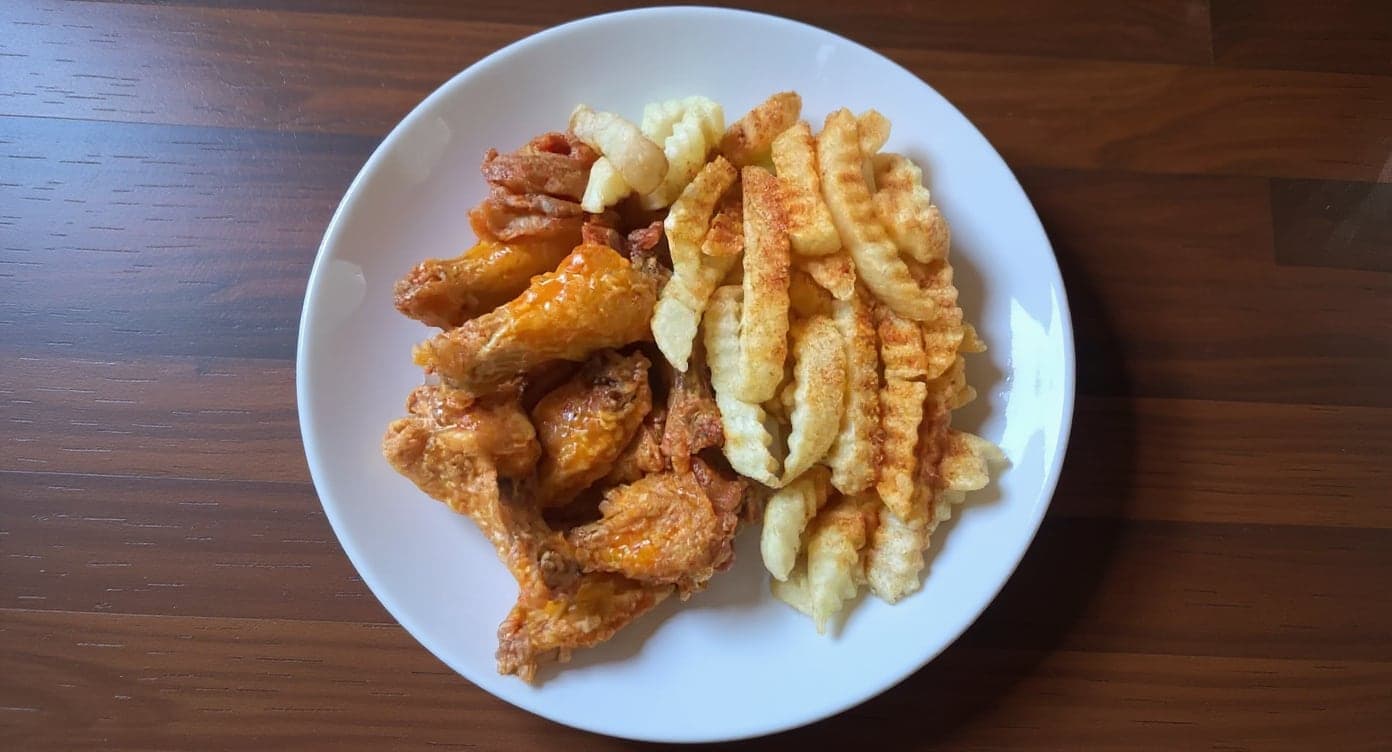
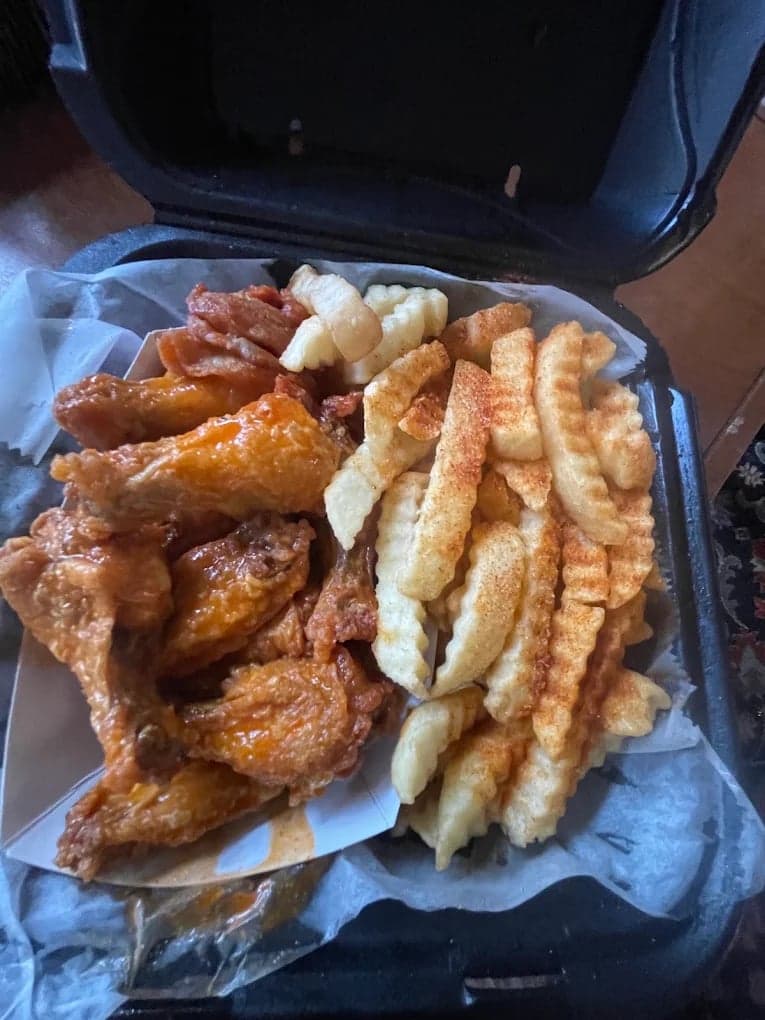
We hadn't updated our photos in three years. This finally got our DoorDash listing looking current.
5 photos free · No credit card · No watermark
Keep reading

Su Lee
Founder, MenuPhotoLab · Atlanta, Georgia
I have photographed Atlanta restaurants for six years as a food creator, and for the last two my sister and I have run SocialLee, shooting and uploading menus for independent restaurants around metro Atlanta. I wrote this page the way I wish the platforms had written theirs: every number read off their own documentation, with the date I read it, and where they contradict themselves I say so.
Sources
- DoorDash for Merchants, business types page (the "Select your business type" options), read
- DoorDash for Merchants, Hruska's Kolaches success story (a bakery on DoorDash), read
- DoorDash Help Center, Common photo issues explained (portion, bundles, text, quoted; item photo 16:9, 1400 x 800 minimum), read
- DoorDash Help Center, Can I schedule a delivery in advance? (customer side), read
- DoorDash Help Center, special instructions (customer side, quoted), read
- Uber Help, Food licensing requirements (quoted; JavaScript page, read as rendered text), read
- Uber Help, What are scheduled orders? (JavaScript page, read as rendered text), read
- Uber Help, Merchant submitted menu catalog photo guidelines (single item, text exception, 5:4 to 6:4 recommended; JavaScript page, read as rendered text), read
- Grubhub for Restaurants, How to manage Grubhub scheduled orders (both preorder figures), read
- Square Support, Set up items for online preordering, read
- Hotplate Help Center, How to create a drop, read
Platform requirements change. This page carries the date each source was last checked.
Not affiliated with DoorDash, Uber Eats, Grubhub, Square, Hotplate.